LiteLLM Overview
LiteLLM is an open-source unified AI gateway developed by BerriAI. It provides a single standardized interface to call almost every major LLM on the market. Repository: https://github.com/BerriAI/litellm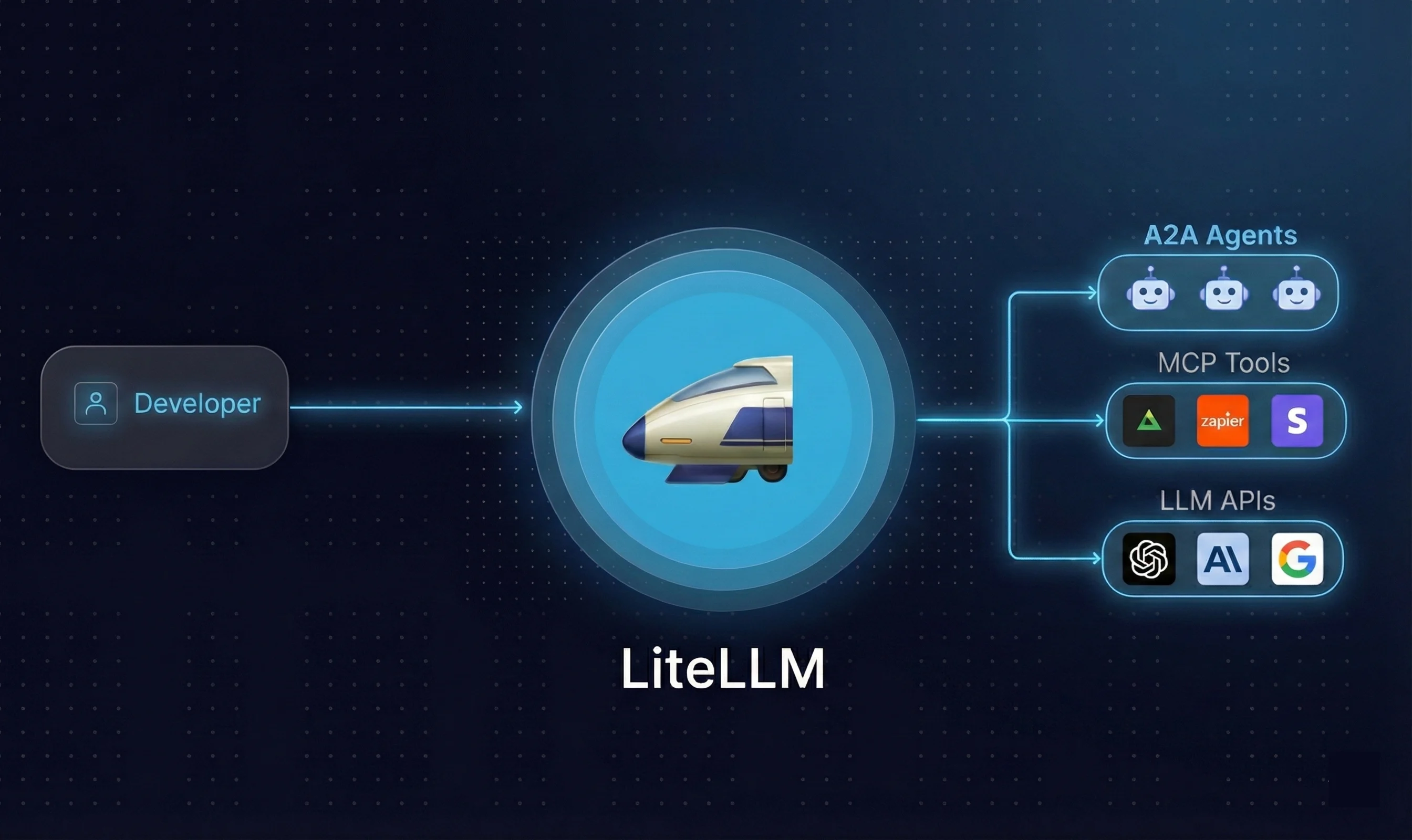
Two Usage Modes
Core Capabilities
- Unified OpenAI format: suporta 100+ providers including OpenAI, Anthropic, Gemini, Bedrock, Azure, and more
- Virtual key management: centrally manage team chave de APIs without exposing the originals
- Cost tracking: monitor token usage and spend per user or project
- Load balancing: automatic traffic distribution across models with failover support
- High performance: P95 latency of ~8ms at 1,000 RPS
Instalação
Requirements
Python 3.8+ macOS Install via Homebrew:pip
pip is usually bundled with Python. Verify it is available:Install LiteLLM
Once your environment is ready:Optional Dependencies
Some providers require additional packages:Install Proxy Server
To deploy a standalone gateway:Docker (Optional)
Recommendation: use pip install litellm for personal development; escolha Proxy + Docker for team deployments.
Configure chave de API and Make Your First Call
Get Your AiHubMix chave de API
Go to the aihubmix.com dashboard and create an chave de API.Defina o Environment Variable
First Call
Basic Usage
1. Switching Models
AiHubMix suporta all major models. Switching only requires changing themodel parameter:
2. Streaming
Addstream=True to receive output token by token:
3. Multi-Turn Conversation
Pass the conversation history nomessages list so the model remembers context:
4. Async Calls
Send multiple requests concurrently without waiting for each to finish:5. Timeout and Retry
Prevent requests from hanging or failing due to network issues:timeoutis in seconds. Setnum_retriesto 2-3; higher values slow down responses.
6. Token Usage and Cost Tracking
Every response includes token usage data:7. Load Balancing and Failover
Configure multiple models to automatically distribute traffic or switch to a backup when one fails:
Both models share the same model_name. LiteLLM round-robins between them and automatically fails over if one returns an error.
8. Deploy Proxy Server
The Proxy Server is a standalone gateway. Team members route all requests through it without needing their own chave de APIs. Install
The api_key here can be any string. The real AiHubMix key is managed by the Proxy.
9. Virtual Key Management
Virtual keys let you assign independent keys to different team members or projects, controlling access and usage without exposing the real AiHubMix key. Prerequisites: start a PostgreSQL instancekey field no response is the virtual key, e.g. sk-xxxxxx.
Use the virtual key
Each virtual key suporta individual model restrictions, budget limits, and expiry times — ideal for multi-member team workflows.
Practical Example: Multi-Model Comparison
Send the same question to multiple models simultaneously and compare output quality, speed, and token usage. Set chave de API