

Instalação
Certifique-se de que Node >= 22 antes da instalação.
openclaw, você pode copiar diretamente os comandos deste guia.
openclaw, substitua o comando inicial pelo caminho local do executável:
seu-caminho-de-instalacao é um marcador de posição. Substitua pelo diretório pai onde o OpenClaw está instalado. Por exemplo, se o OpenClaw estiver em D:\Apps\OpenClaw, use & "D:\Apps\OpenClaw\openclaw.cmd" models status.Configuração do Terminal
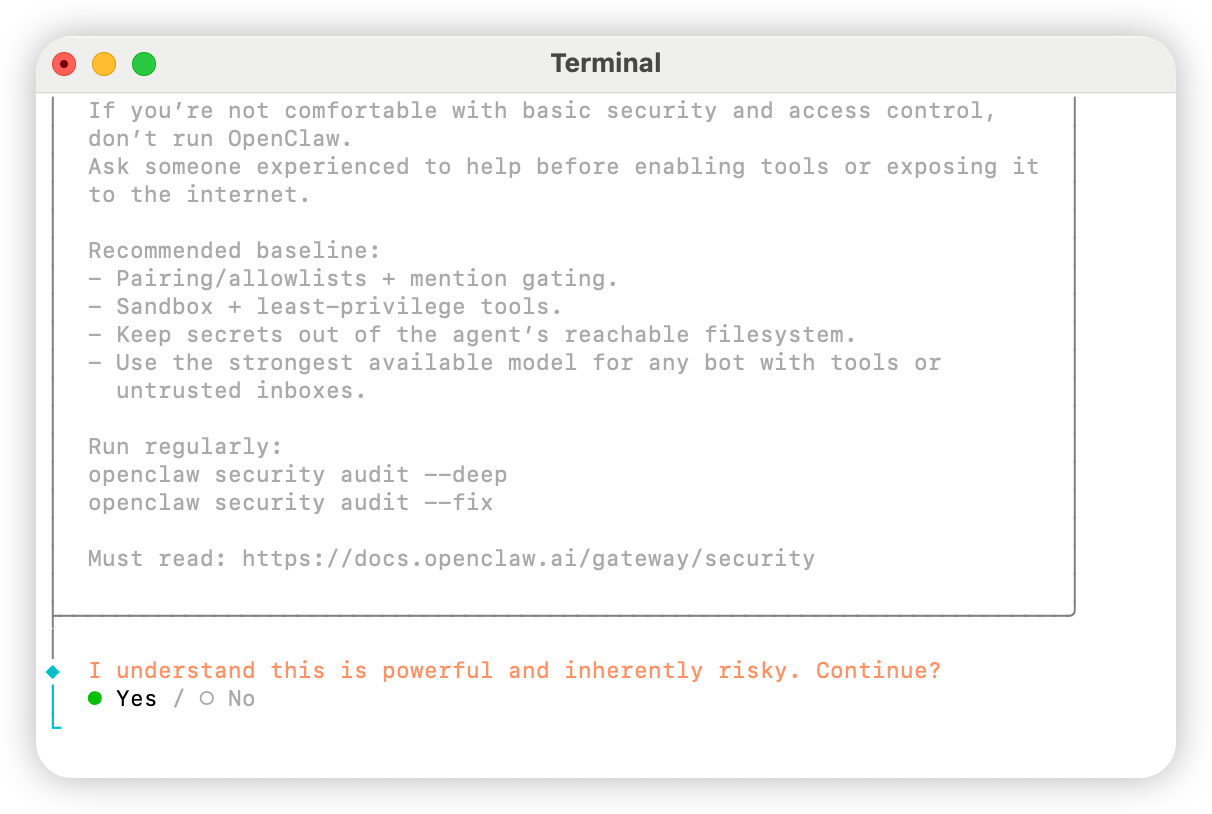
Abra o terminal e execute o seguinte comando para iniciar a configuraçãoYes
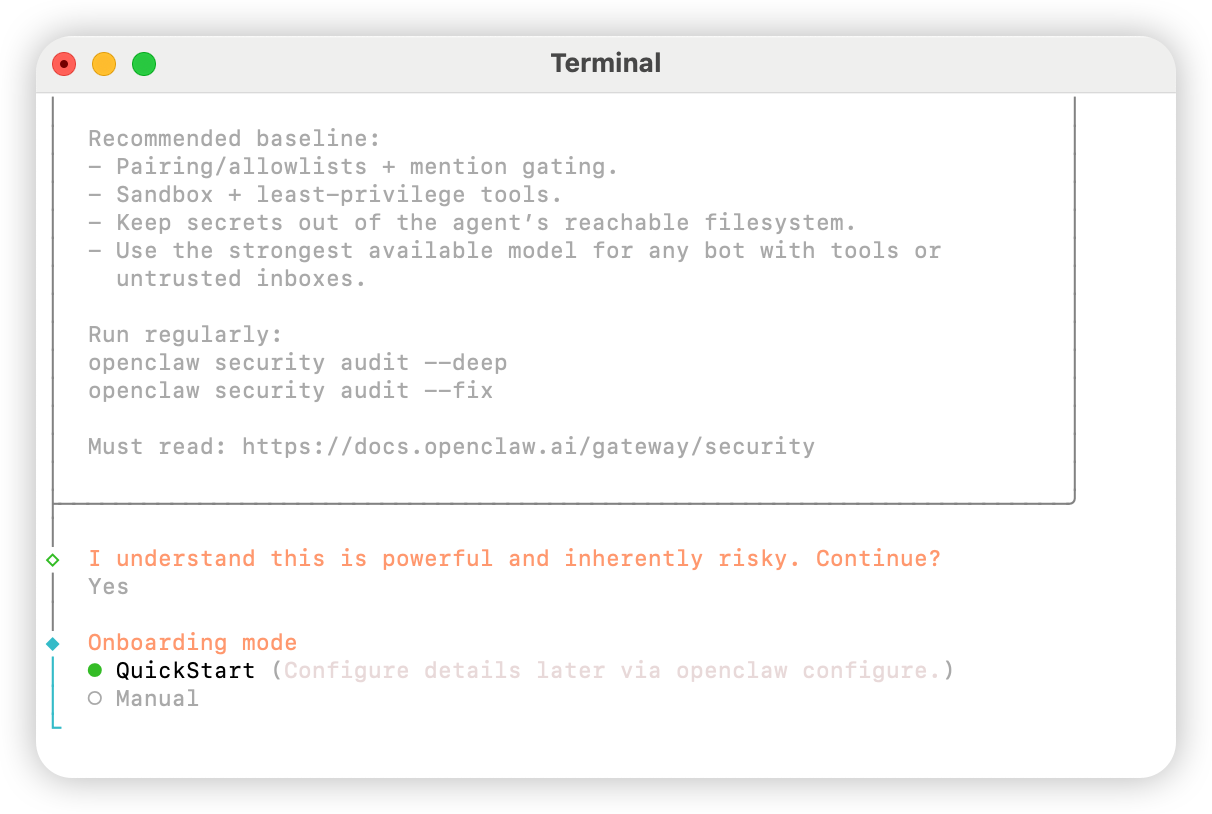
QuickStart
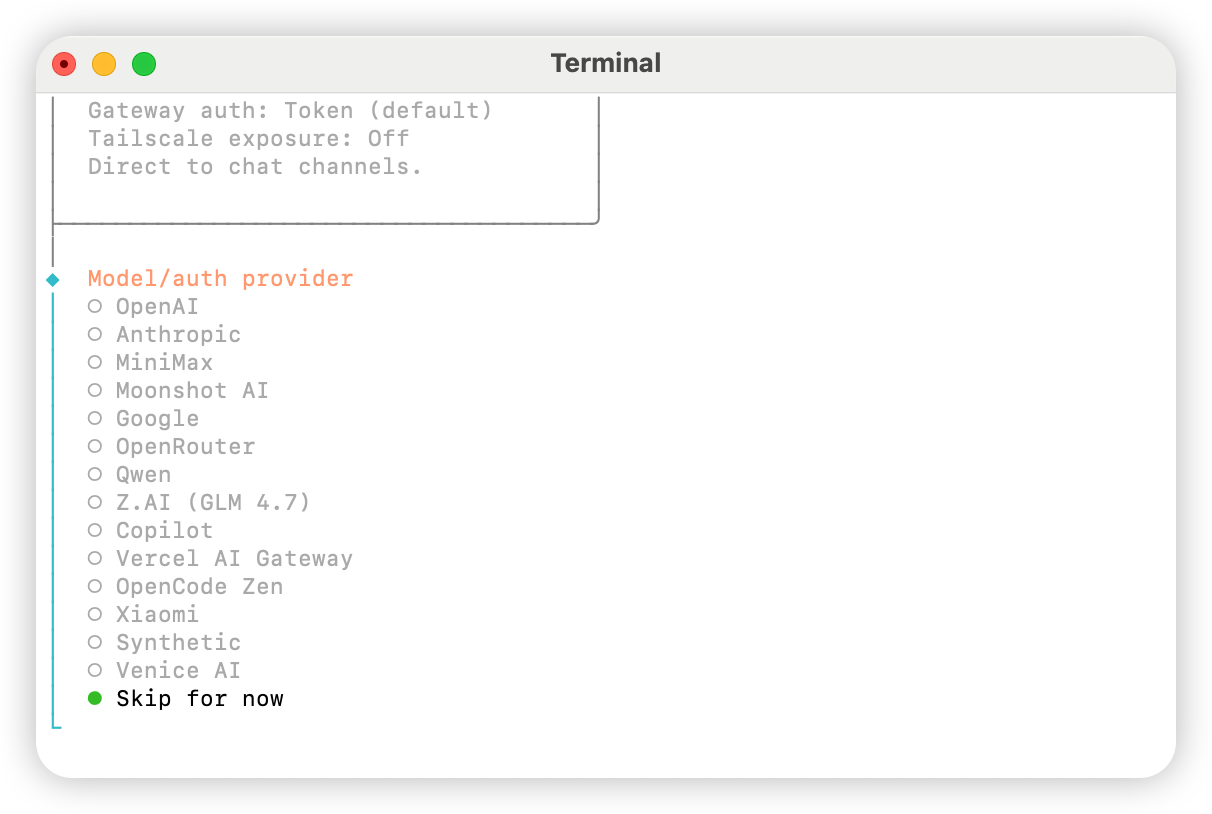
Skip for now
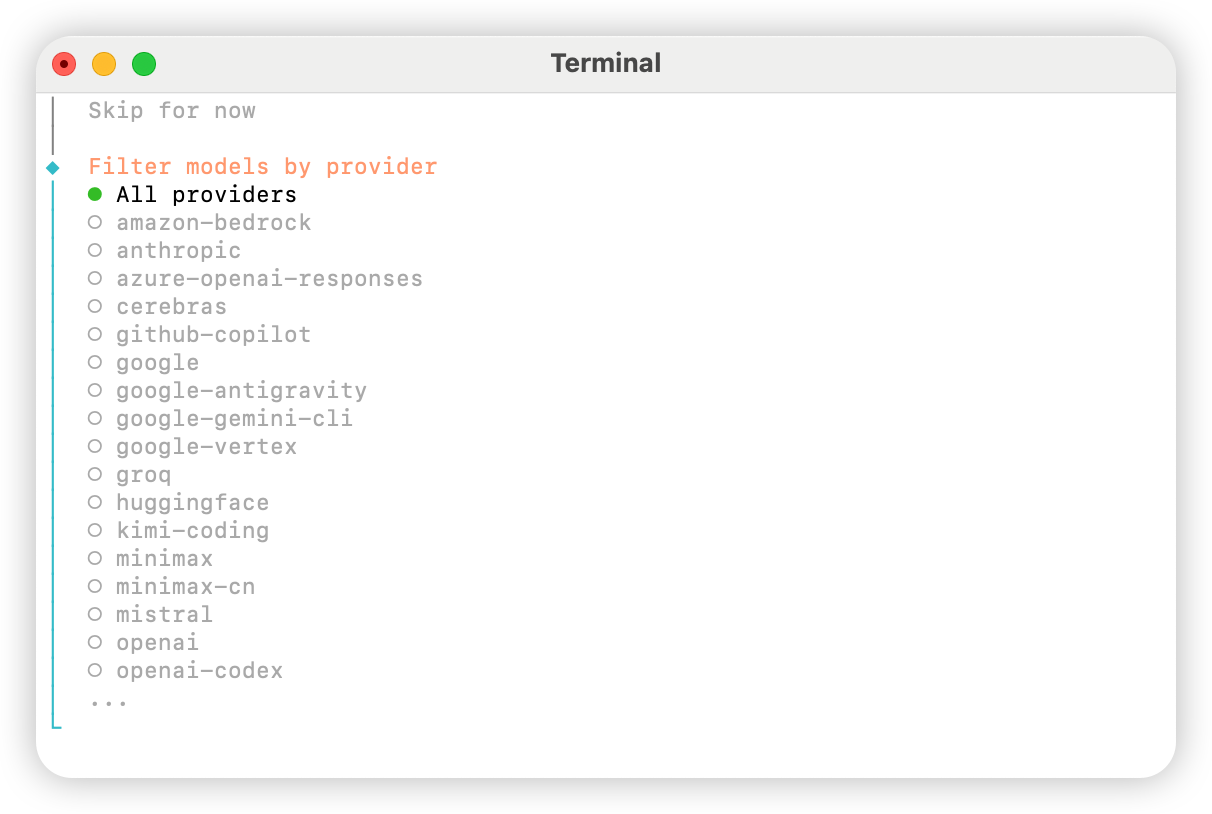
All providers
Keep current (se usar o “Método 2: Configuração Manual”, poderá modificá-lo no arquivo de configuração na próxima etapa).
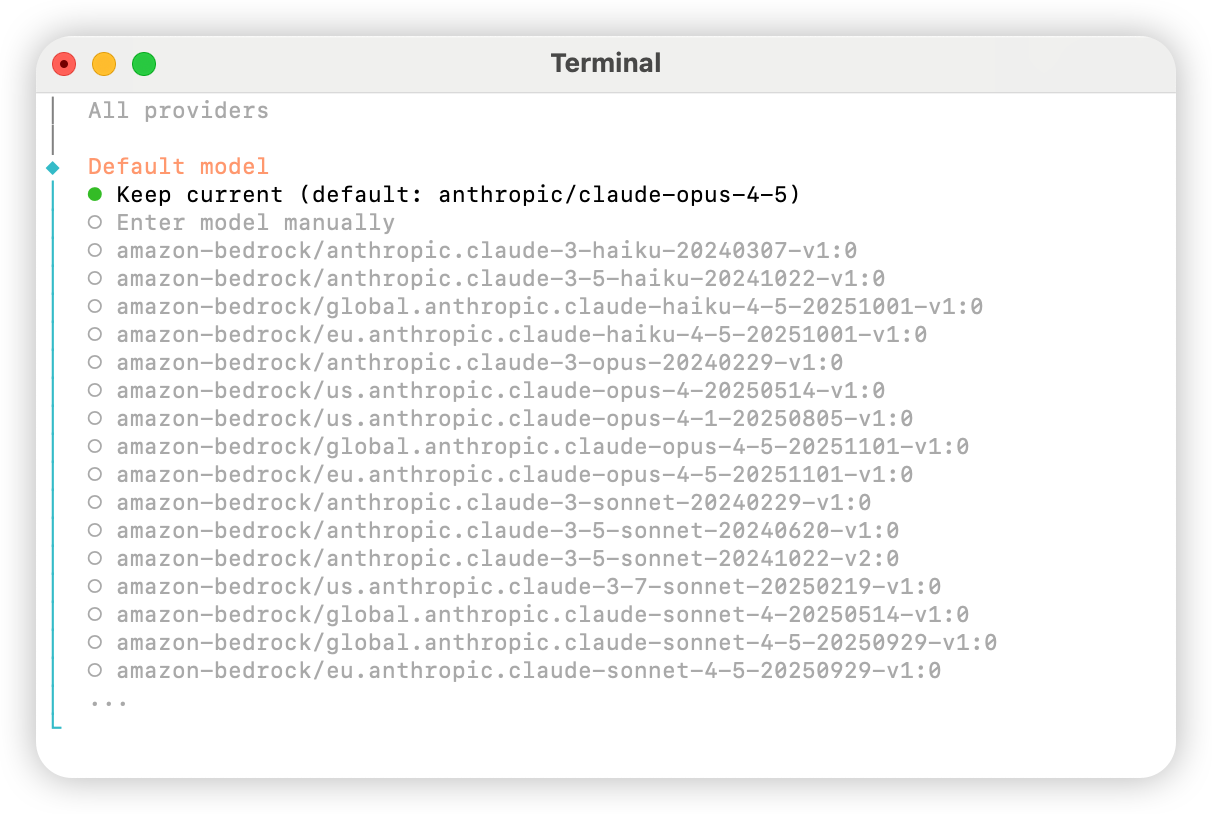
Skip for now.
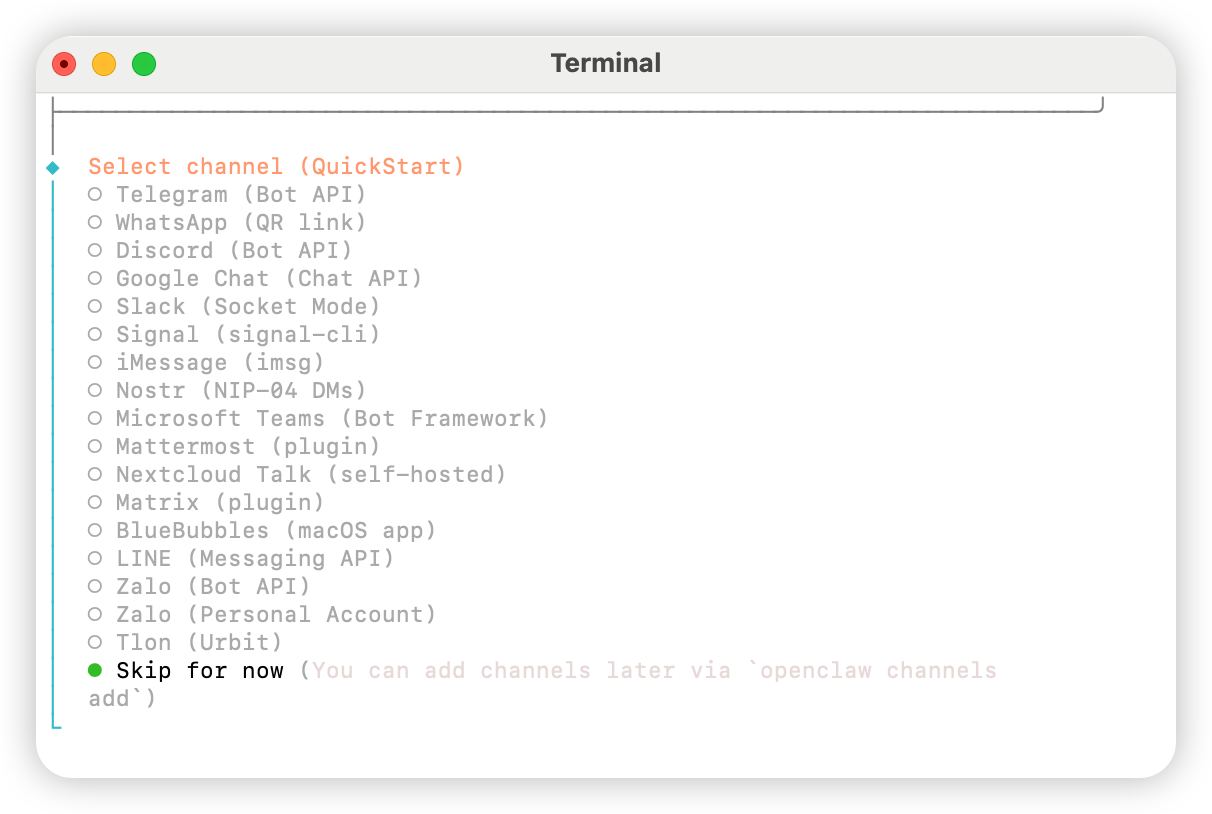
Yes.
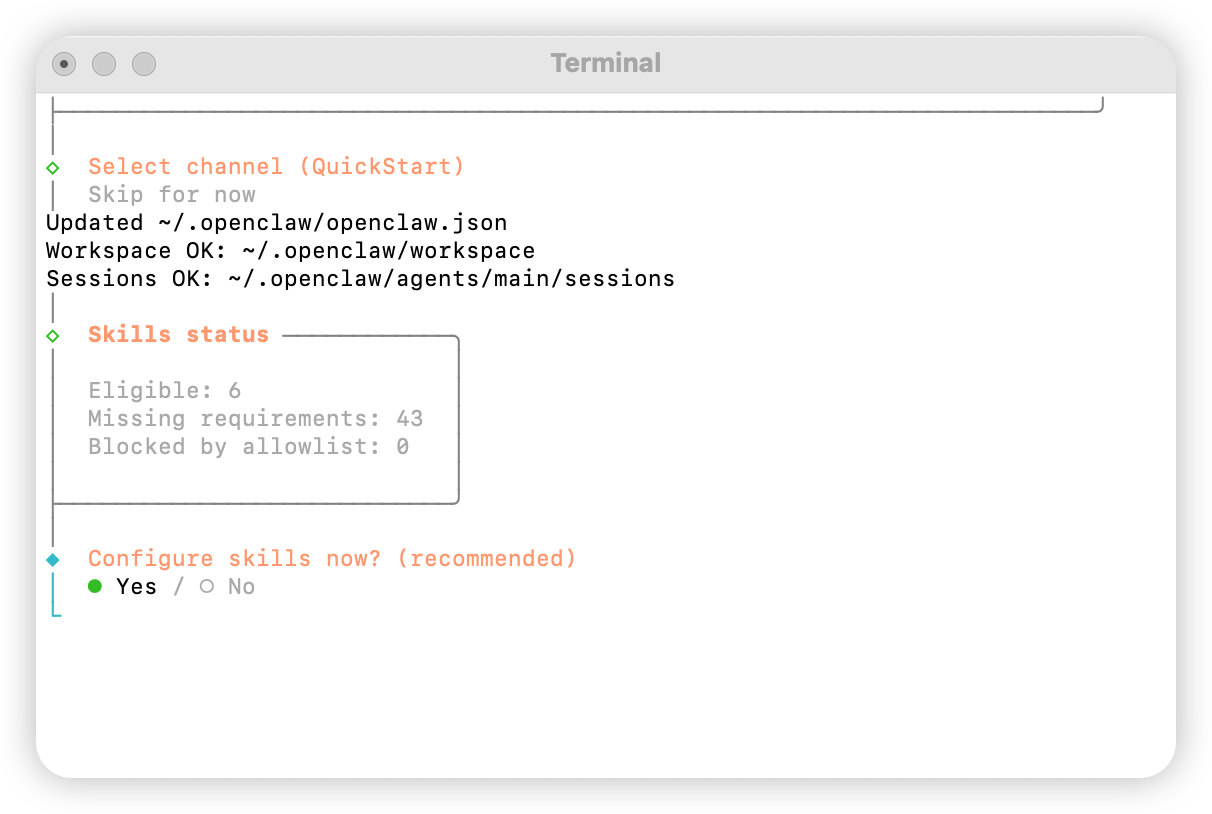
npm
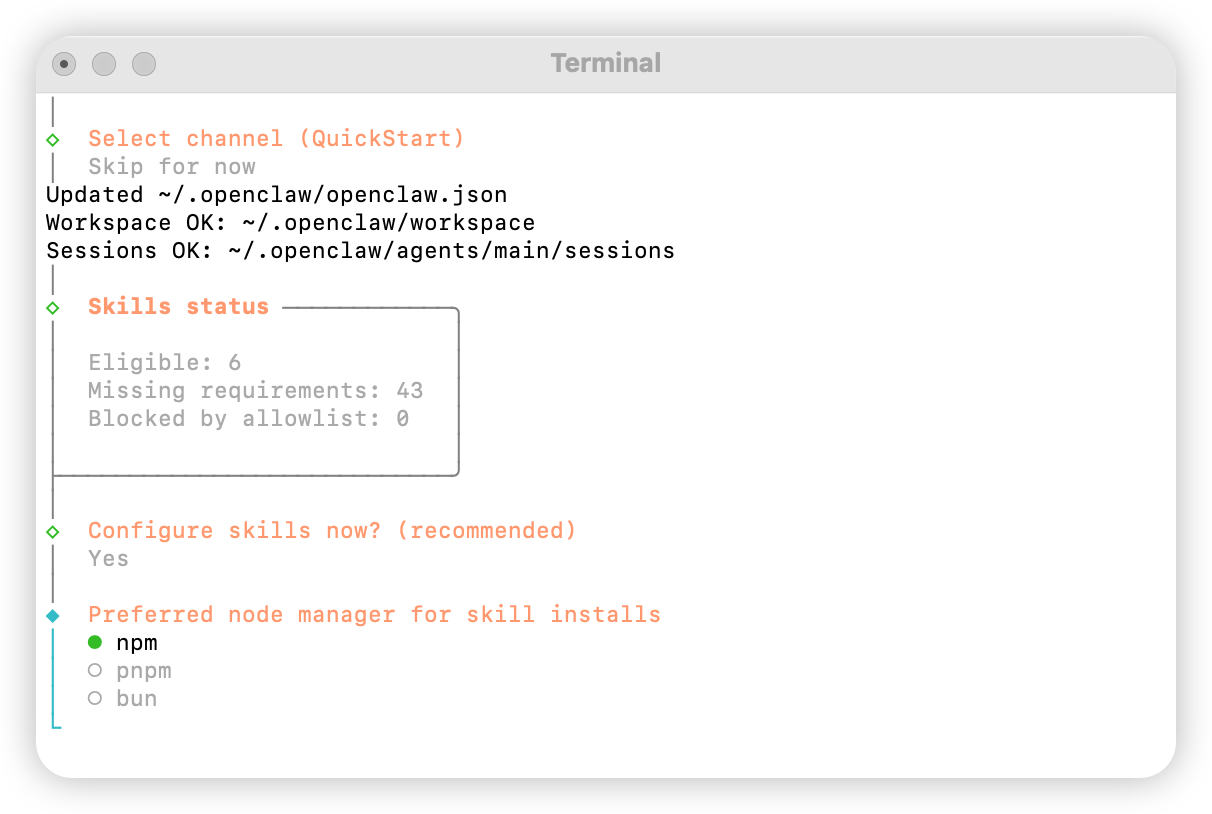
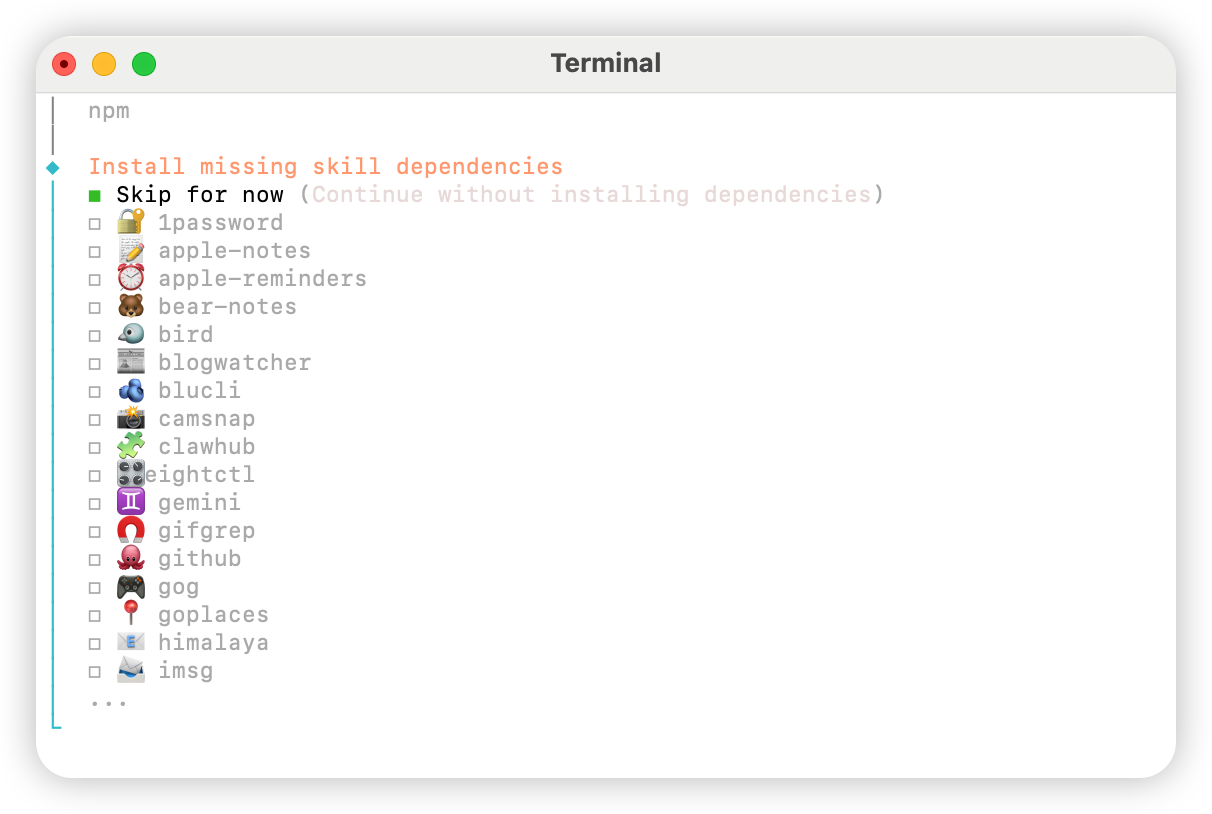
No para todas as opções.
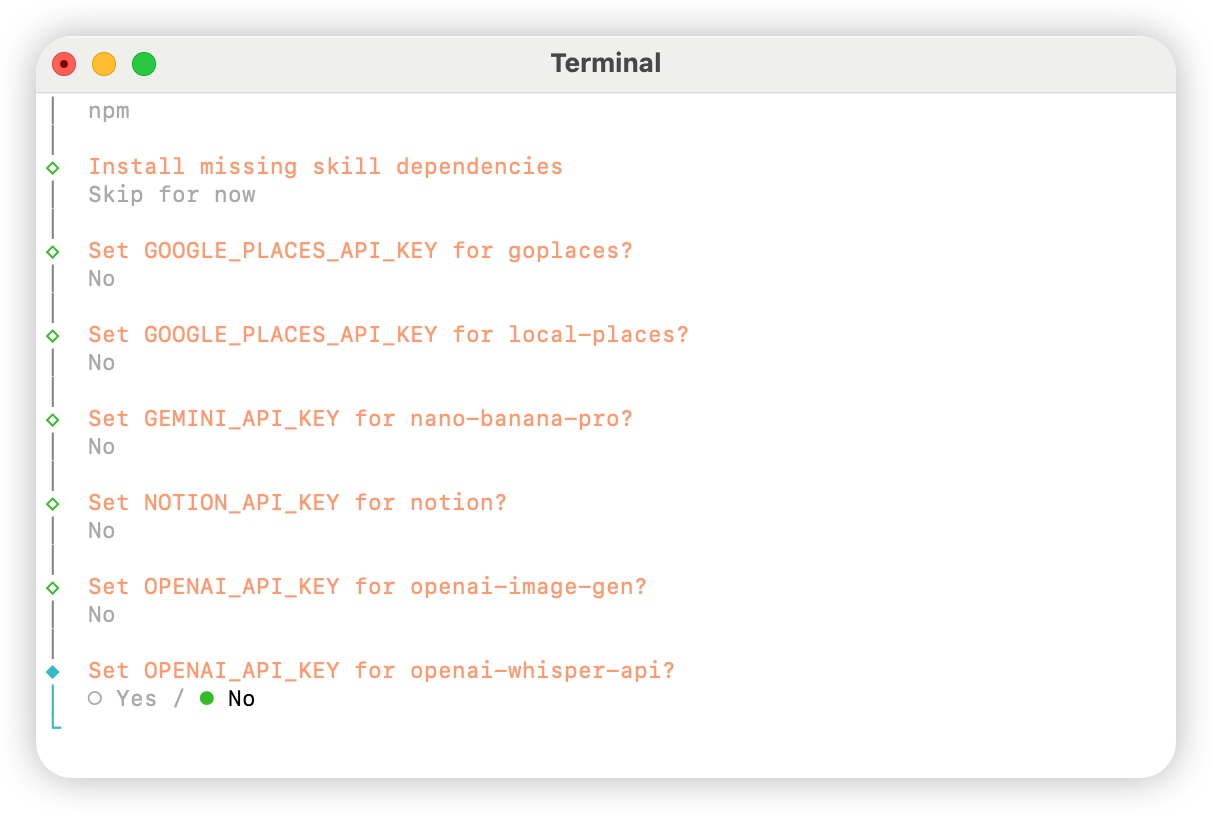
Skip for now.
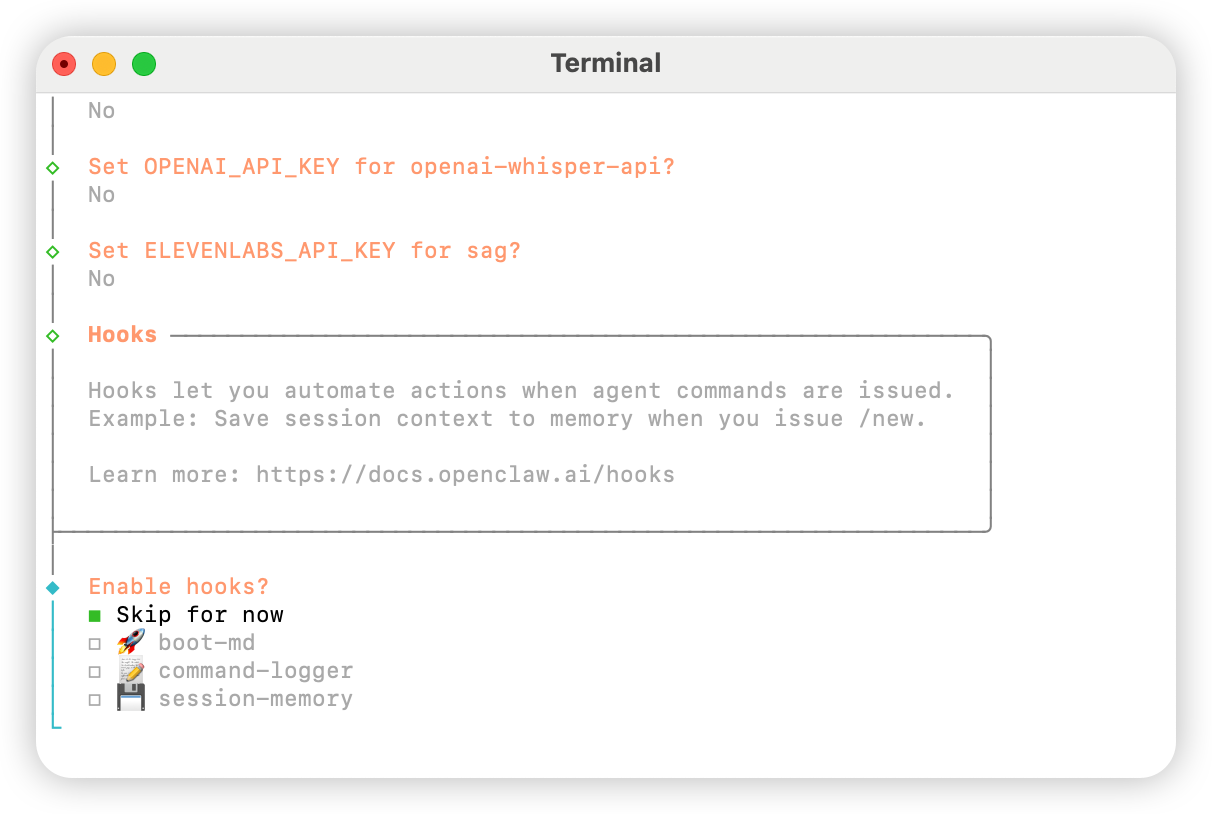
Hatch in UI.
Configurar AIHubMix
Método 1: Configuração rápida via plugin (recomendado)
Código fonte do plugin: aihubmix-auth
providerAuthAliases para tornar a mesma chave válida em todos os transports:
- aihubmix-openai —
gpt-*/o1-*/o3-*/o4-*,https://aihubmix.com/v1(openai-completions) - aihubmix-anthropic —
claude-*,https://aihubmix.com(anthropic-messages) - aihubmix-google —
gemini-*,https://aihubmix.com/gemini/v1beta(google-generative-ai) - aihubmix-other — outros modelos,
https://aihubmix.com/v1(openai-completions)
claude-sonnet-4-5) são roteados automaticamente para o transport correto pelo hook resolveDynamicModel do plugin — não é necessário escrever o formato completo provider/model.
Prefere pular o login interativo? DefinaUma vez configurado, vá para a seção Iniciar para começar a usar.export AIHUBMIX_API_KEY=sk-...antes de instalar — o plugin escreverá a chave comoapiKeyinline na configuração do provider (o login interativo a armazena no auth-profile).
Método 2: Configuração Manual
Abra o arquivo~/.openclaw/openclaw.json e adicione a seguinte configuração:
Método 3: alternar o modelo padrão com comandos dinâmicos de modelo
O plugin AIHubMix para OpenClaw oferece suporte a roteamento dinâmico de modelos. Desde que o modelo esteja disponível na sua conta AIHubMix, você pode chamá-lo no formatoprovider/model-id. A disponibilidade real deve ser confirmada pelo console do AIHubMix e pela resposta da API.
Regras comuns para escolher o provider:
aihubmix-openai: modelos compatíveis com OpenAI, comogpt-*,o1-*,o3-*eo4-*aihubmix-anthropic: modelos Claude, comoclaude-*aihubmix-google: modelos Gemini, comogemini-*aihubmix-other: outros modelos chamados por um endpoint compatível com OpenAI, comoglm-5.2
gpt-5.4 como modelo padrão do OpenClaw:
openclaw, use a forma com caminho local:
aihubmix-other, por exemplo:
Iniciar
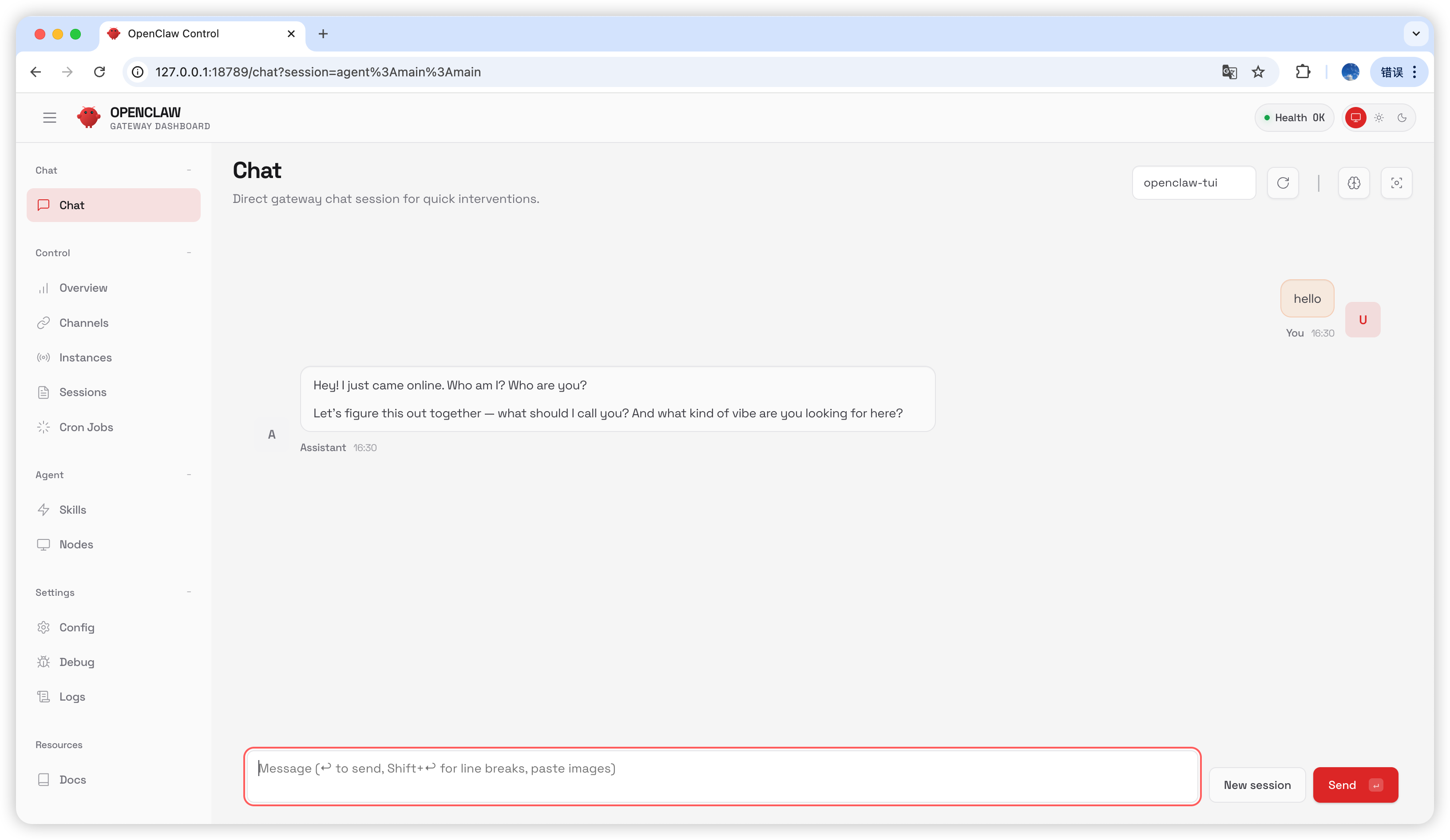
Teste
Digitehello na página de chat; se receber uma resposta, a configuração foi bem-sucedida.
Perguntas Frequentes
Atualização de versão
Processo Gateway ocupado
Última atualização: 2026-07-03