

Installation
Stellen Sie vor der Installation sicher, dass Node >= 22 ist.
openclaw erkennt, können Sie die Befehle in dieser Anleitung direkt kopieren.
openclaw nicht gefunden wurde, ersetzen Sie den Befehl am Anfang durch den Pfad zur lokalen ausführbaren Datei:
Ihr-Installationspfad ist ein Platzhalter. Ersetzen Sie ihn durch das übergeordnete Verzeichnis Ihrer OpenClaw-Installation. Wenn OpenClaw zum Beispiel unter D:\Apps\OpenClaw liegt, verwenden Sie & "D:\Apps\OpenClaw\openclaw.cmd" models status.Terminal-Konfiguration
Öffnen Sie das Terminal und führen Sie den folgenden Befehl aus, um die Konfiguration zu starten:Yes
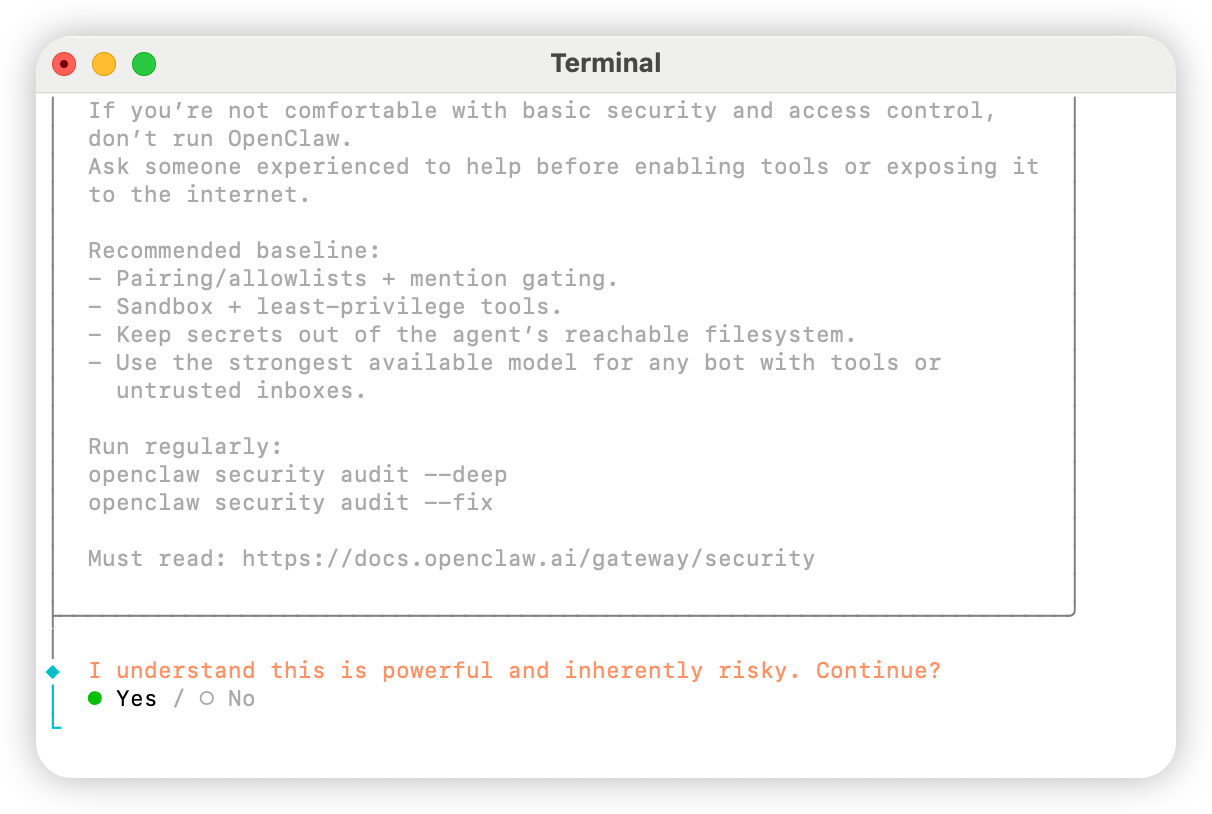
QuickStart
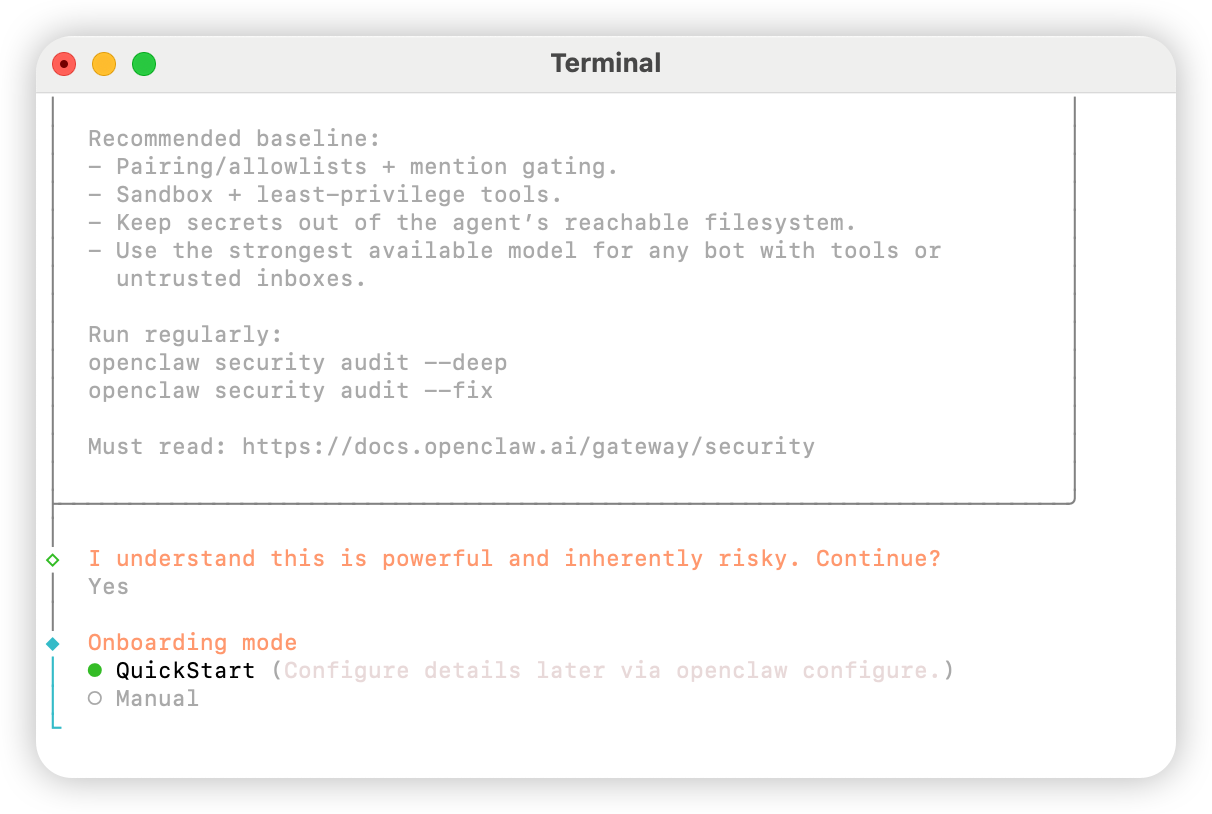
Skip for now
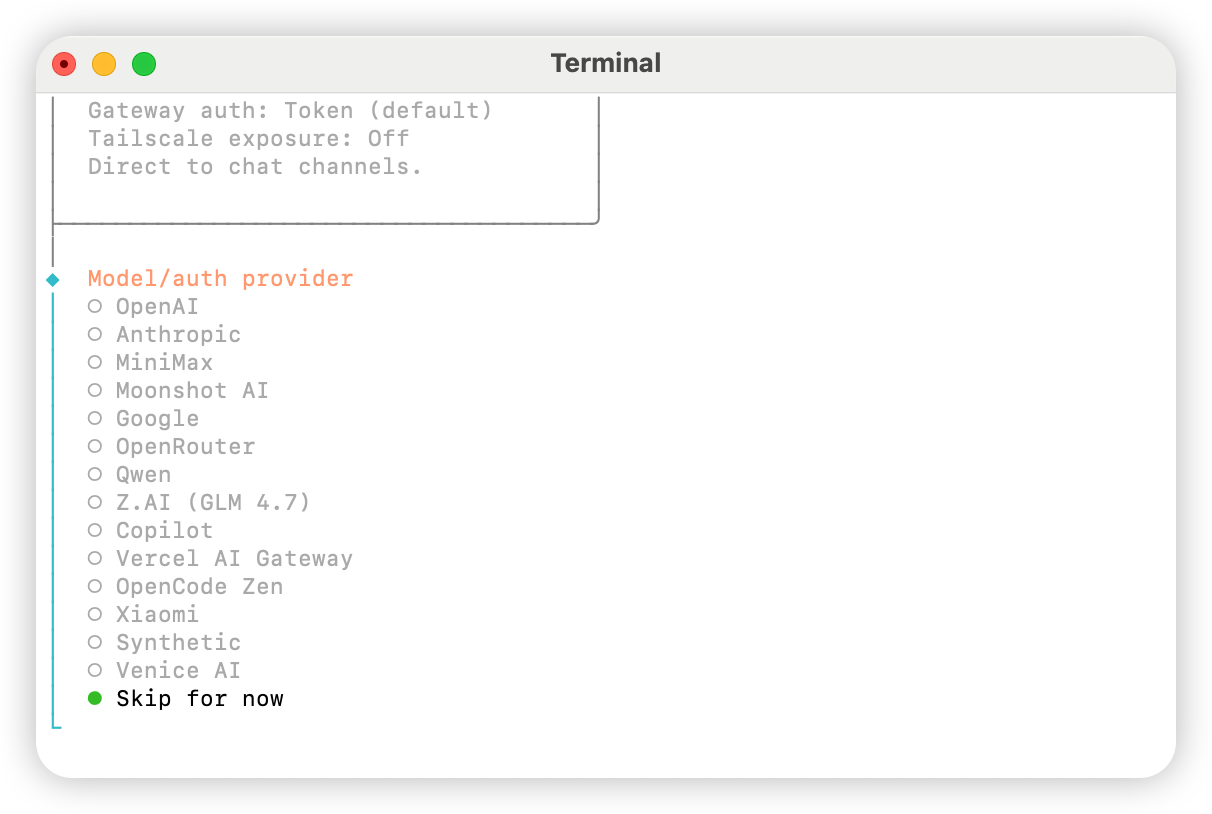
All providers
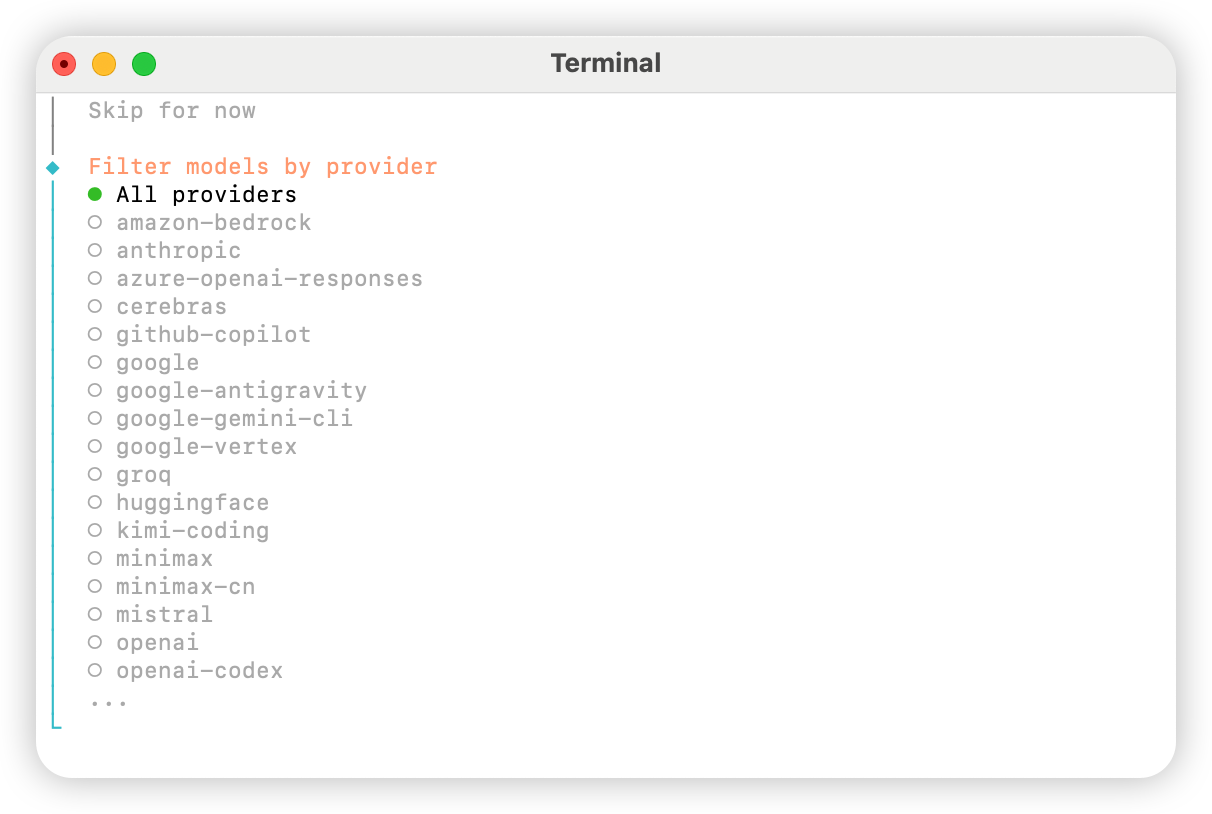
Keep current wählen (bei Verwendung von “Methode 2: Manuelle Konfiguration” kann es im nächsten Schritt in der Konfigurationsdatei angepasst werden).
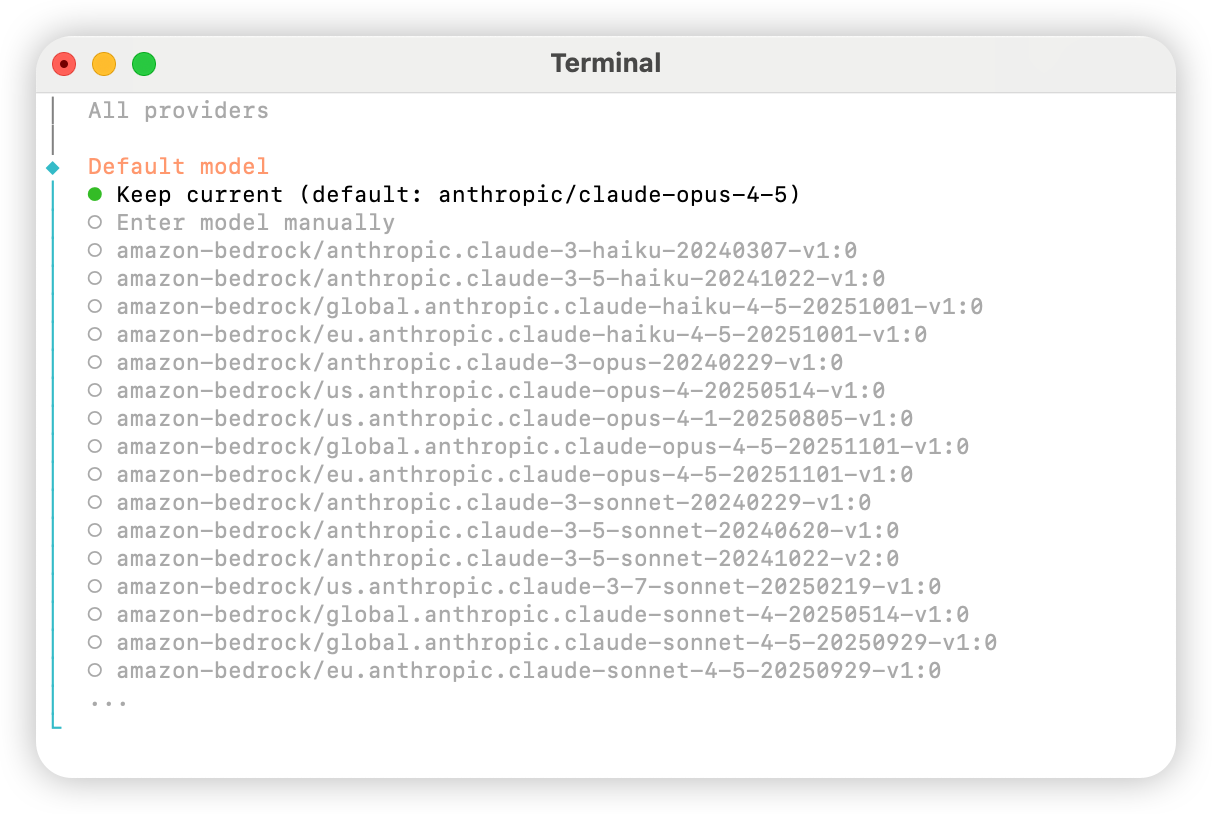
Skip for now.
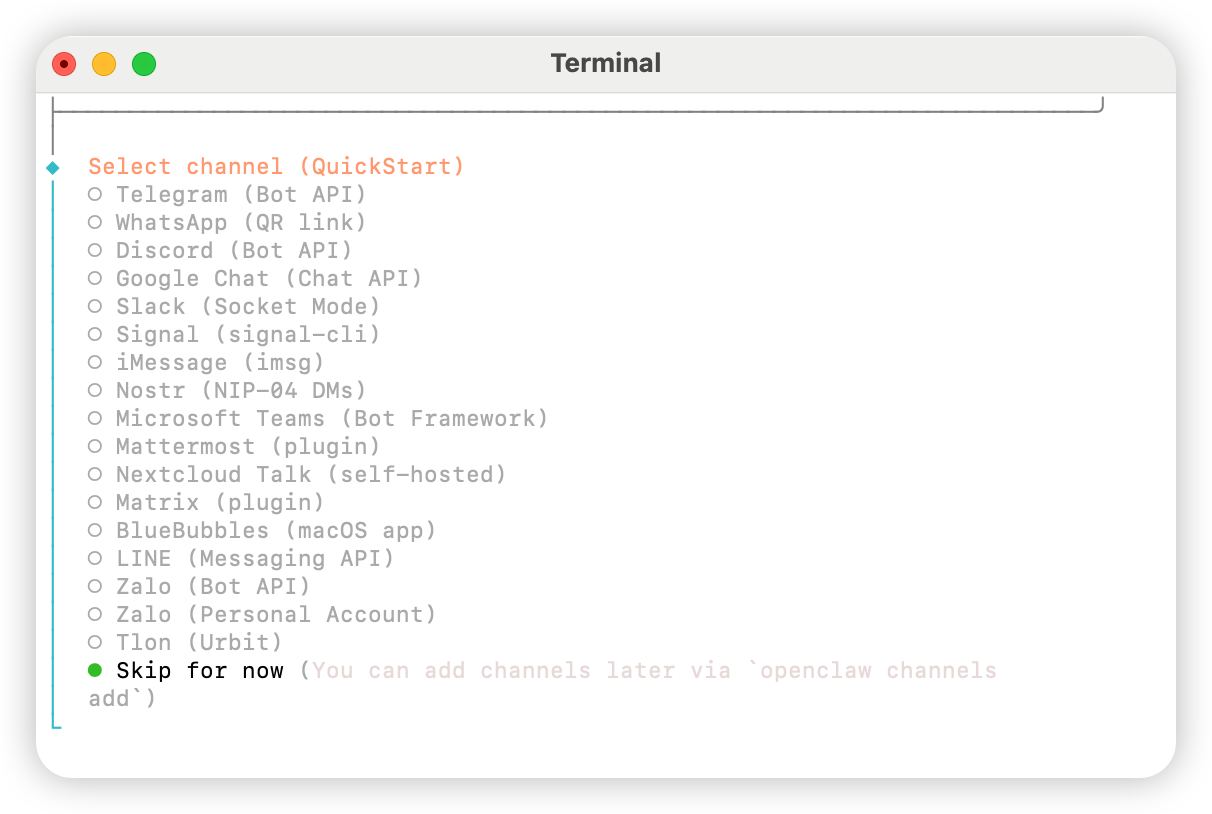
Yes wählen.
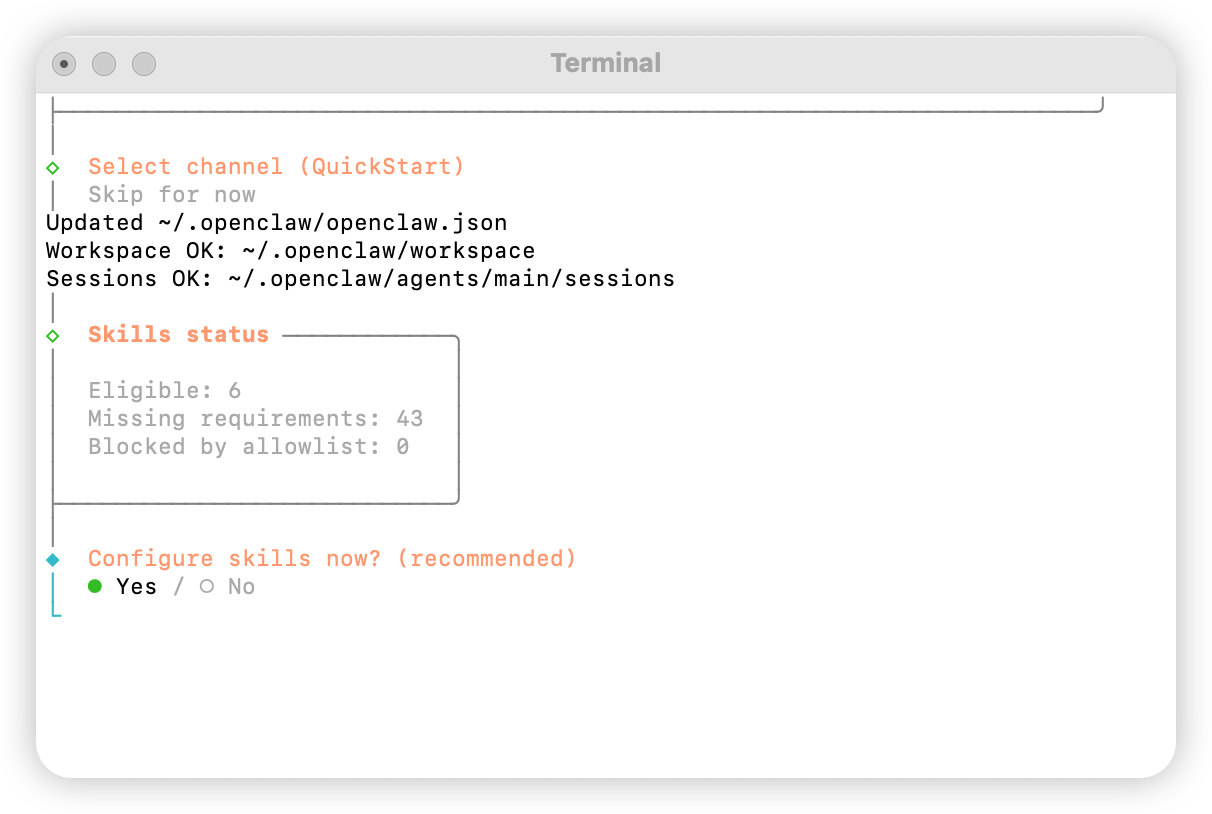
npm
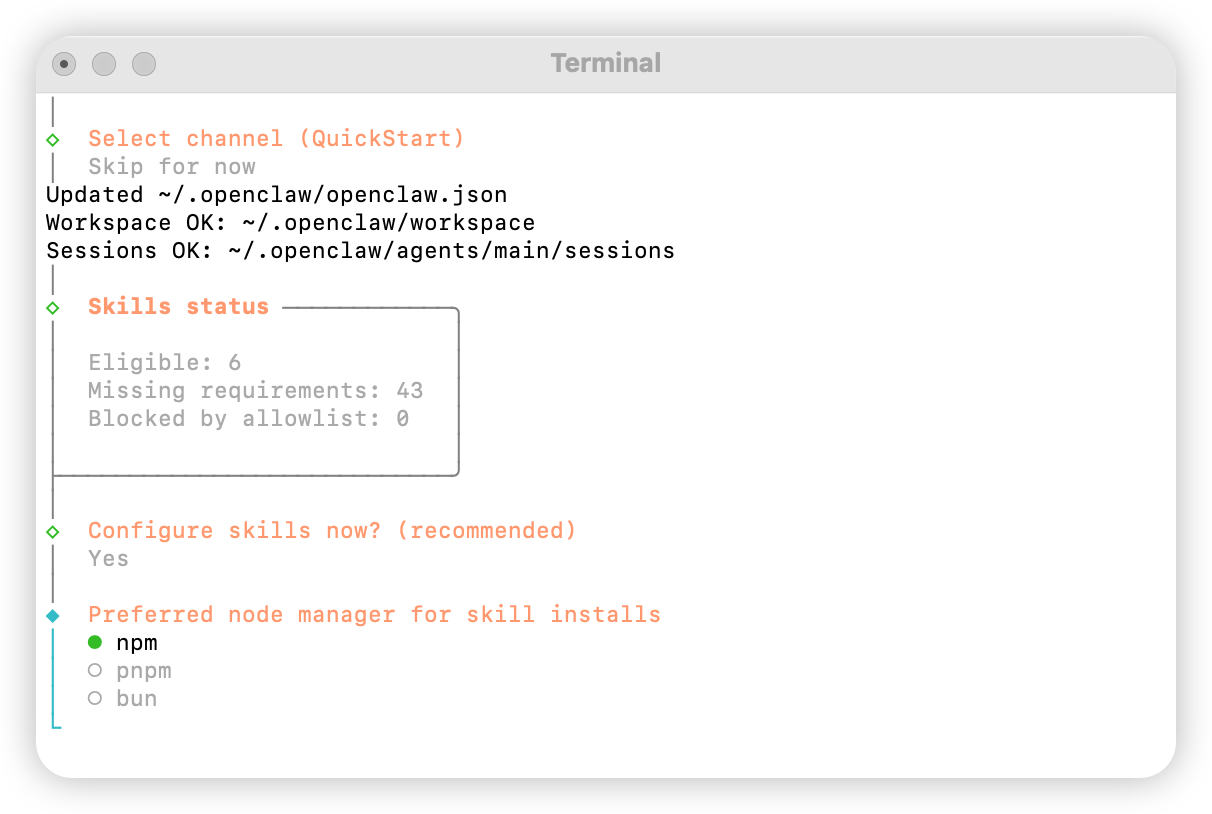
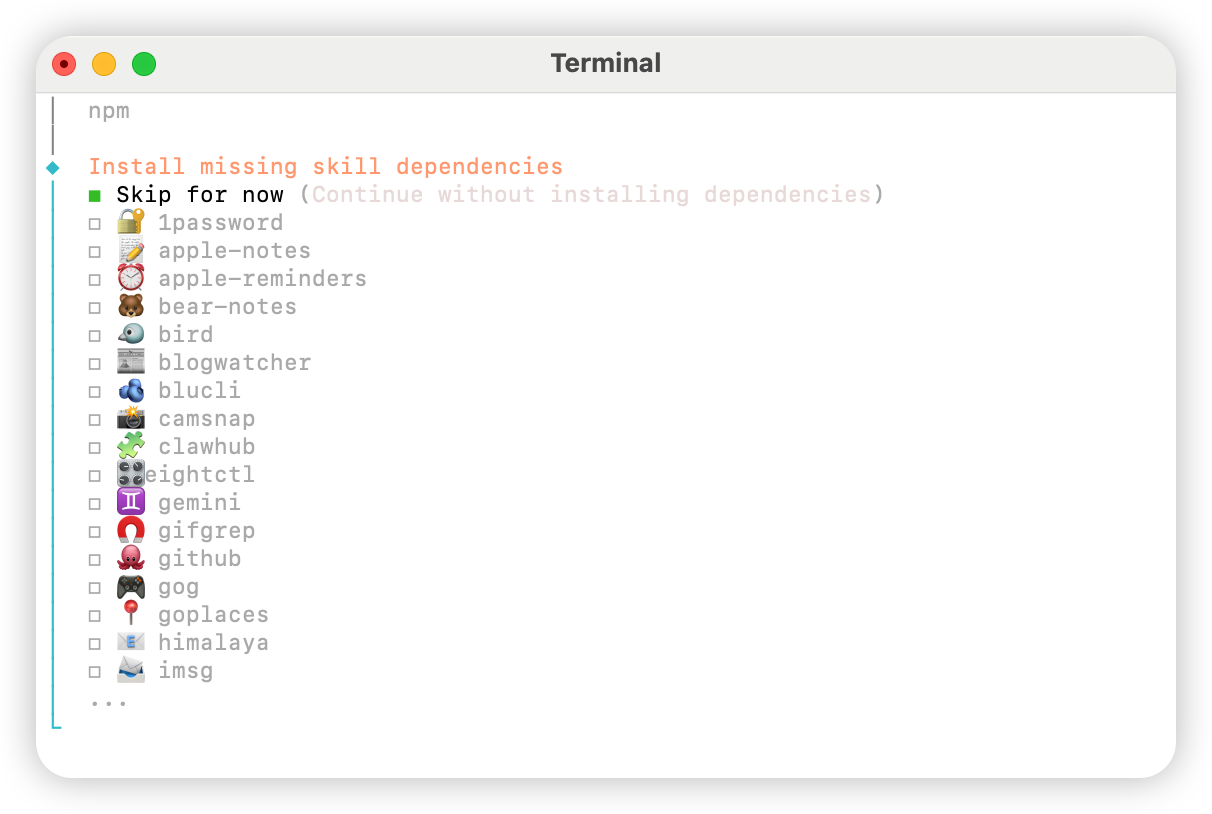
No.
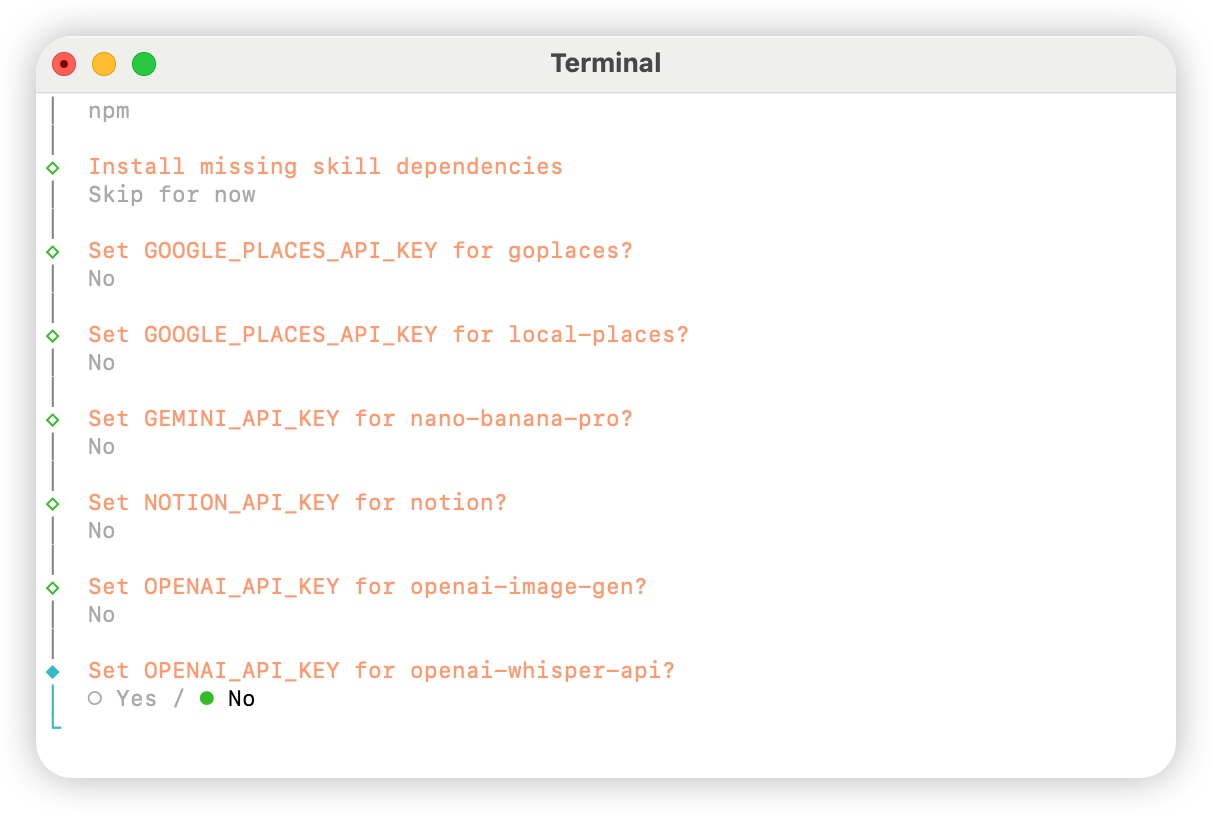
Skip for now.
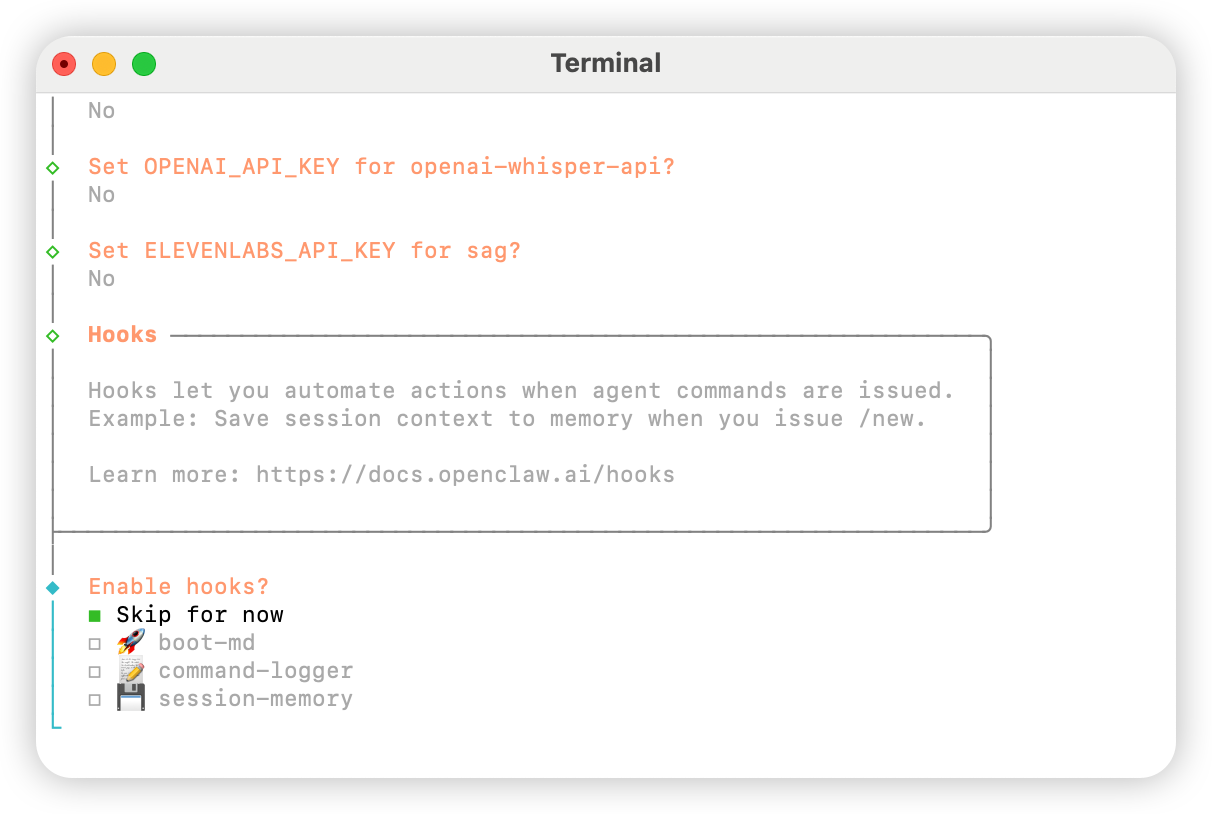
Hatch in UI.
AIHubMix konfigurieren
Methode 1: Schnellkonfiguration per Plugin (empfohlen)
Plugin-Quellcode: aihubmix-auth
providerAuthAliases, um denselben Schlüssel für alle Transports gültig zu machen:
- aihubmix-openai —
gpt-*/o1-*/o3-*/o4-*,https://aihubmix.com/v1(openai-completions) - aihubmix-anthropic —
claude-*,https://aihubmix.com(anthropic-messages) - aihubmix-google —
gemini-*,https://aihubmix.com/gemini/v1beta(google-generative-ai) - aihubmix-other — Sonstige Modelle,
https://aihubmix.com/v1(openai-completions)
claude-sonnet-4-5) werden automatisch vom resolveDynamicModel-Hook des Plugins zum richtigen Transport geroutet — keine vollständige provider/model-Angabe erforderlich.
Möchten Sie die interaktive Anmeldung überspringen? Setzen SieSobald die Konfiguration abgeschlossen ist, springen Sie zum Abschnitt Start, um es zu verwenden.export AIHUBMIX_API_KEY=sk-...vor der Installation — das Plugin schreibt den Schlüssel als inlineapiKeyin die Provider-Konfiguration (interaktive Anmeldung speichert ihn stattdessen im Auth-Profil).
Methode 2: Manuelle Konfiguration
Öffnen Sie die Datei~/.openclaw/openclaw.json und fügen Sie folgende Konfiguration hinzu:
Methode 3: Standardmodell mit dynamischen Modellbefehlen wechseln
Das AIHubMix-Plugin für OpenClaw unterstützt dynamisches Modell-Routing. Solange ein Modell in Ihrem AIHubMix-Konto verfügbar ist, können Sie es im Formatprovider/model-id aufrufen. Maßgeblich für die tatsächliche Verfügbarkeit sind die AIHubMix-Konsole und die API-Antwort.
Übliche Provider-Regeln:
aihubmix-openai: OpenAI-kompatible Modelle, zum Beispielgpt-*,o1-*,o3-*undo4-*aihubmix-anthropic: Claude-Modelle, zum Beispielclaude-*aihubmix-google: Gemini-Modelle, zum Beispielgemini-*aihubmix-other: andere Modelle, die über einen OpenAI-kompatiblen Endpunkt aufgerufen werden, zum Beispielglm-5.2
gpt-5.4 als Standardmodell von OpenClaw festlegen:
openclaw nicht findet, verwenden Sie die Schreibweise mit lokalem Pfad:
aihubmix-other, zum Beispiel:
Start
Test
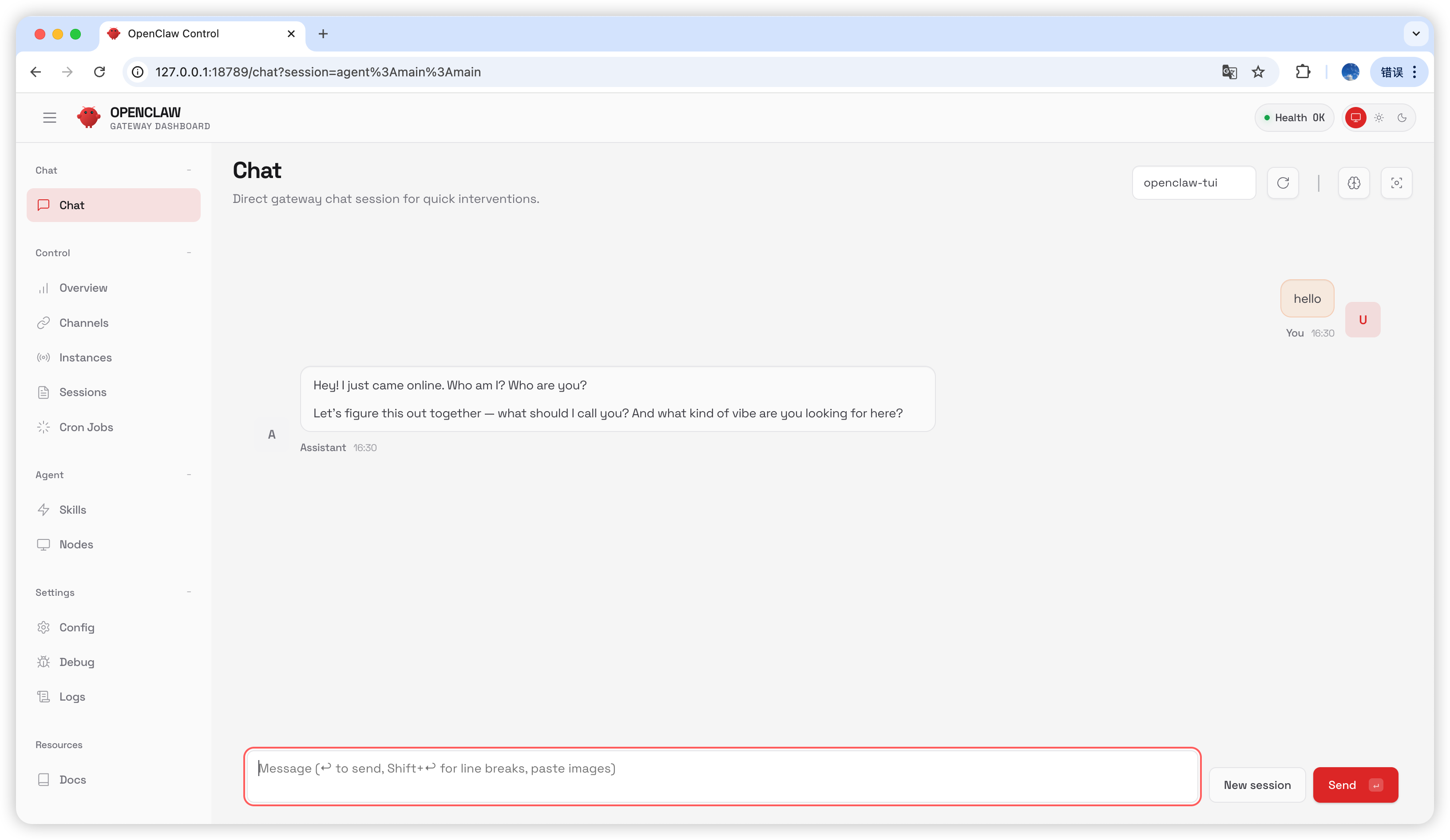
Geben Sie auf der Chat-Seitehello ein; wenn Sie eine Antwort erhalten, war die Konfiguration erfolgreich.
Häufig gestellte Fragen
Version aktualisieren
Gateway-Prozess belegt
Zuletzt aktualisiert: 2026-07-03