

Konfiguration
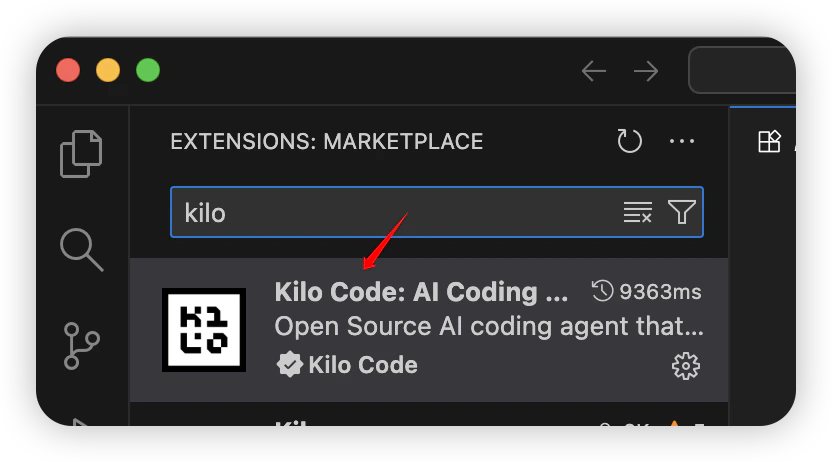
- Starten Sie VS Code und installieren Sie Kilo Code.
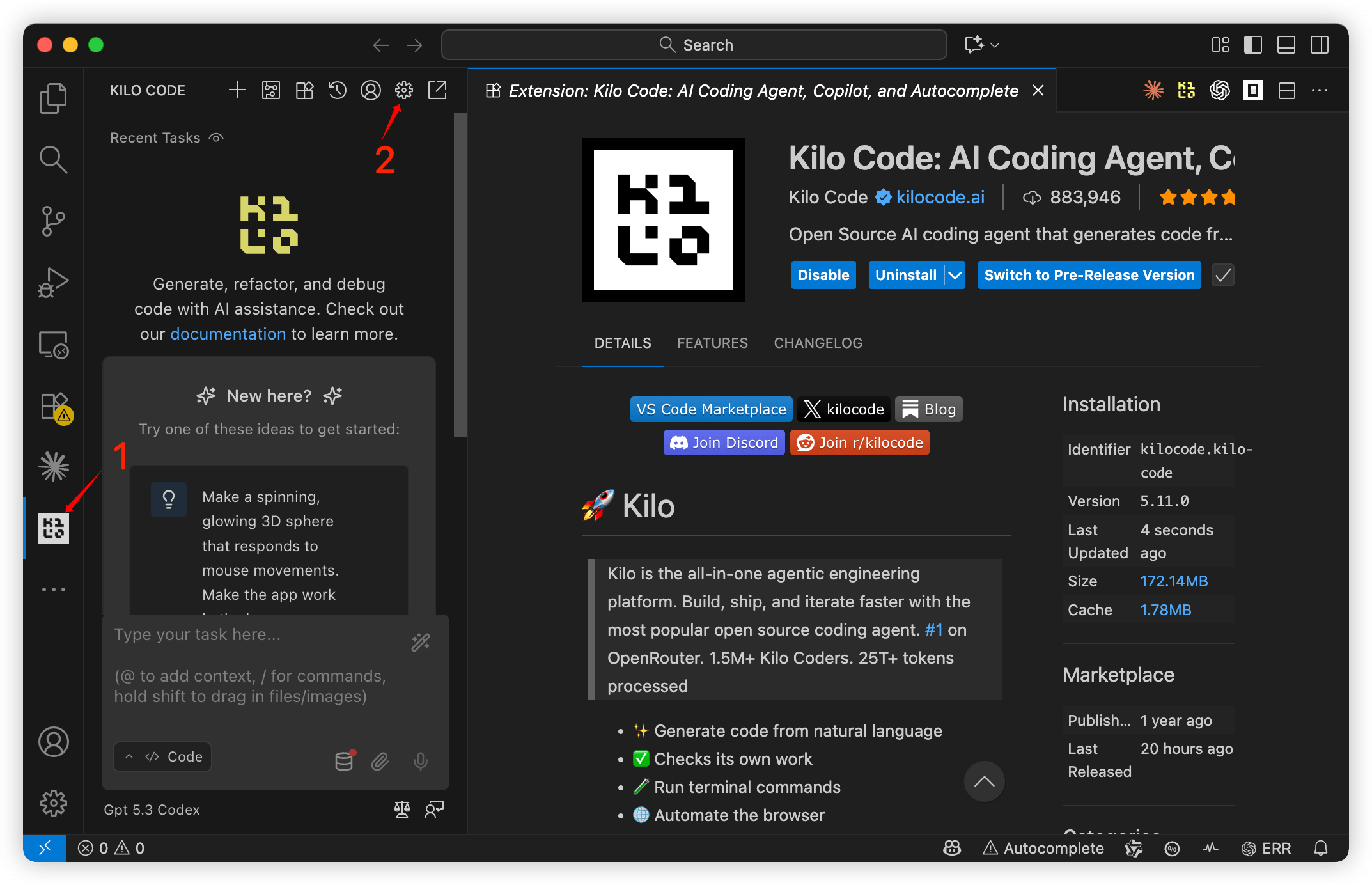
- Klicken Sie auf das Symbol des
Kilo Code-Plugins, um die Konfigurationsseite zu öffnen.
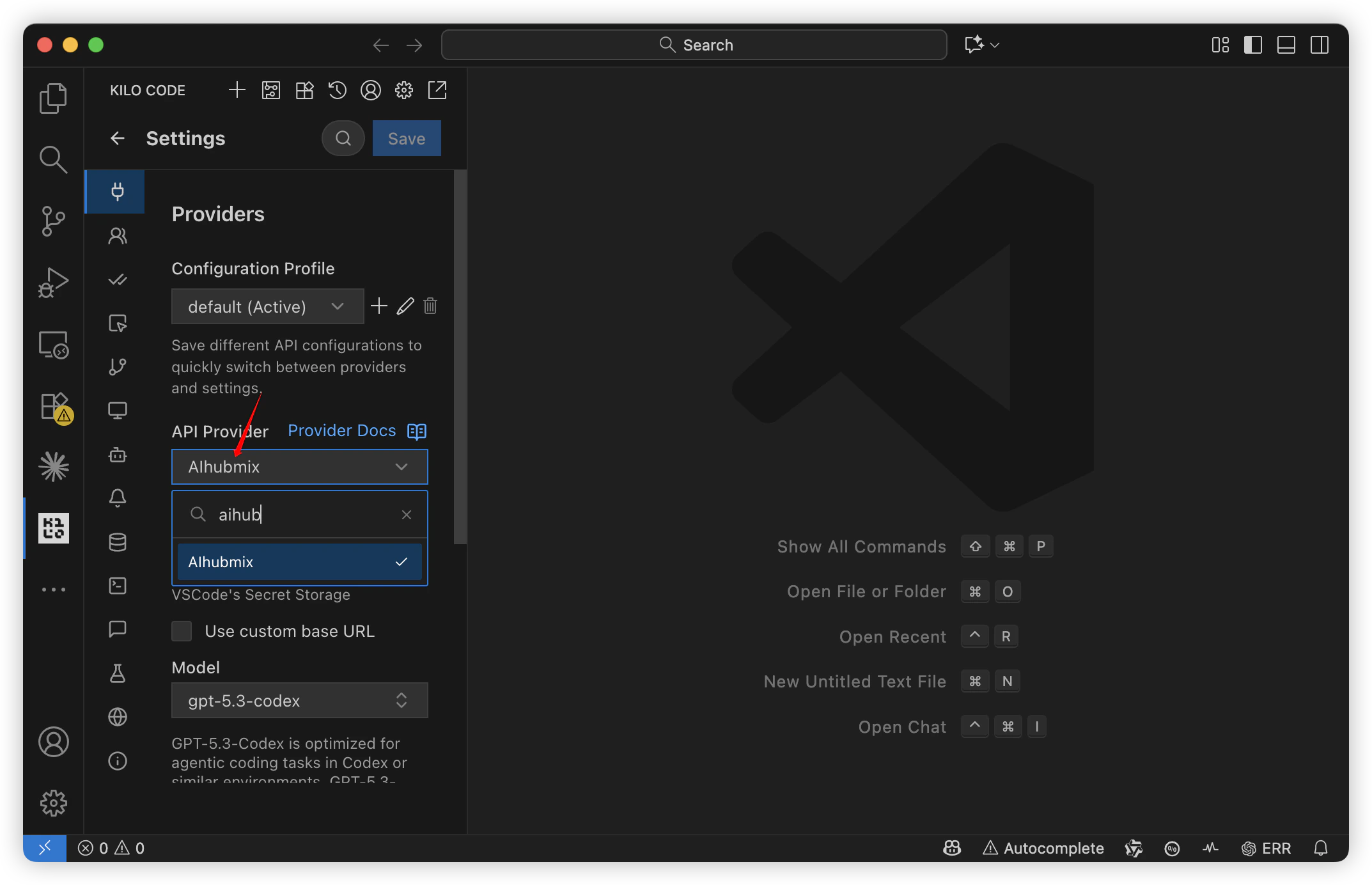
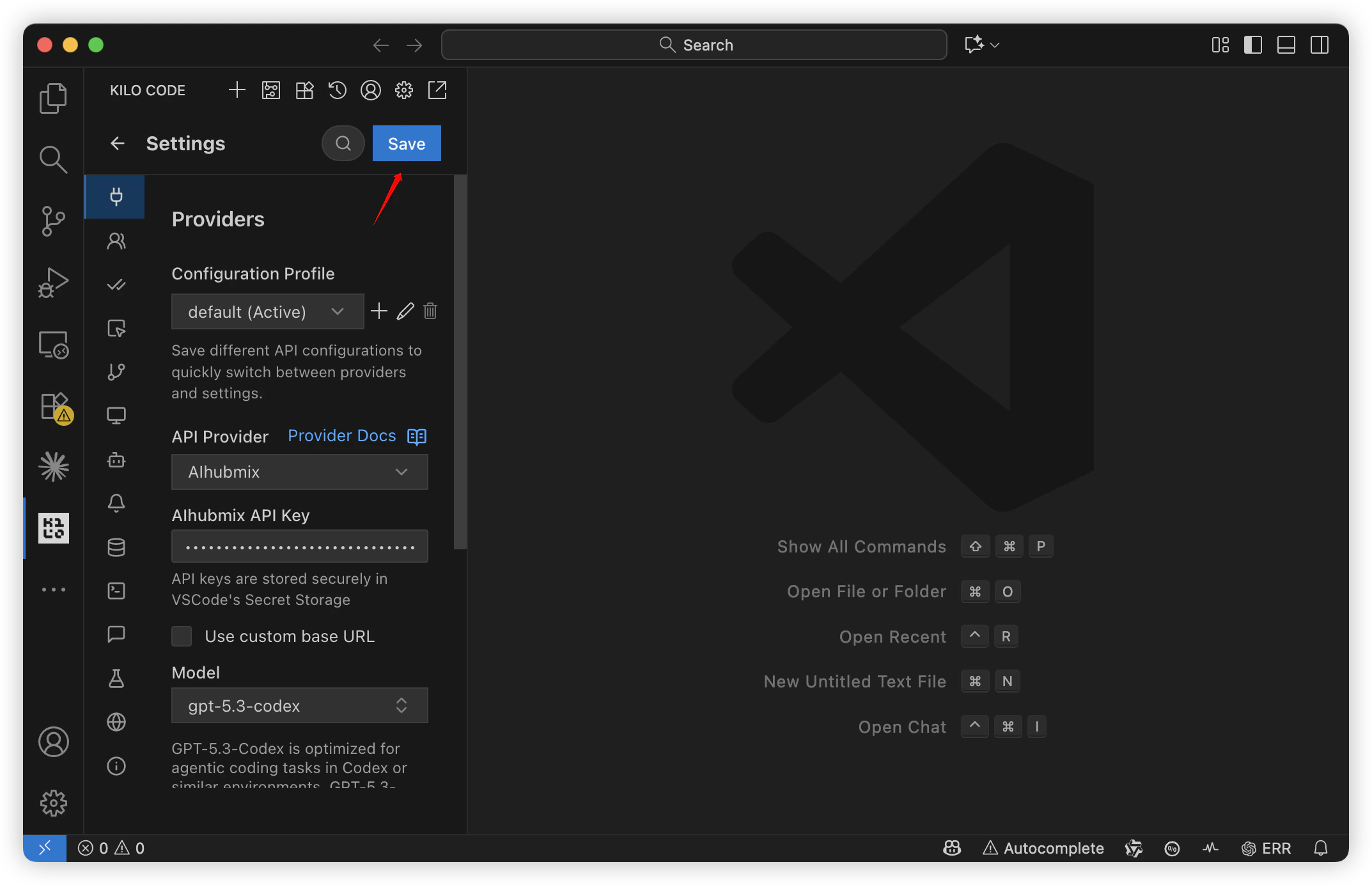
- Setzen Sie den API Provider auf
AIhubmix.
- Geben Sie den API Key ein und wählen Sie das gewünschte Modell aus.
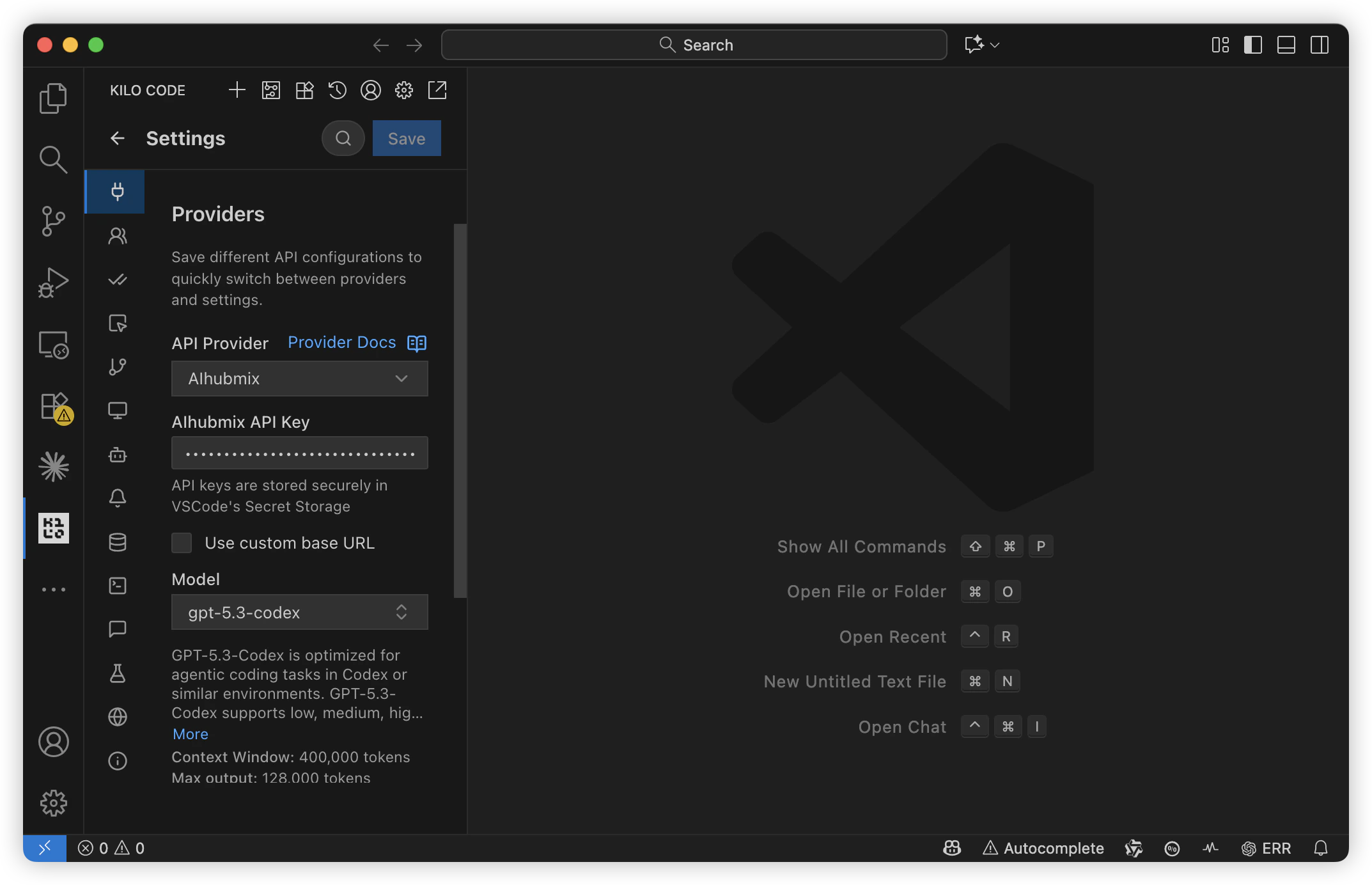
- Speichern Sie die Eingaben.
Modell wechseln
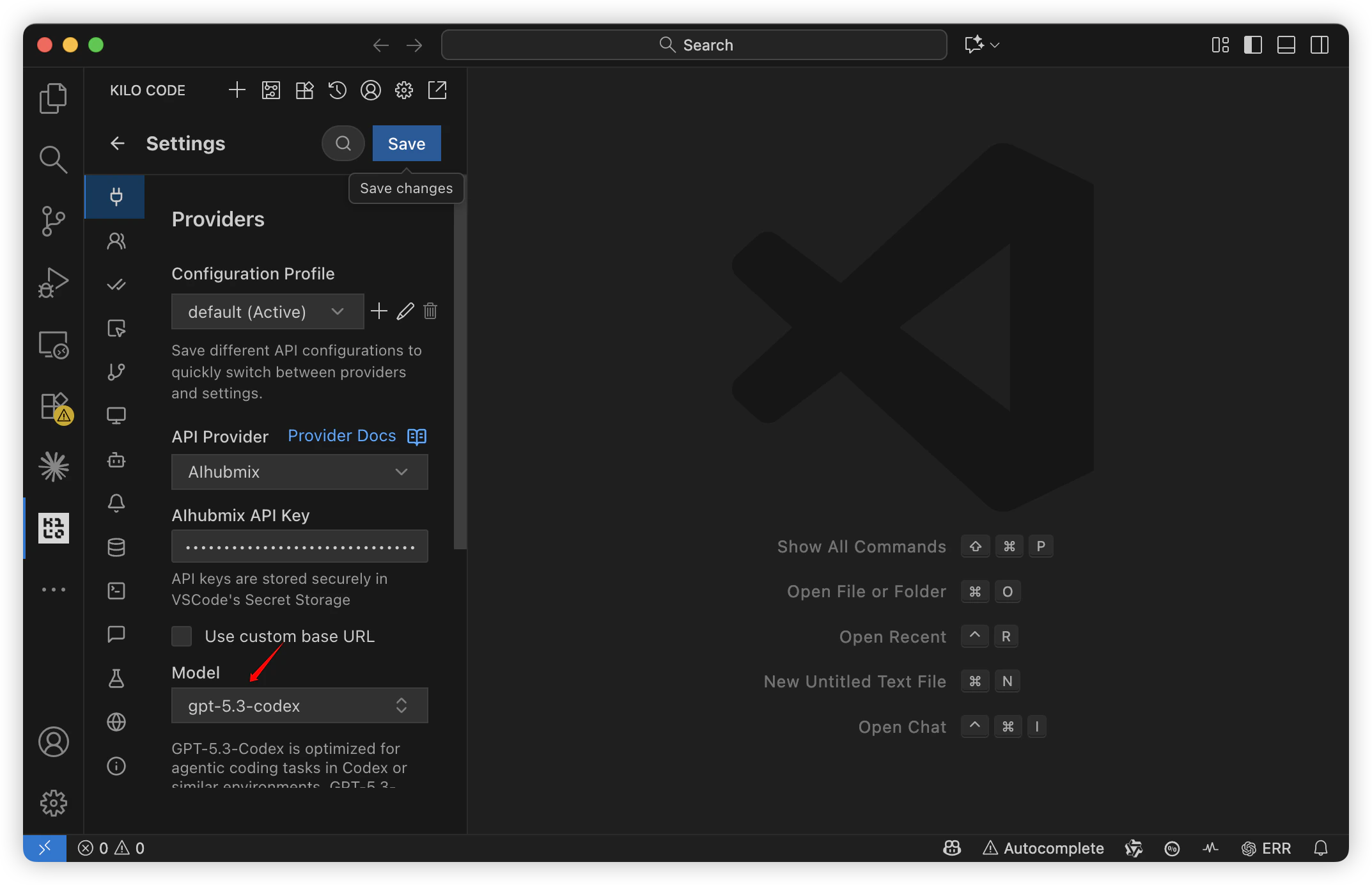
- Wechseln Sie das Modell auf der Modellkonfigurationsseite.
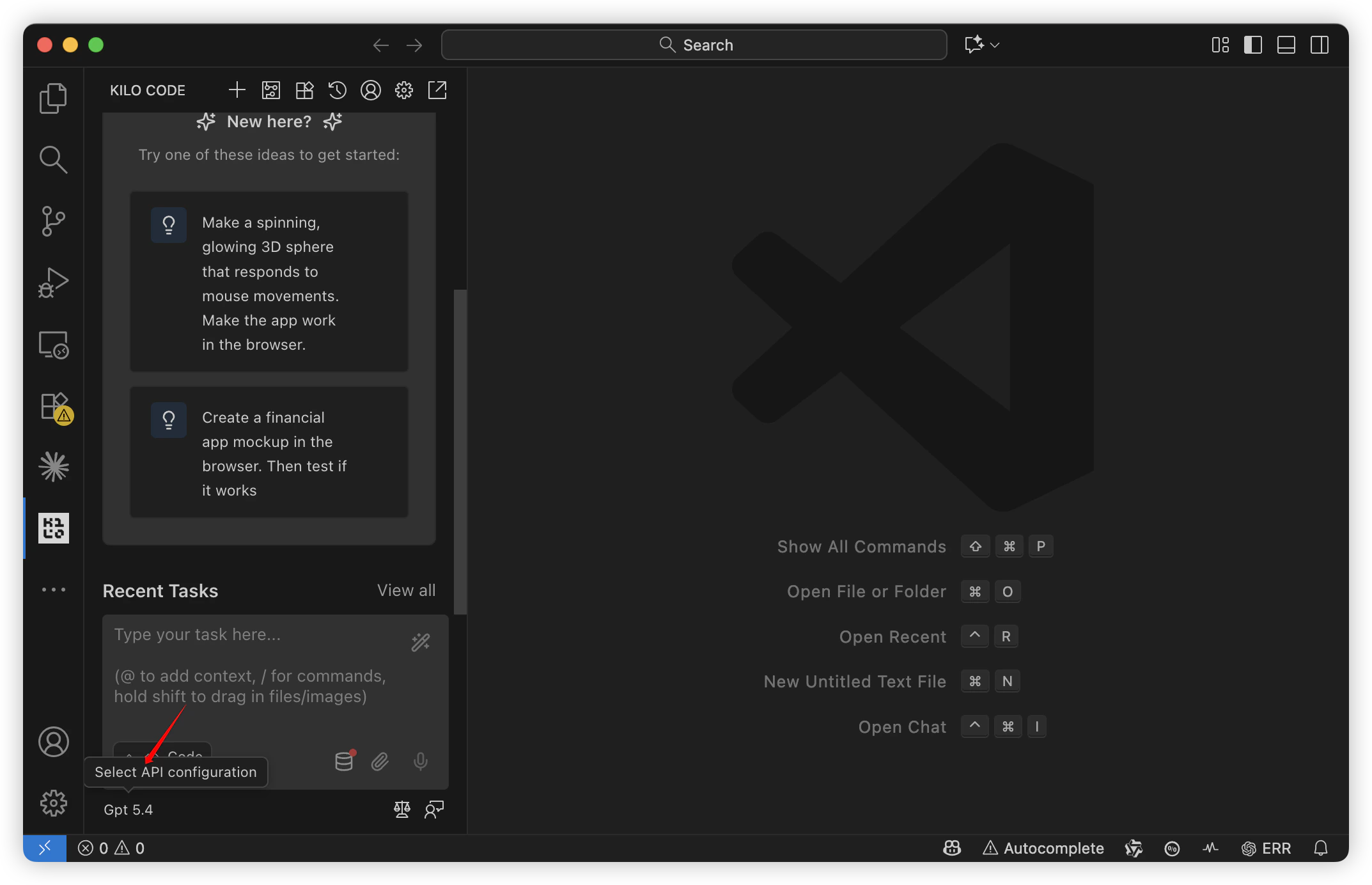
- Wechseln Sie das Modell auf der Chat-Seite.
Zuletzt aktualisiert: 2026-06-01