

Configure AIHubMix
Download and install the desktop app from the AnythingLLM website. After opening the app, click the avatar menu in the lower-left corner and enter the settings page.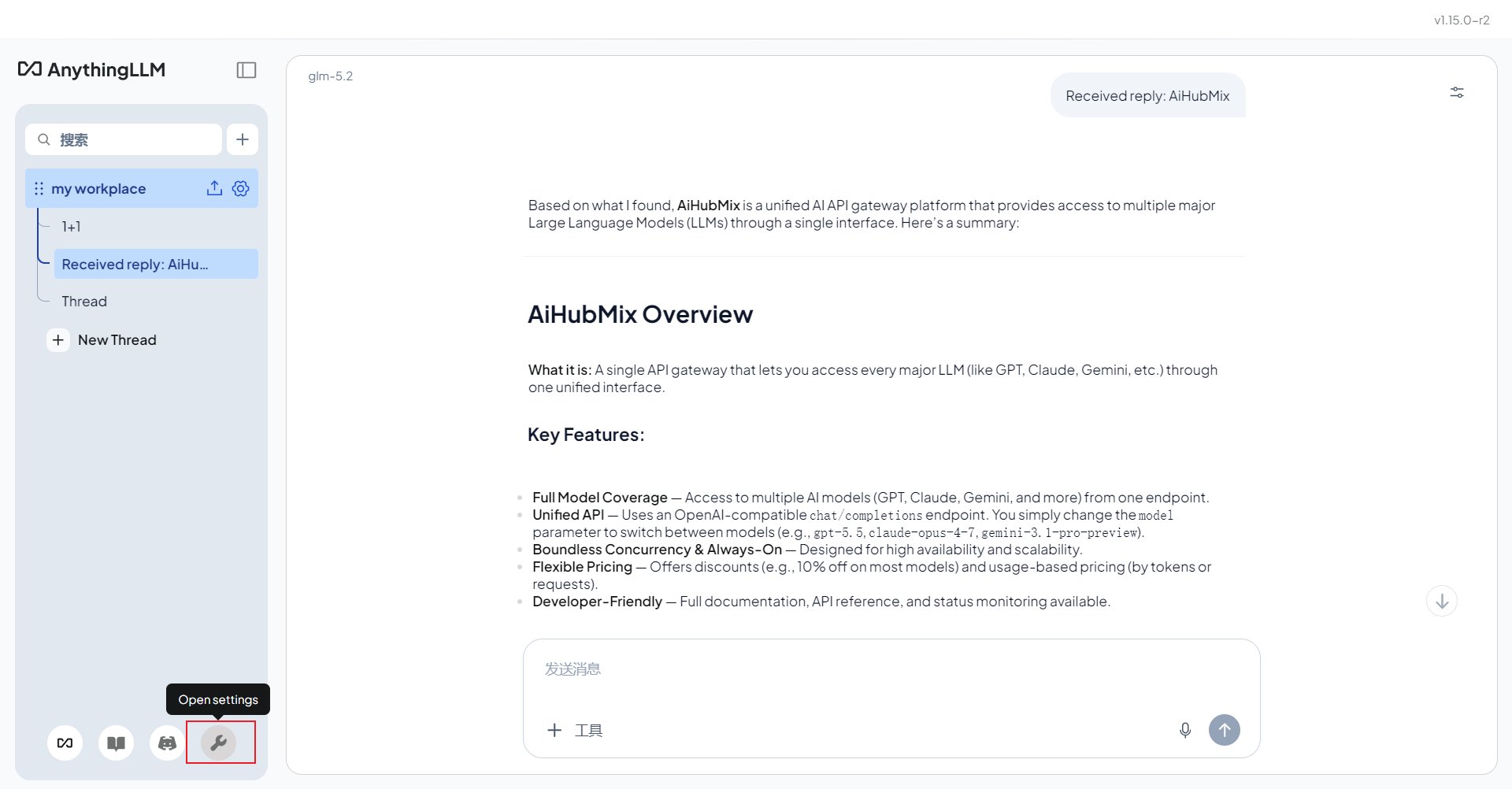
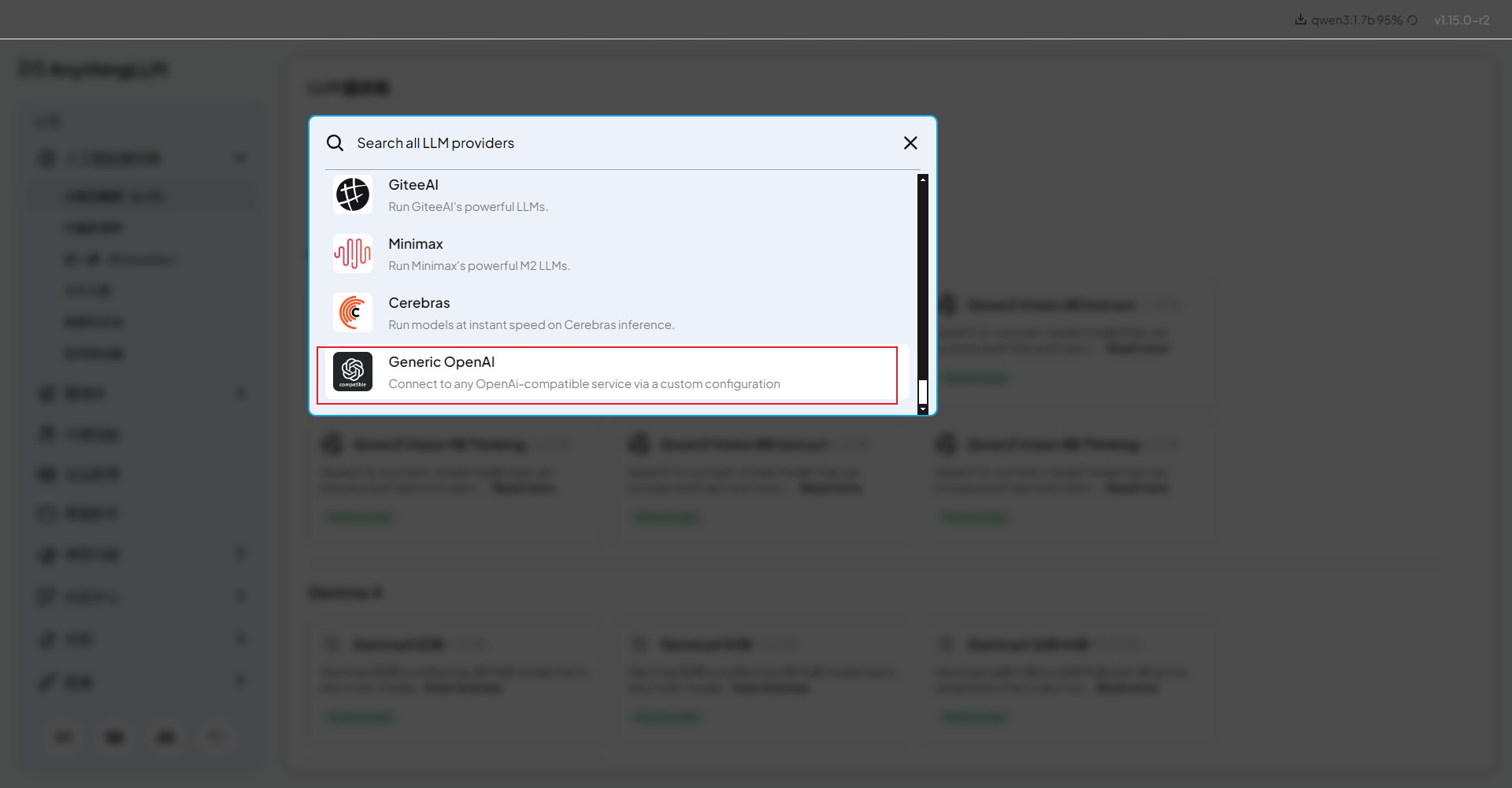
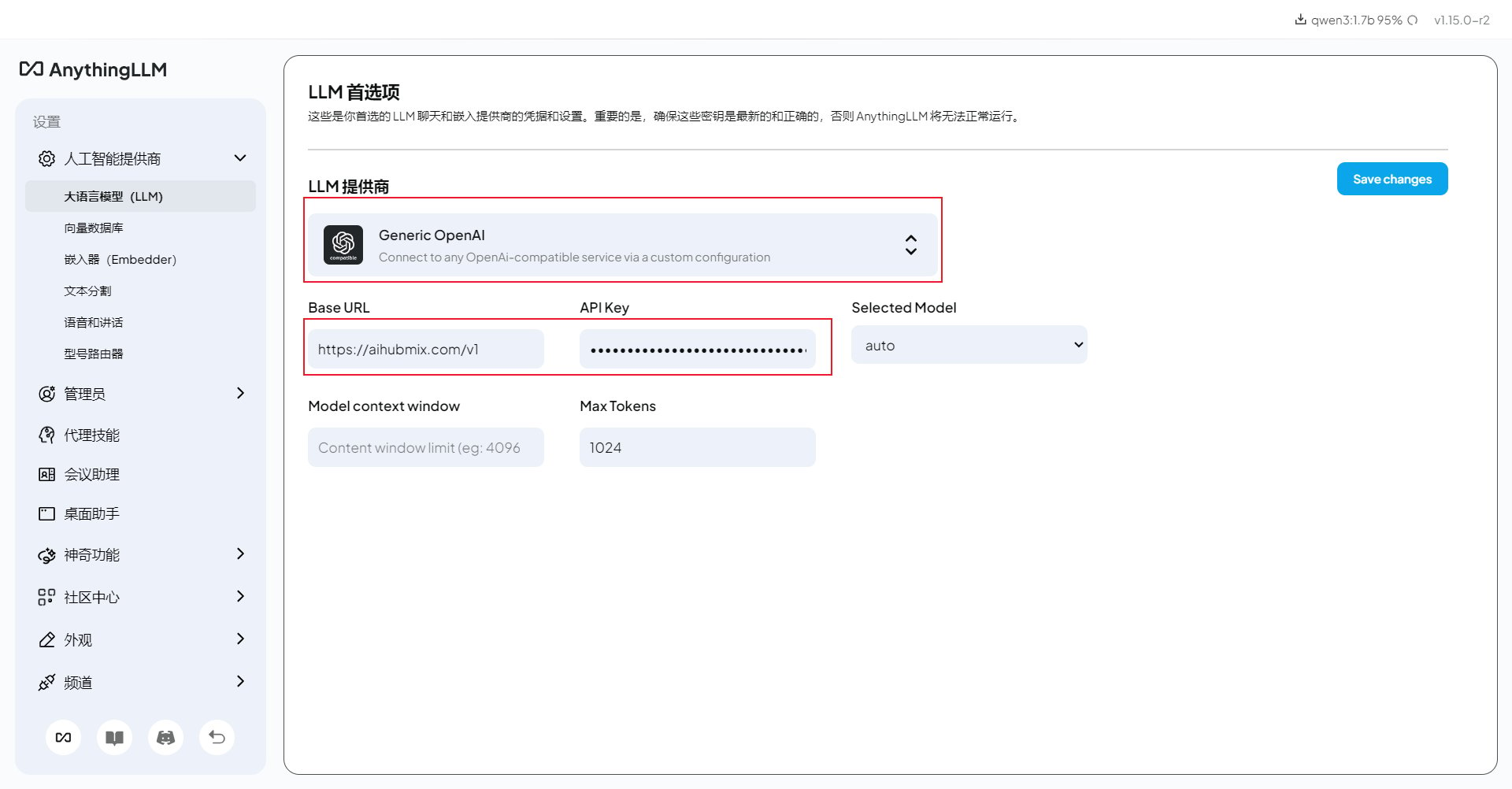
- Base URL:
If the primary API domain is unavailable, replace only the domain with
https://api.inferera.com and keep the /v1 path.- API Key: the key created in the AIHubMix console.
- Chat Model Name: the model ID you want to use, for example
gpt-4o-mini,claude-haiku-4-5, or another model copied from the AIHubMix model list. - Token context window and Max Tokens: keep the defaults first, then adjust them after a successful test if your model needs a larger context or output limit.
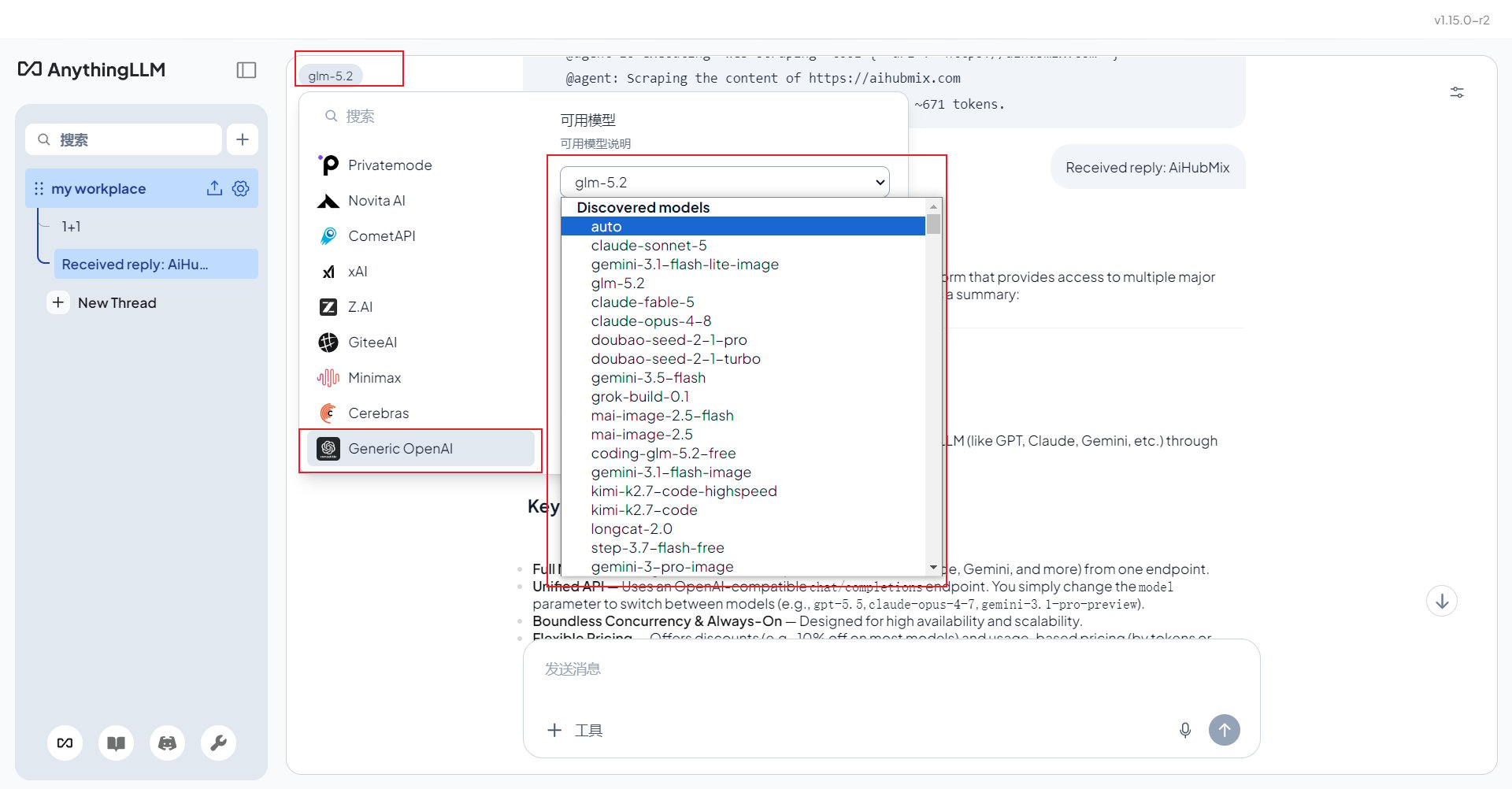
Use Non-OpenAI Models
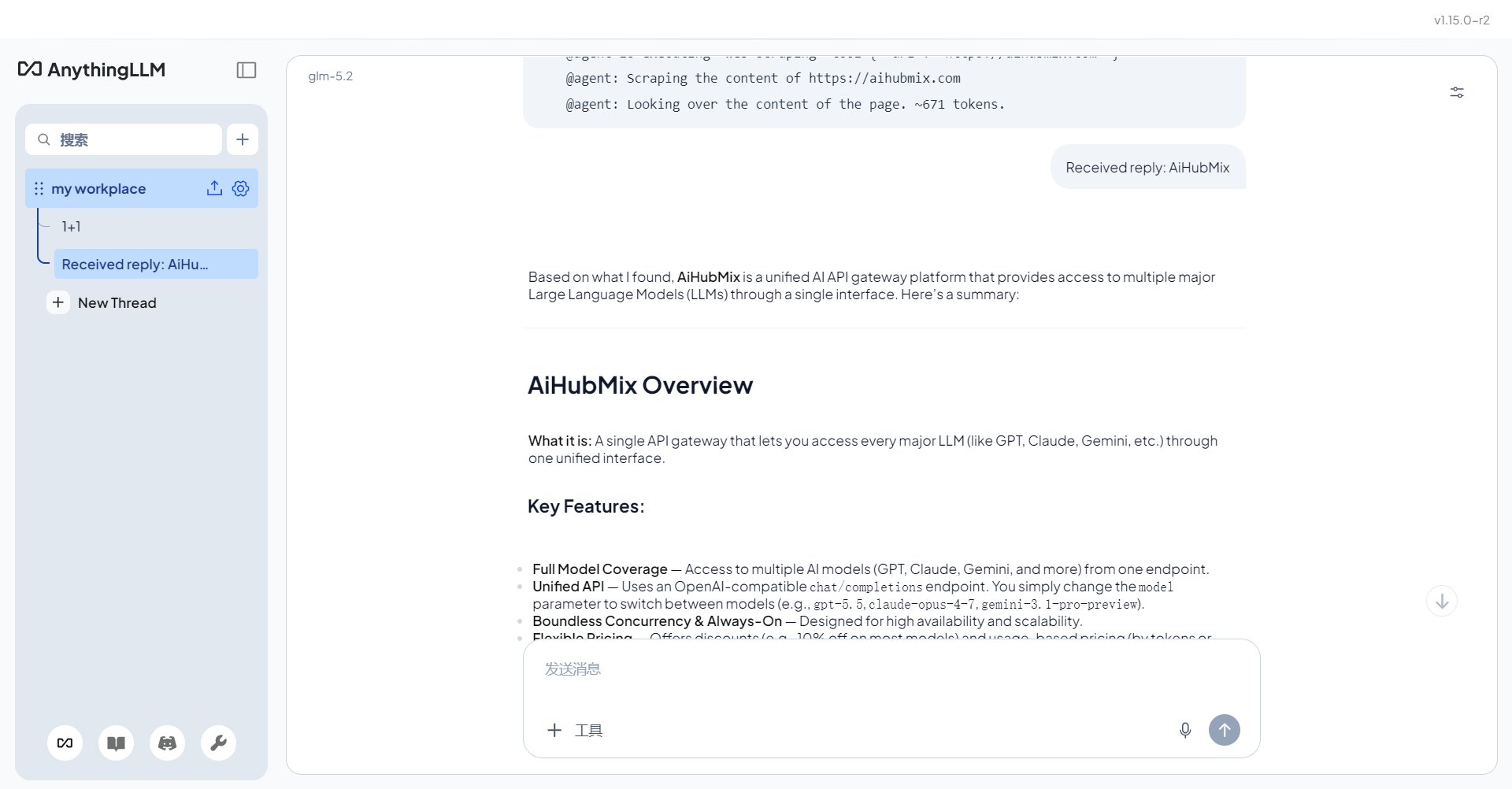
Keep Generic OpenAI selected. To use Claude, Gemini, DeepSeek, GLM, or other AIHubMix models, change Chat Model Name to the corresponding AIHubMix model ID. Copying the model ID from the AIHubMix model list helps avoid spelling mistakes.Troubleshooting
401 or model not found: confirm that Generic OpenAI is selected, the Base URL includes/v1, the API key starts with sk-, and the model ID matches AIHubMix exactly.
Document answers are not grounded in uploaded files: check that the embedder is configured, the documents were indexed in the current workspace, and you are chatting in the correct workspace.
Slow replies: reasoning models can be slower. For lightweight document Q&A, try a faster model such as gpt-4o-mini or claude-haiku-4-5.
Last updated: 2026-07-03