

インストール
インストール前に Node >= 22 であることを確認してください。
openclaw を認識する場合は、このガイドのコマンドをそのままコピーして実行できます。
openclaw が見つからないと表示される場合は、コマンド先頭の openclaw をローカルの実行ファイルパスに置き換えてください。
インストール先のパス はプレースホルダーです。実際に OpenClaw を配置した親ディレクトリに置き換えてください。たとえば OpenClaw が D:\Apps\OpenClaw にある場合は、& "D:\Apps\OpenClaw\openclaw.cmd" models status と書きます。ターミナル設定
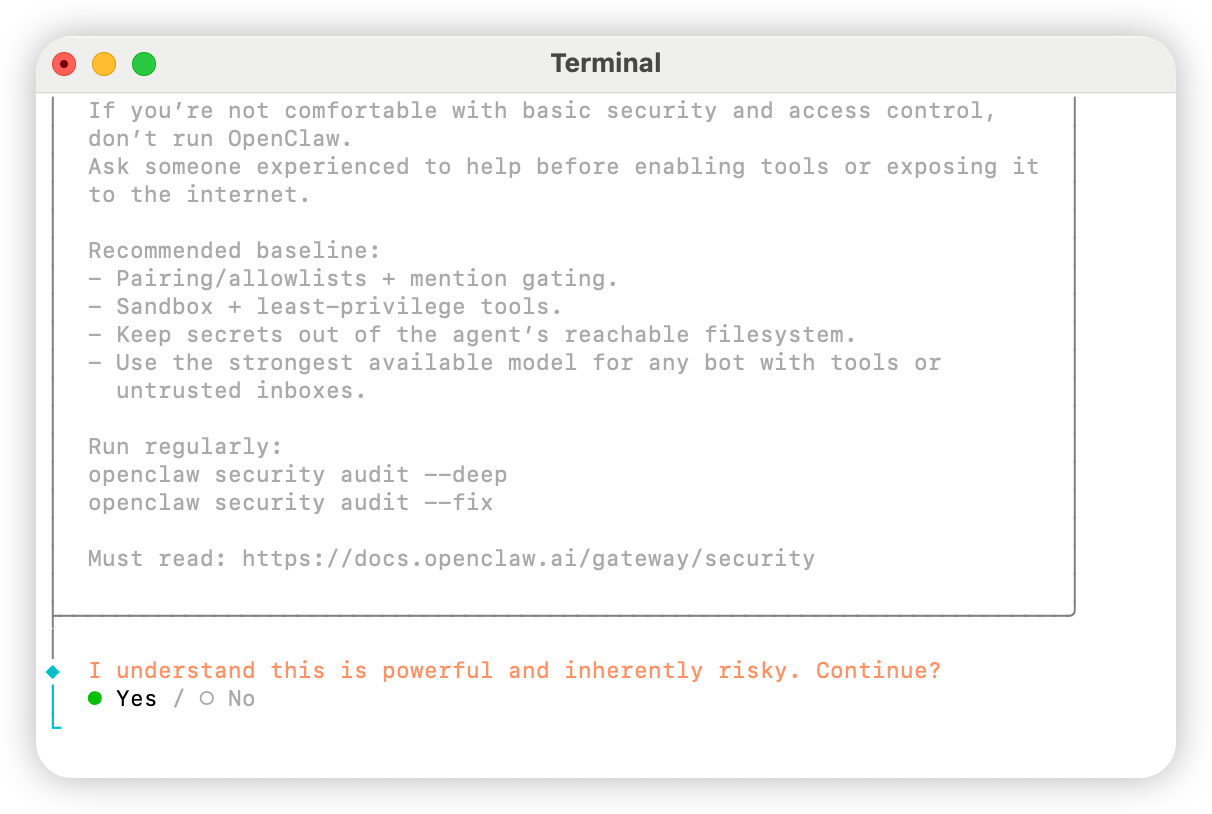
ターミナルを開き、以下のコマンドを実行して設定を開始します。Yes を選びます。
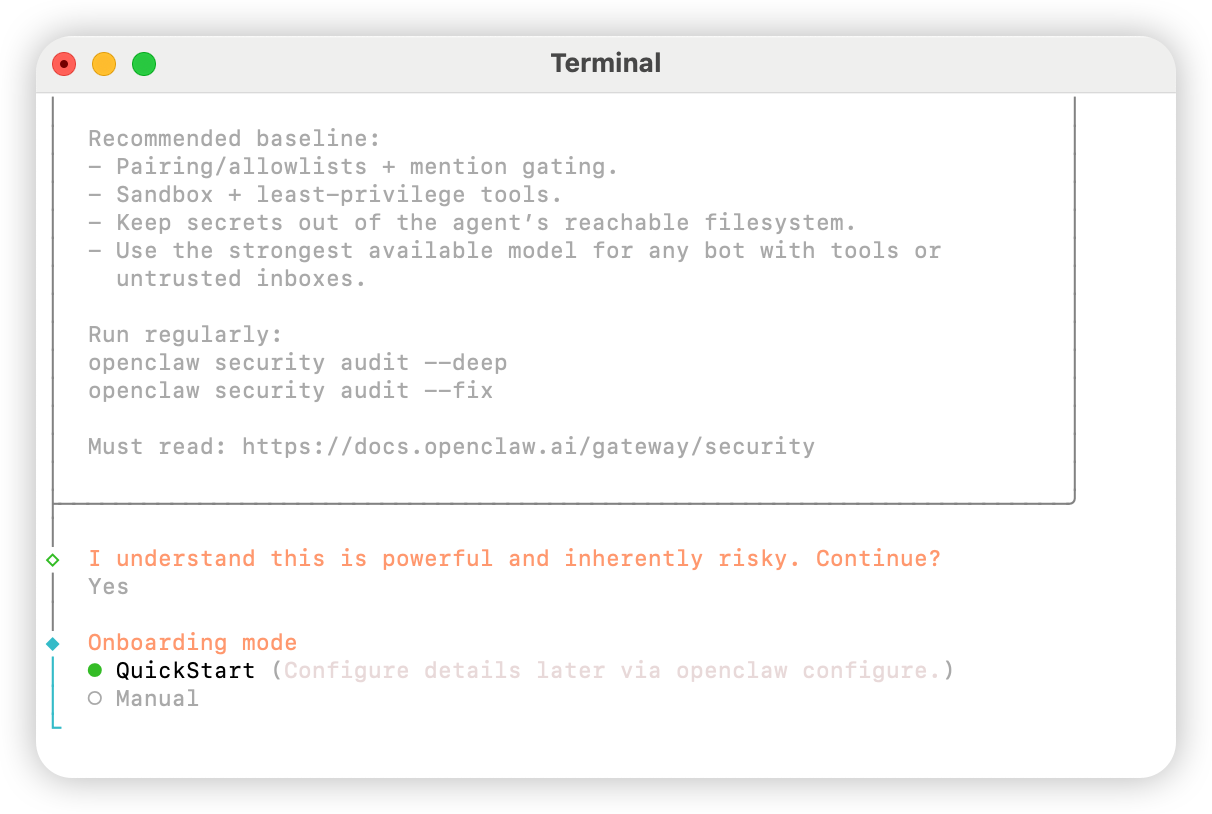
QuickStart を選びます。
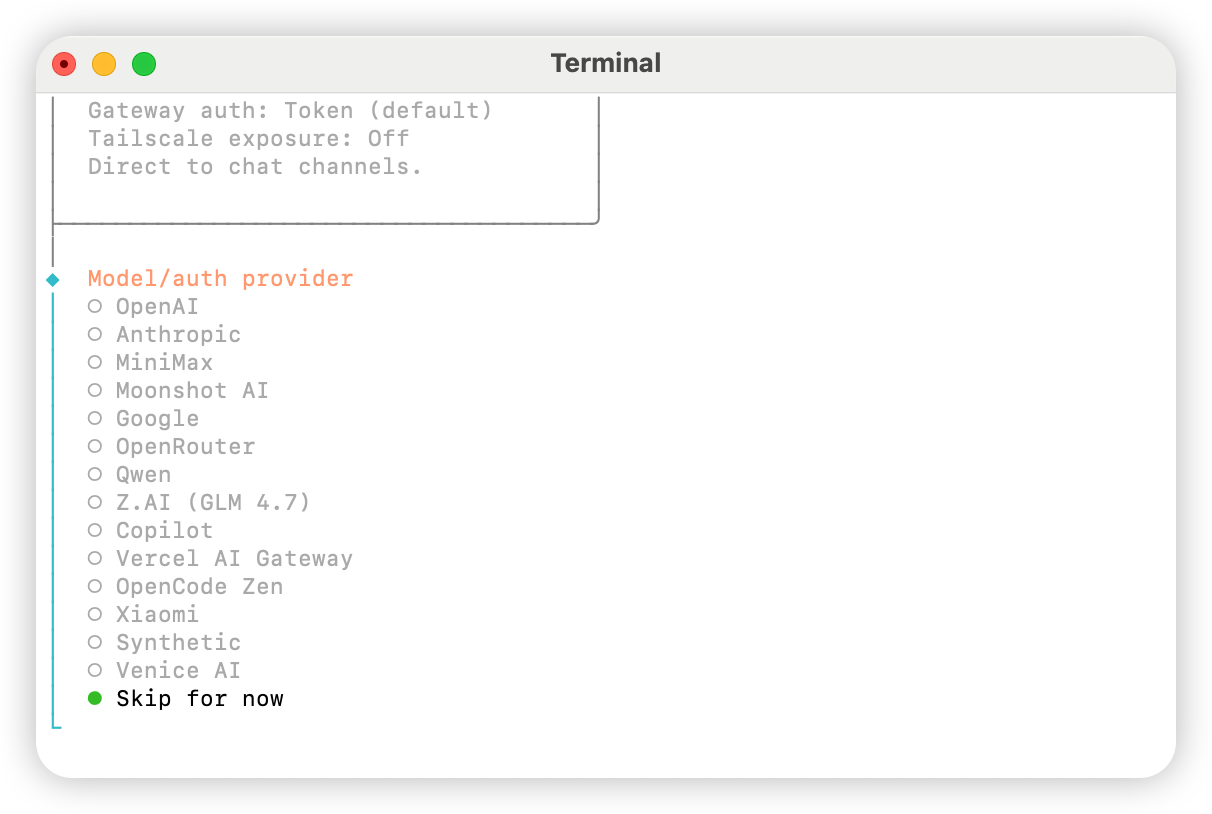
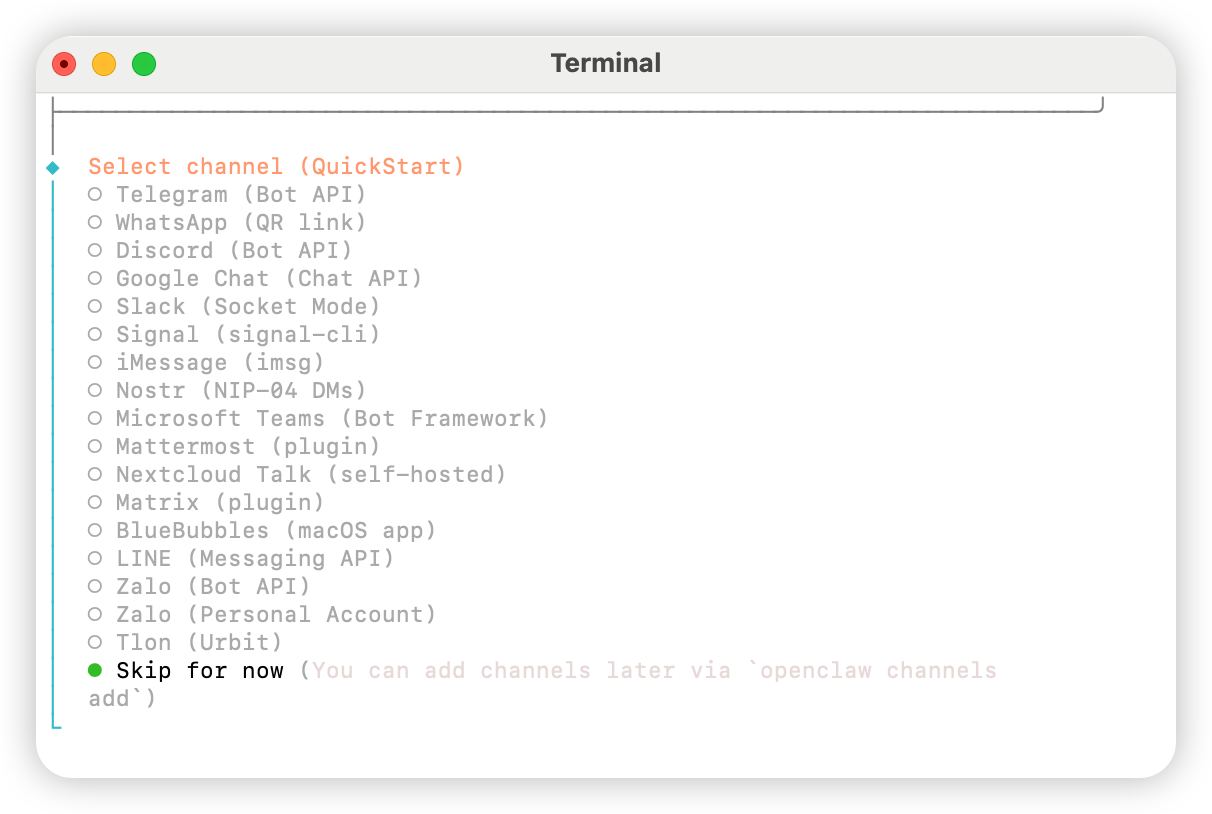
Skip for now を選びます。
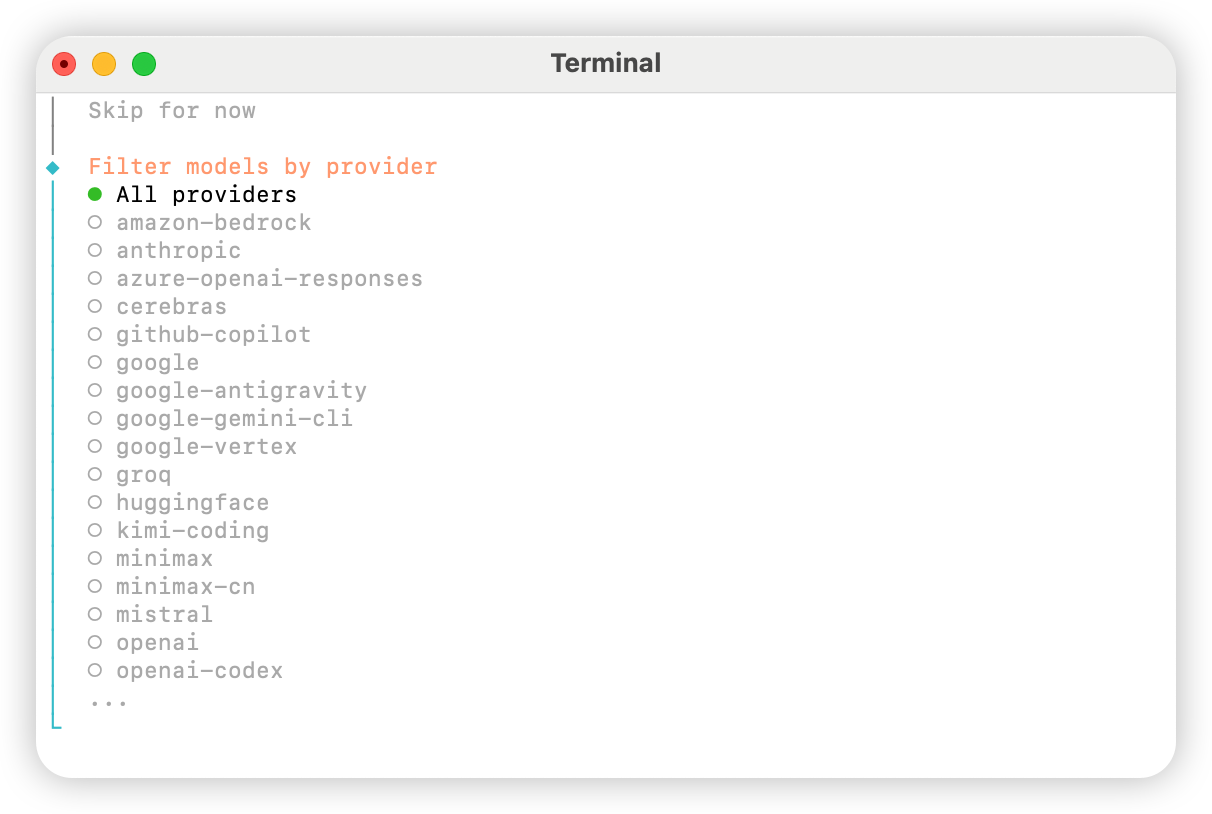
All providers を選びます。
Keep current を選択できます(「方法 2:手動設定」を使用する場合、次の手順で設定ファイルから変更できます)。
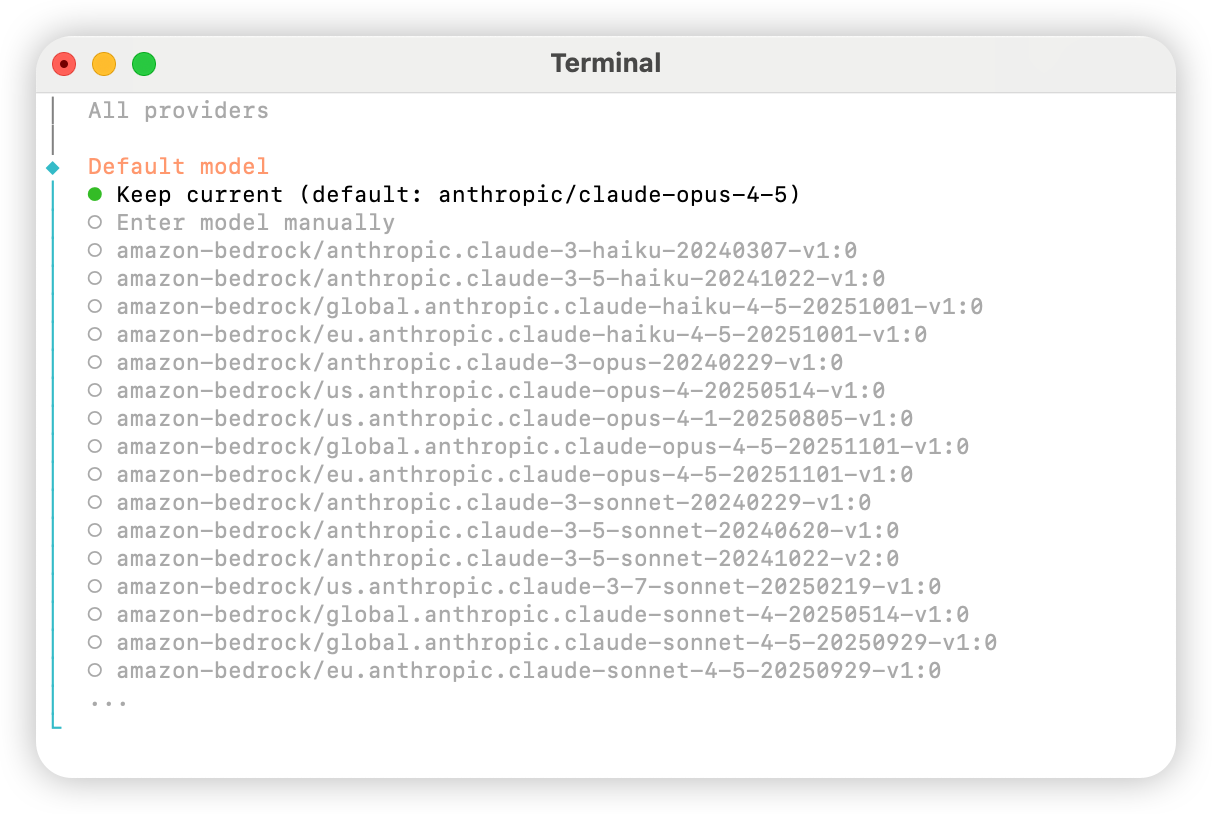
Skip for now を選びます。
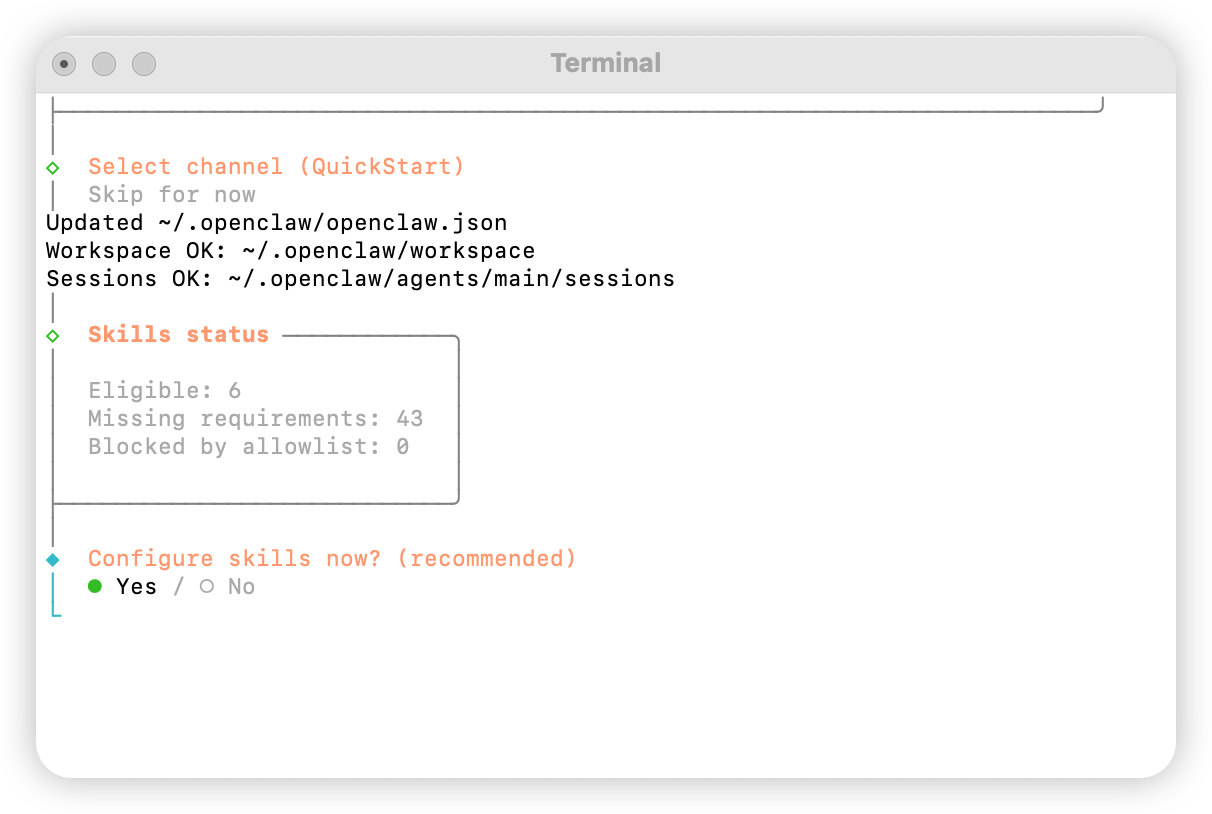
Yes を選びます。
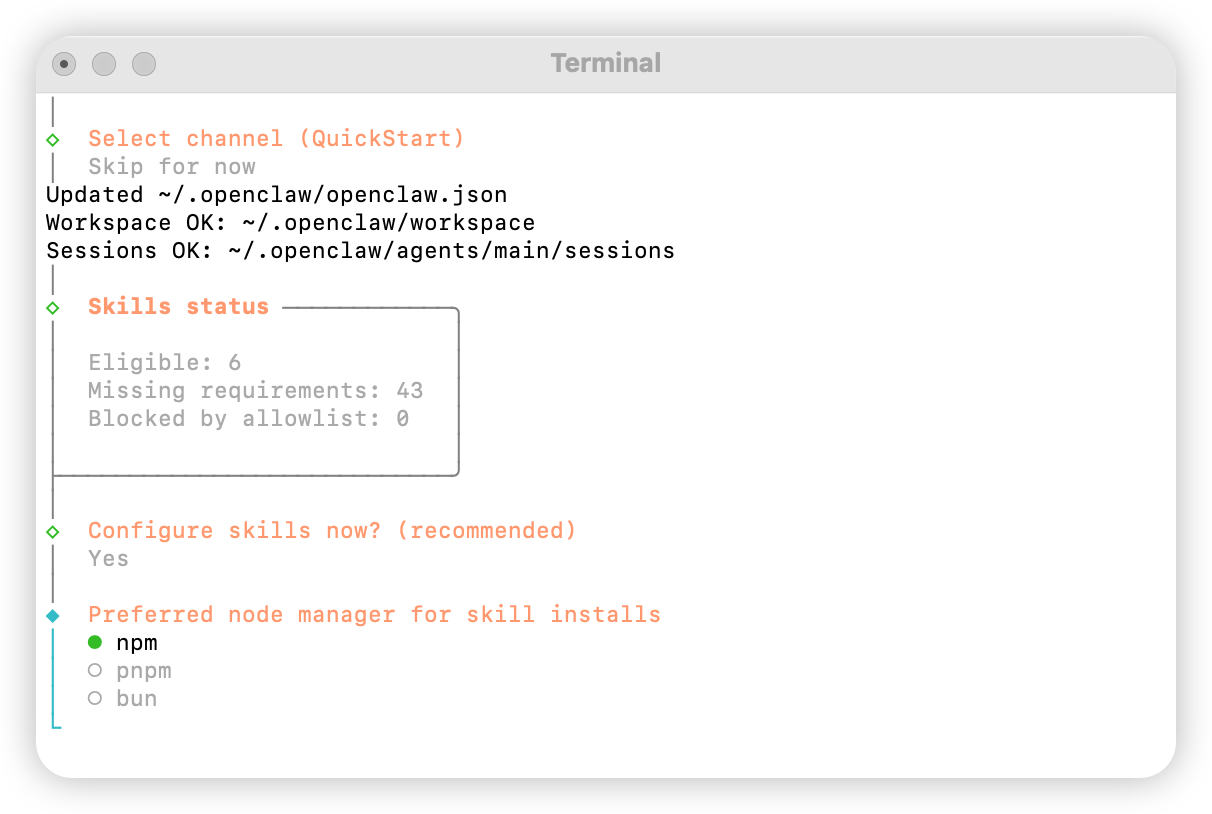
npm を選びます。
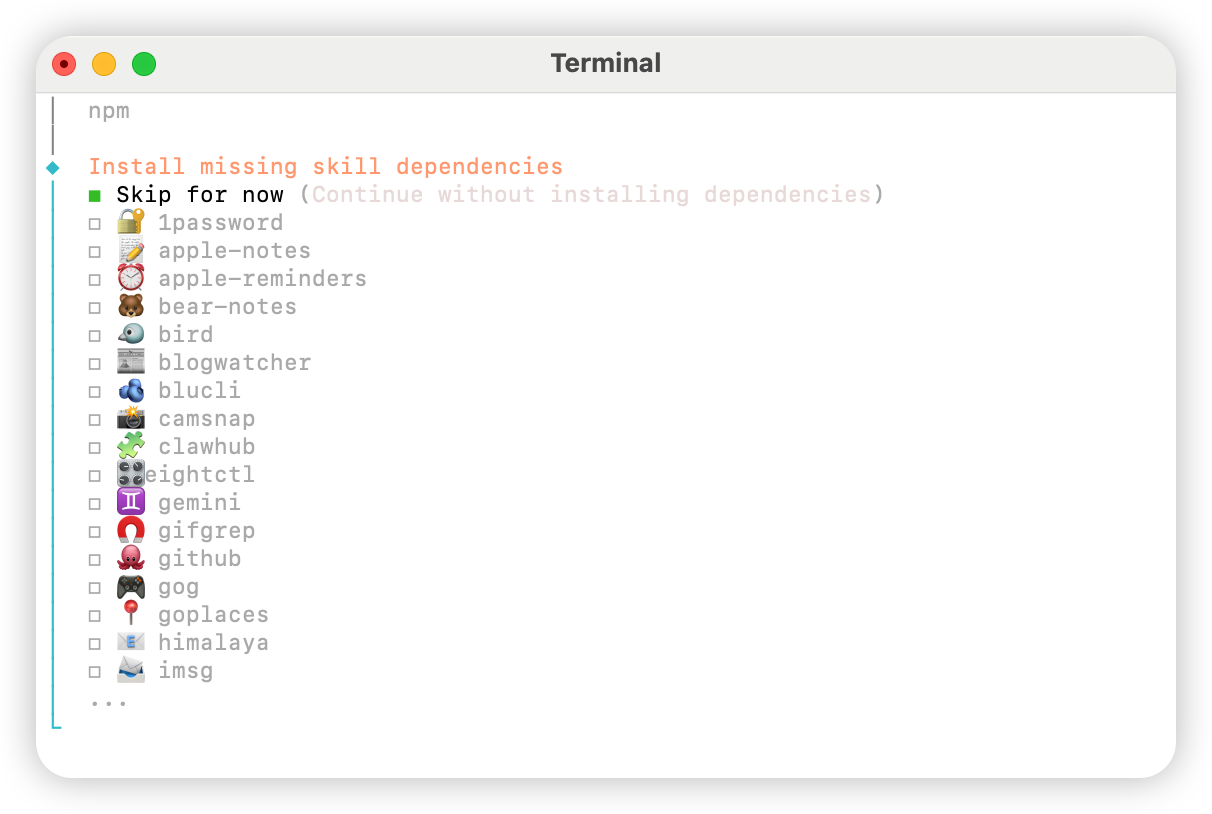
No を選びます。
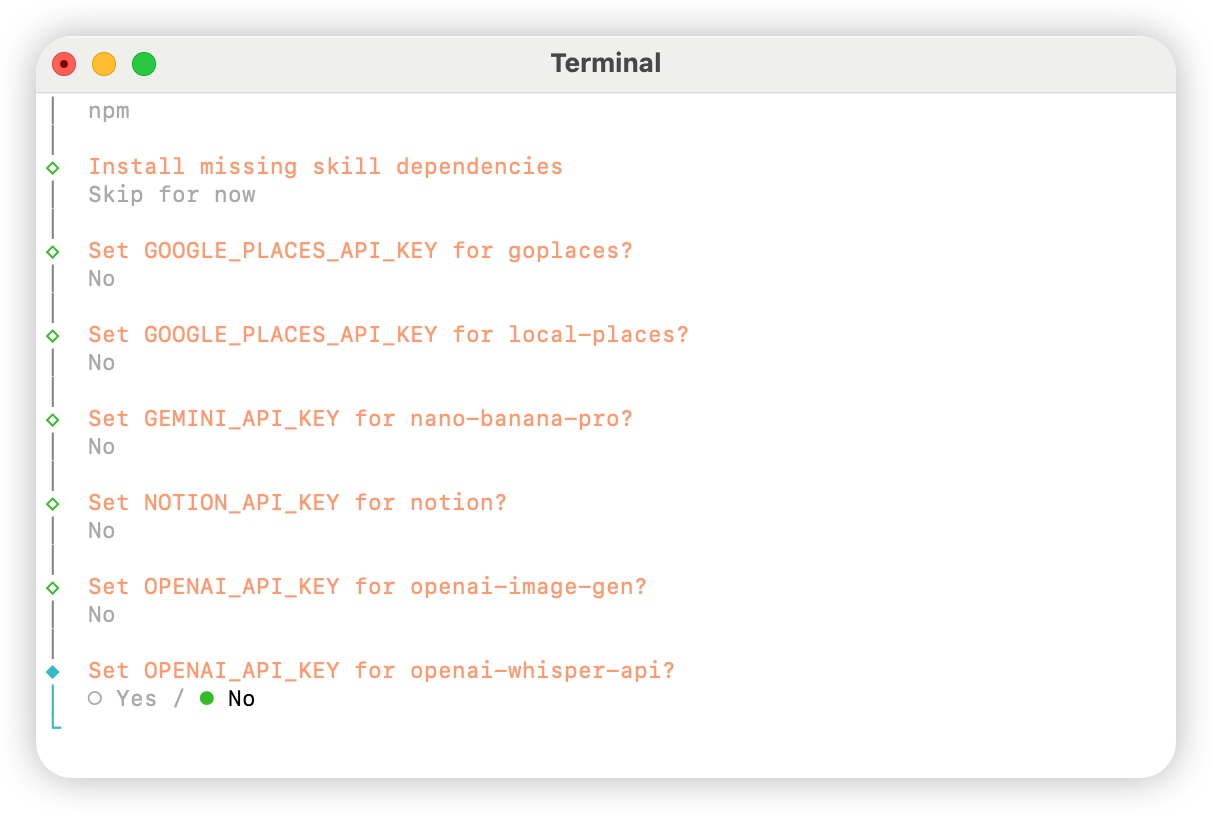
Skip for now を選びます。
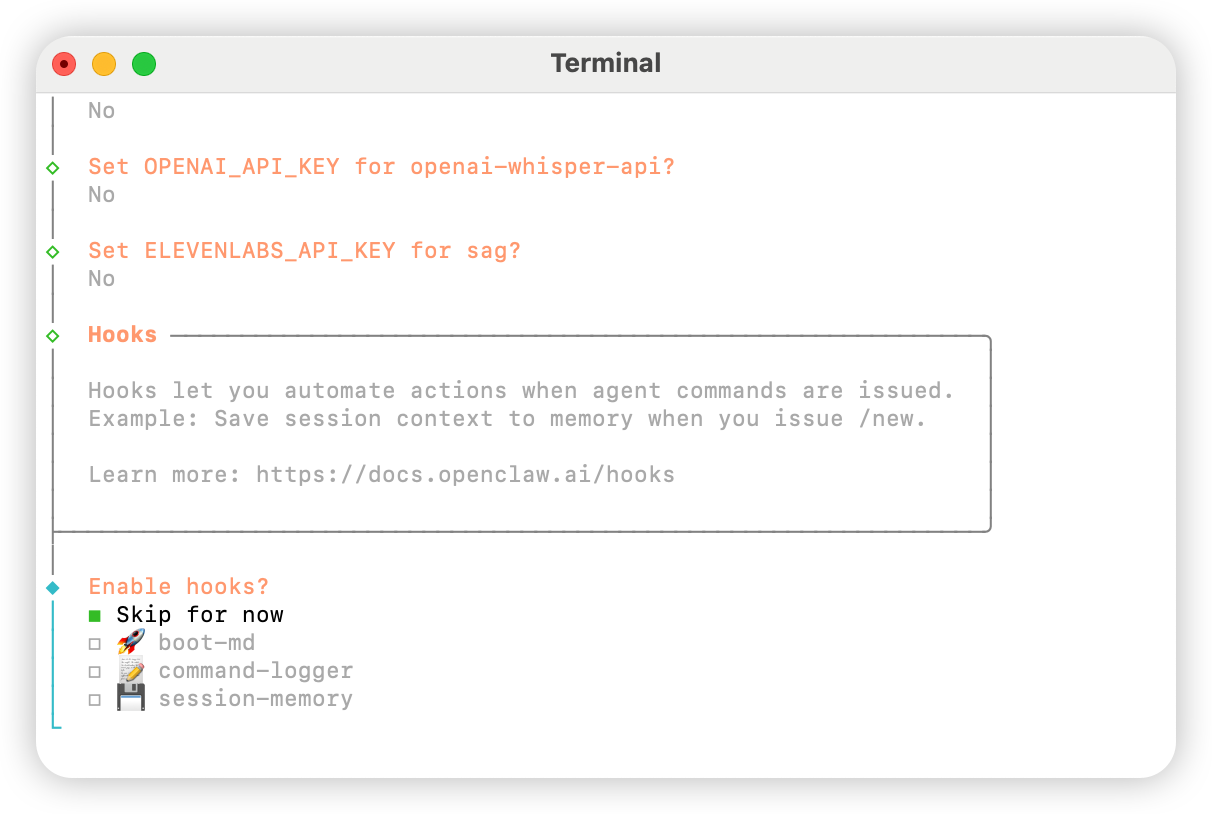
Hatch in UI を選びます。
AIHubMix の設定
方法 1:プラグインによるクイック設定(推奨)
プラグインのソースコード:aihubmix-auth
providerAuthAliases を使用して、同じキーをすべての transport で有効にします:
- aihubmix-openai —
gpt-*/o1-*/o3-*/o4-*,https://aihubmix.com/v1(openai-completions) - aihubmix-anthropic —
claude-*,https://aihubmix.com(anthropic-messages) - aihubmix-google —
gemini-*,https://aihubmix.com/gemini/v1beta(google-generative-ai) - aihubmix-other — その他のモデル,
https://aihubmix.com/v1(openai-completions)
claude-sonnet-4-5)は、プラグインの resolveDynamicModel フックによって自動的に正しい transport にルーティングされます — 完全な provider/model を書く必要はありません。
インタラクティブなログインをスキップしたい場合:インストール前に設定が完了したら、起動 セクションに進んで使用を開始してください。export AIHUBMIX_API_KEY=sk-...を設定してください — プラグインはキーを provider 設定のインラインapiKeyとして書き込みます(インタラクティブなログインは代わりに auth-profile に保存します)。
方法 2:手動設定
~/.openclaw/openclaw.json ファイルを開き、以下の設定を追加します:
方法 3:動的モデルコマンドでデフォルトモデルを切り替える
AIHubMix の OpenClaw プラグインは動的モデルルーティングに対応しています。AIHubMix アカウントで利用可能なモデルであれば、provider/model-id 形式で呼び出せます。実際に利用できるモデルは、AIHubMix コンソールと API の応答を基準にしてください。
よく使う provider の選び方は次の通りです。
aihubmix-openai:OpenAI 互換モデル。例:gpt-*、o1-*、o3-*、o4-*aihubmix-anthropic:Claude モデル。例:claude-*aihubmix-google:Gemini モデル。例:gemini-*aihubmix-other:OpenAI 互換エンドポイント経由で呼び出すその他のモデル。例:glm-5.2
gpt-5.4 を OpenClaw のデフォルトモデルに設定します。
openclaw が見つからない場合は、ローカルパスの形式で実行します。
aihubmix-other を使います。例:
起動
テスト
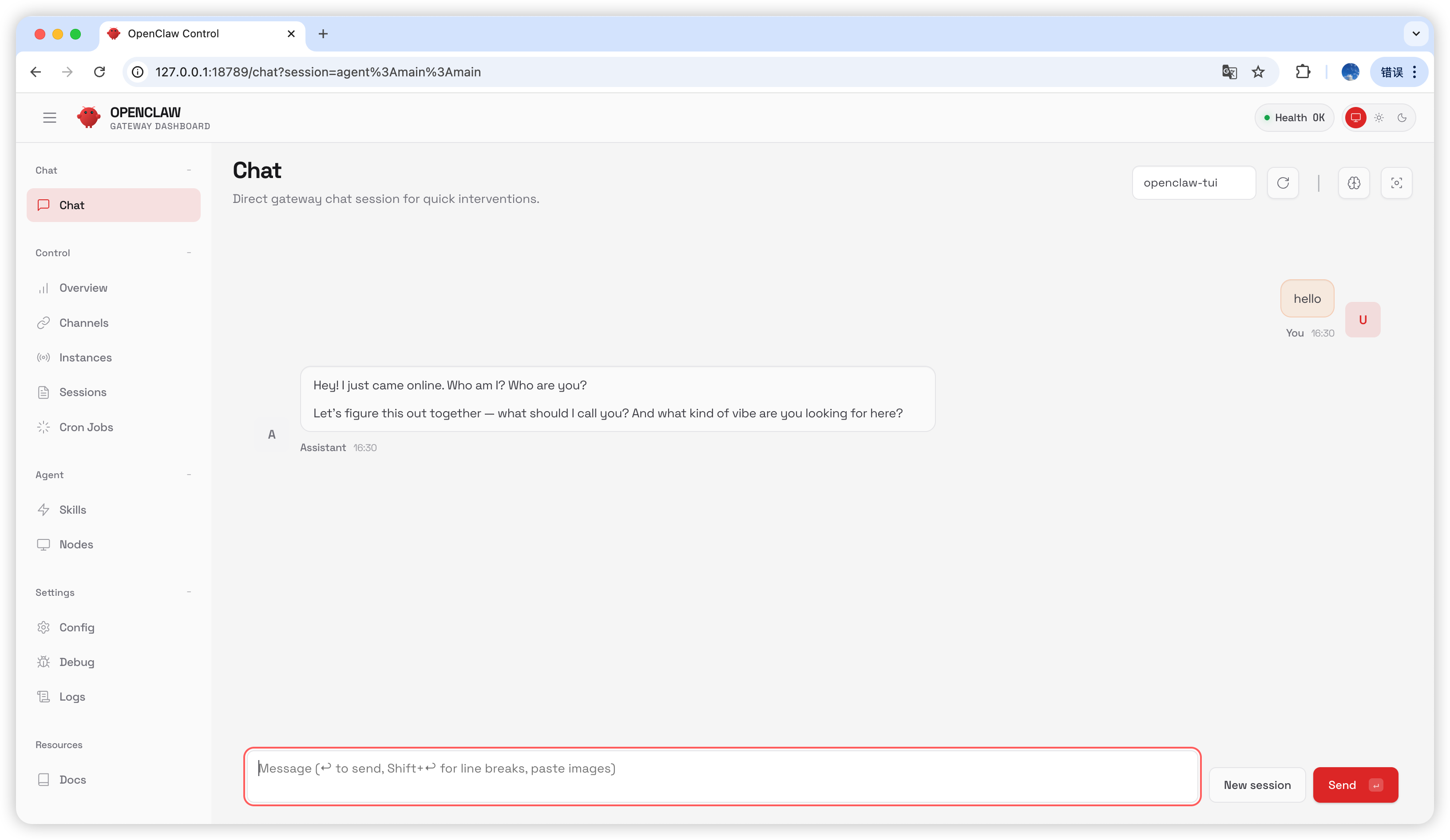
チャットページでhello と入力します。返信があれば設定は成功です。
よくある質問
バージョンアップグレード
Gateway プロセスが使用中の場合
最終更新日:2026-07-03