

准备工作
- 安装并打开 Obsidian。
- 在 AIHubMix 控制台 创建 API Key。
安装 Text Generator
1. 开启社区插件
点击 Obsidian 左下角的设置按钮。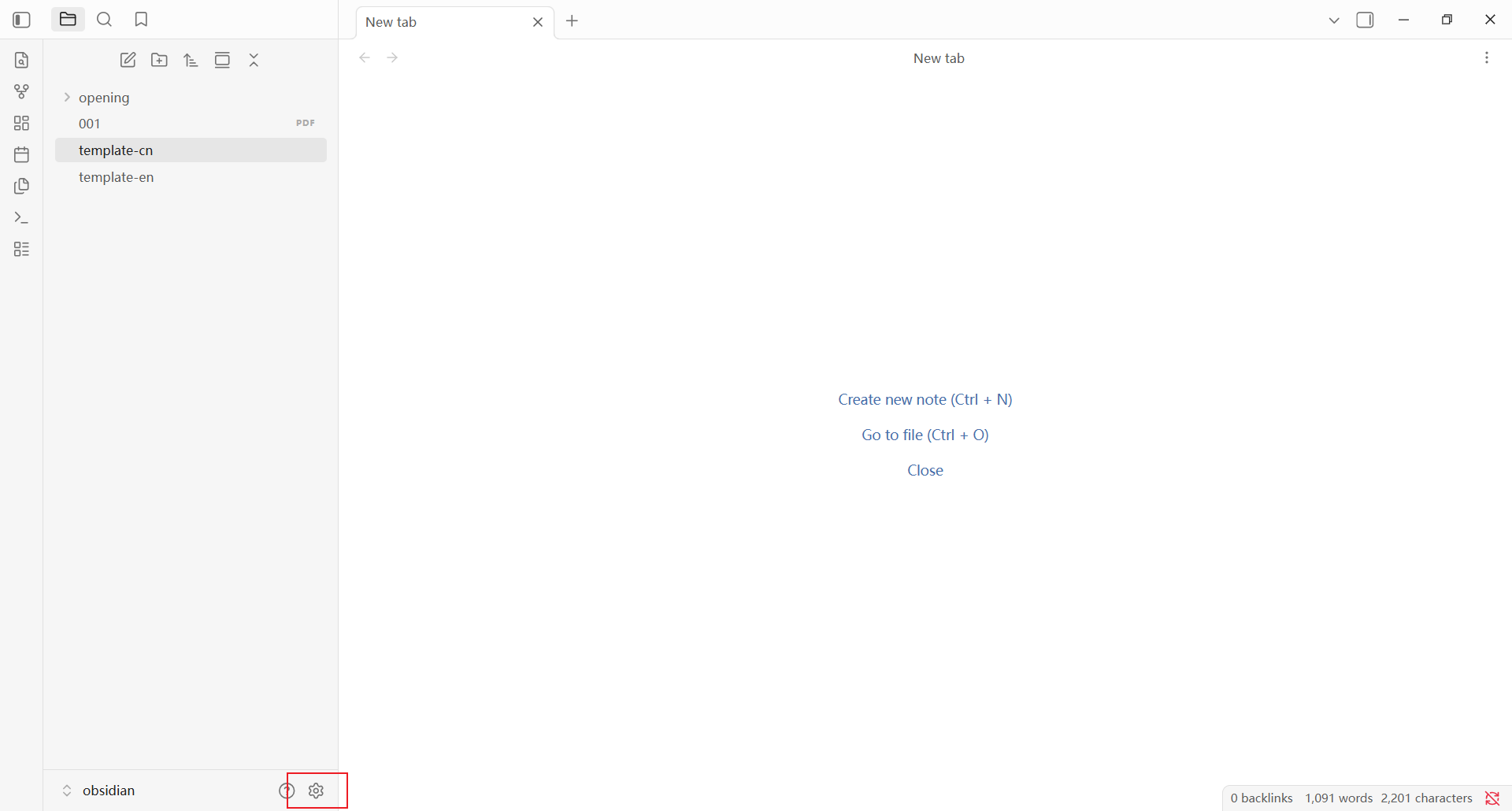
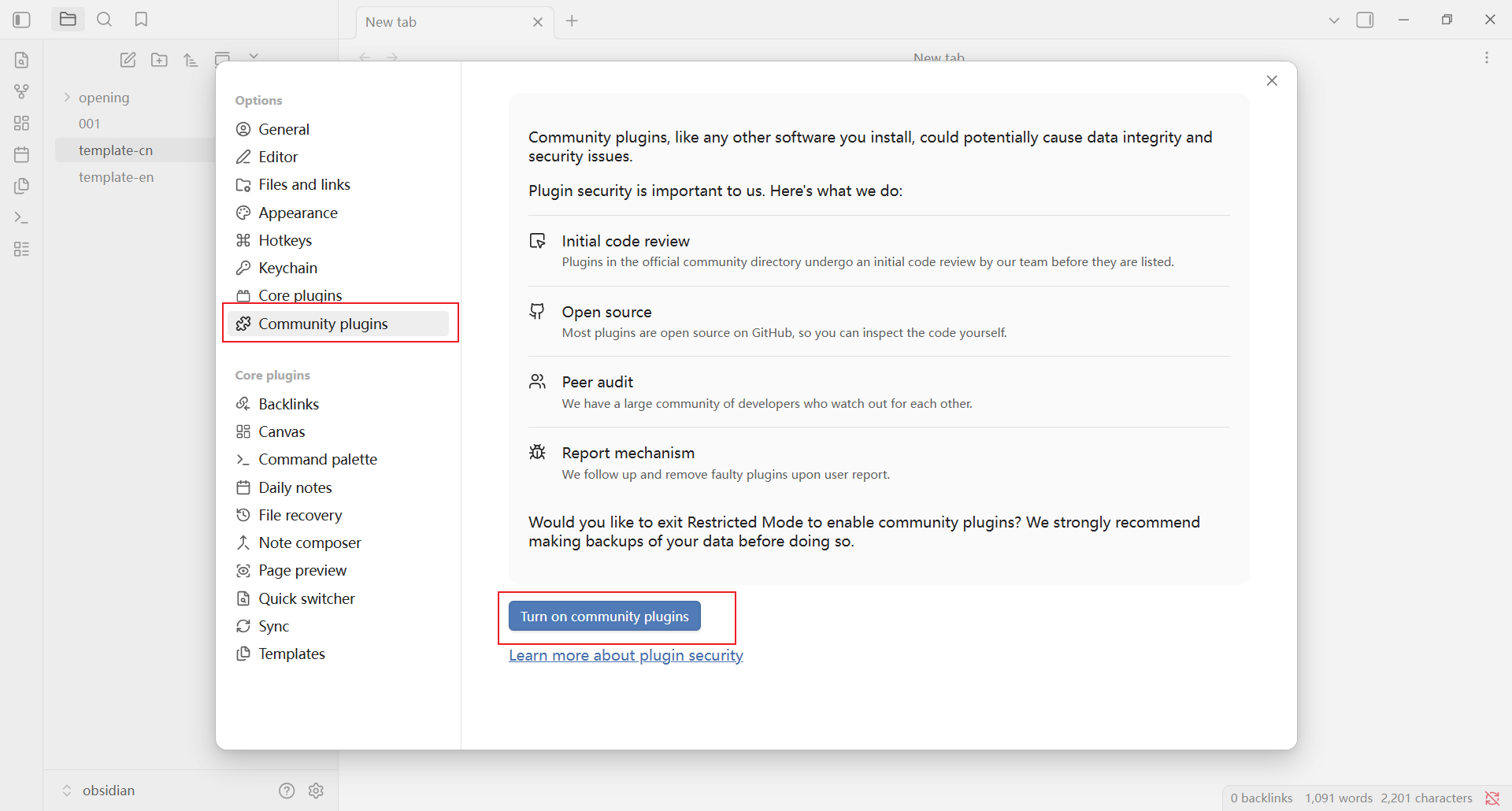
2. 安装并启用插件
点击 Browse,进入社区插件市场。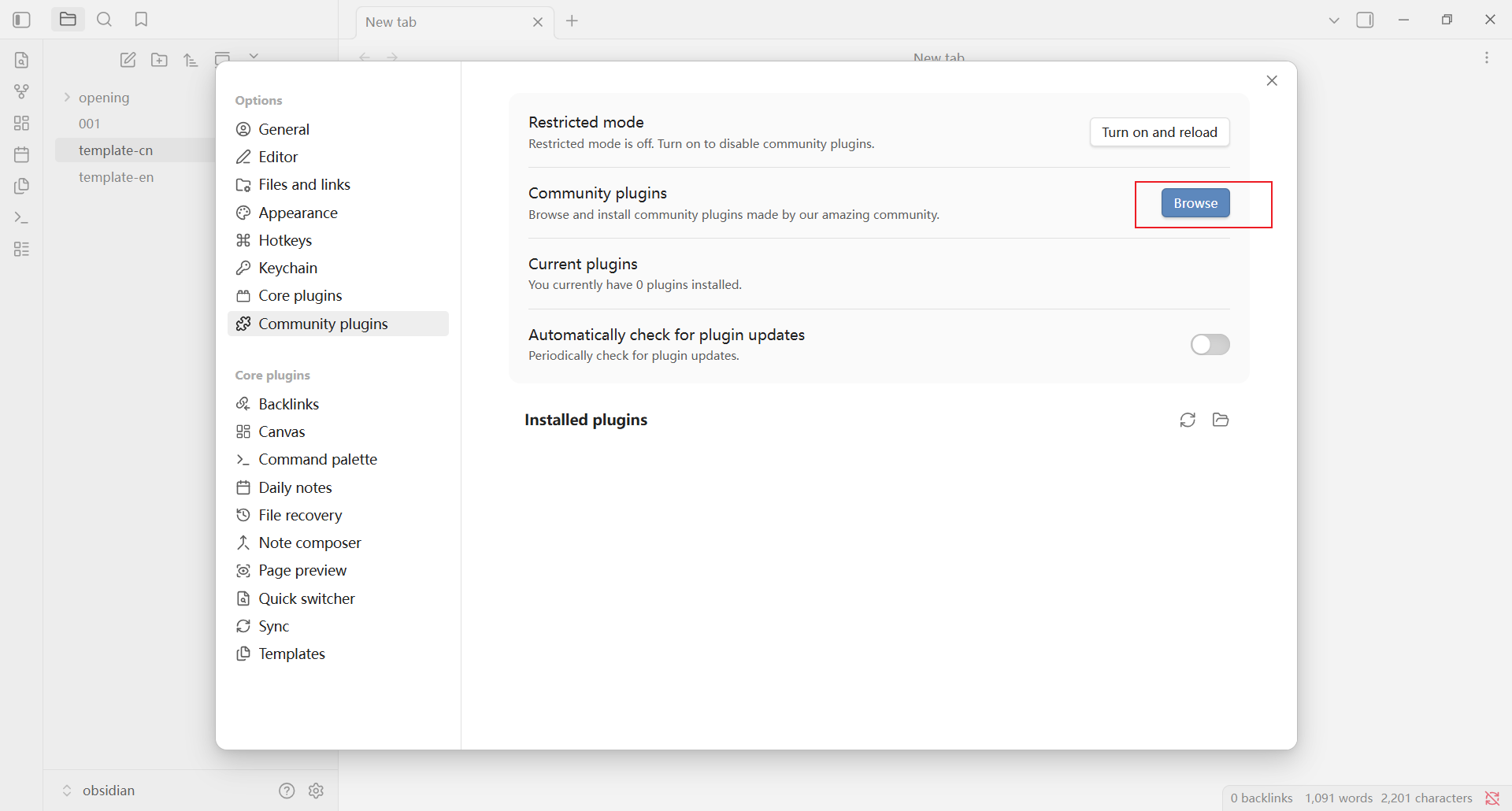
Text Generator,点击搜索结果中的 Text Generator。
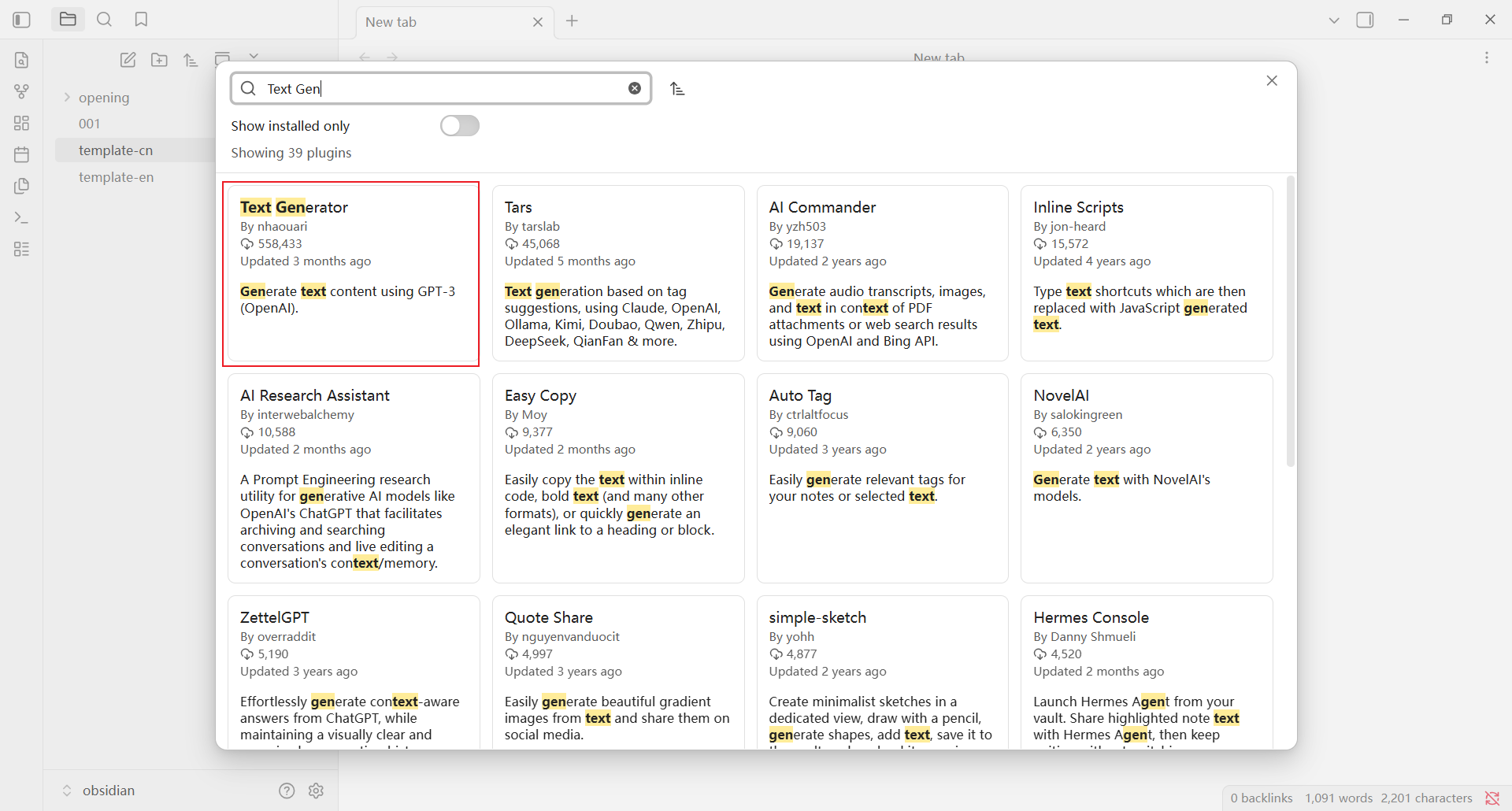
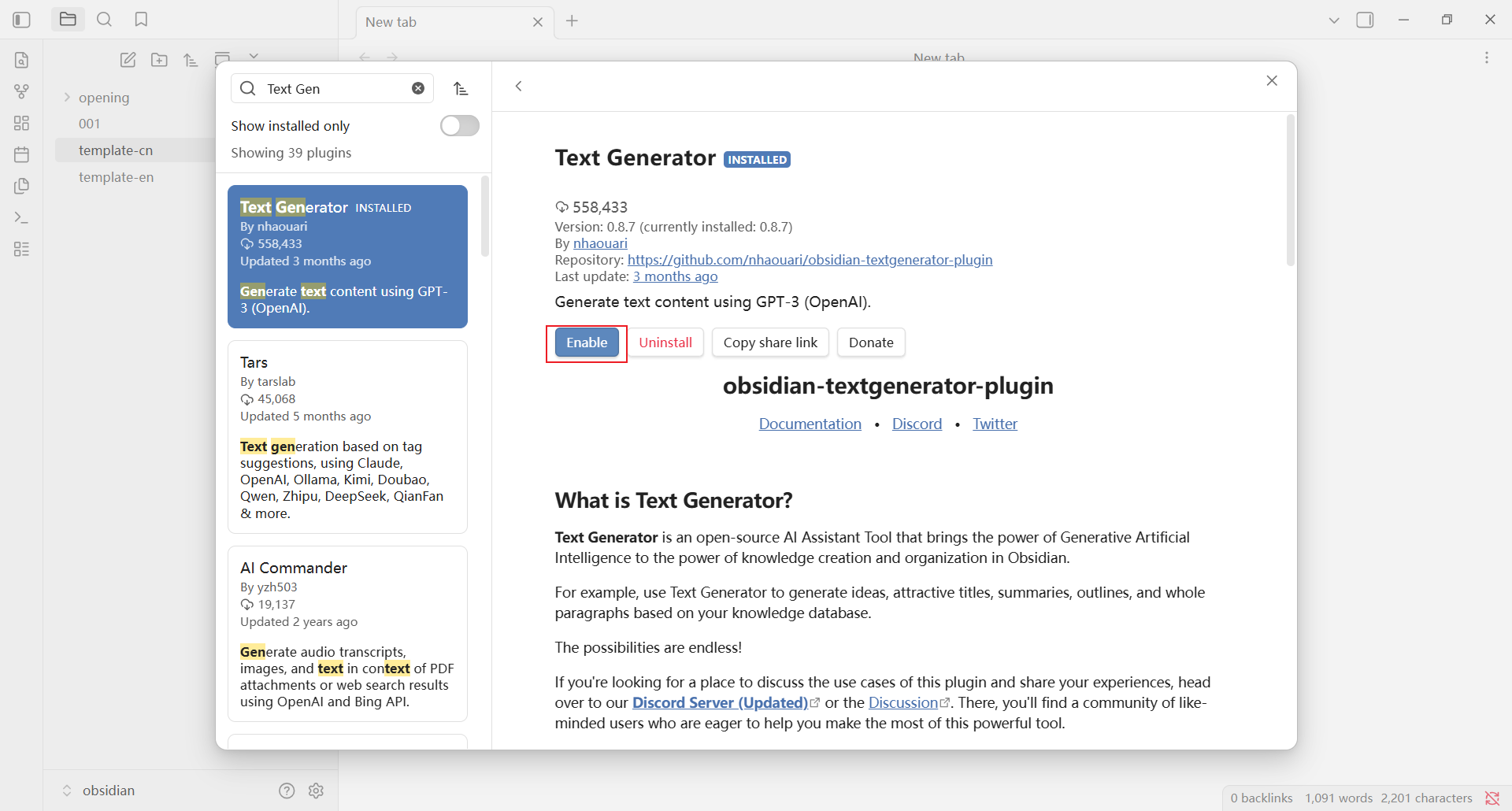
3. 打开插件设置
返回 Community plugins 页面,在已安装插件列表中找到 Text Generator,点击右侧的设置按钮。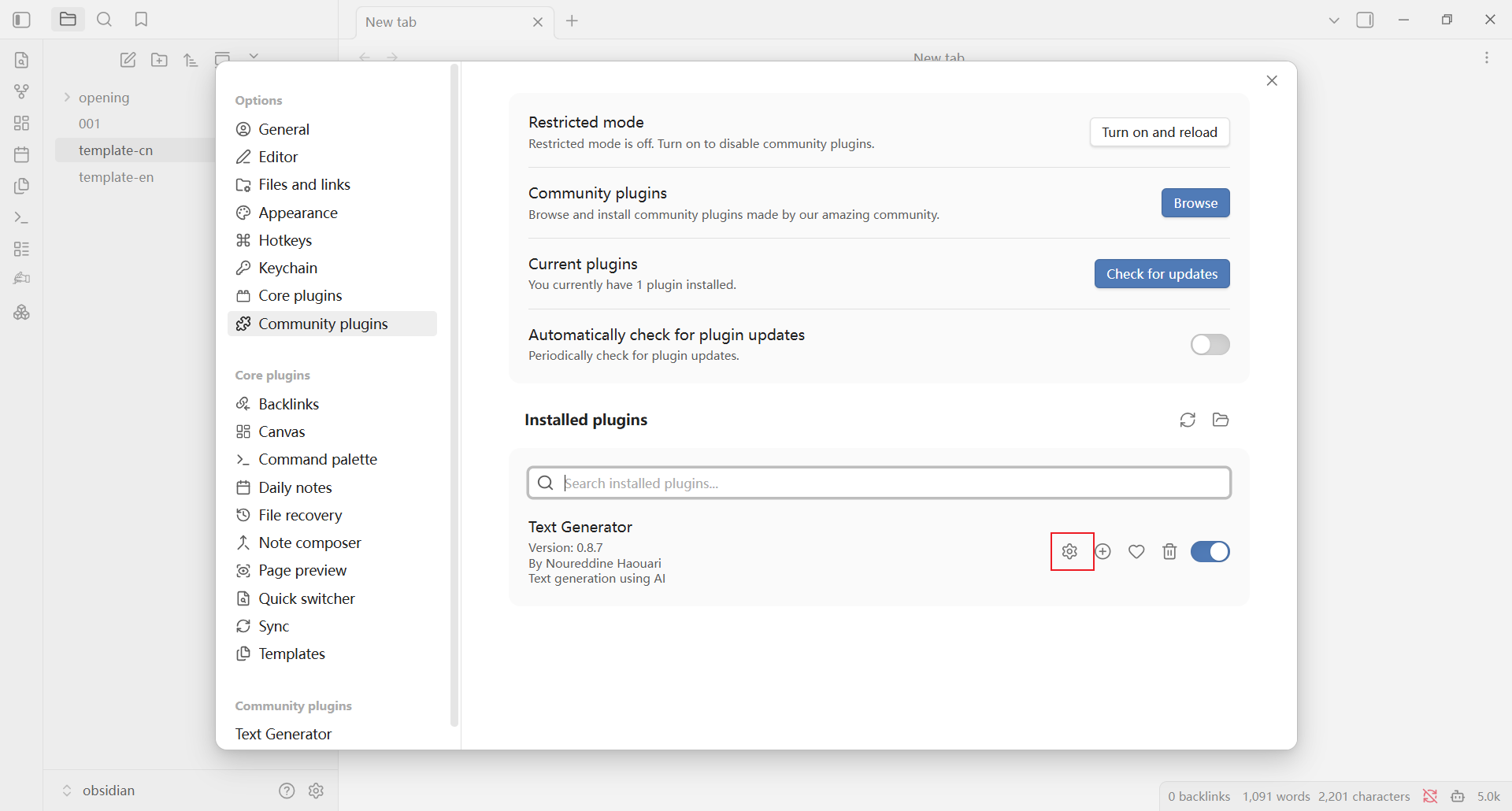
配置 AIHubMix
在 Text Generator 设置页面填写以下内容:- Provider Profile:选择
OpenAI Chat。 - API Key:填入在 AIHubMix 控制台创建的 API Key。
- Base Path:填
https://aihubmix.com/v1。主地址暂时不可用时,使用备用地址https://api.inferera.com/v1。 - Model:填写 AIHubMix 支持的模型 ID,可在 模型列表 中查询。
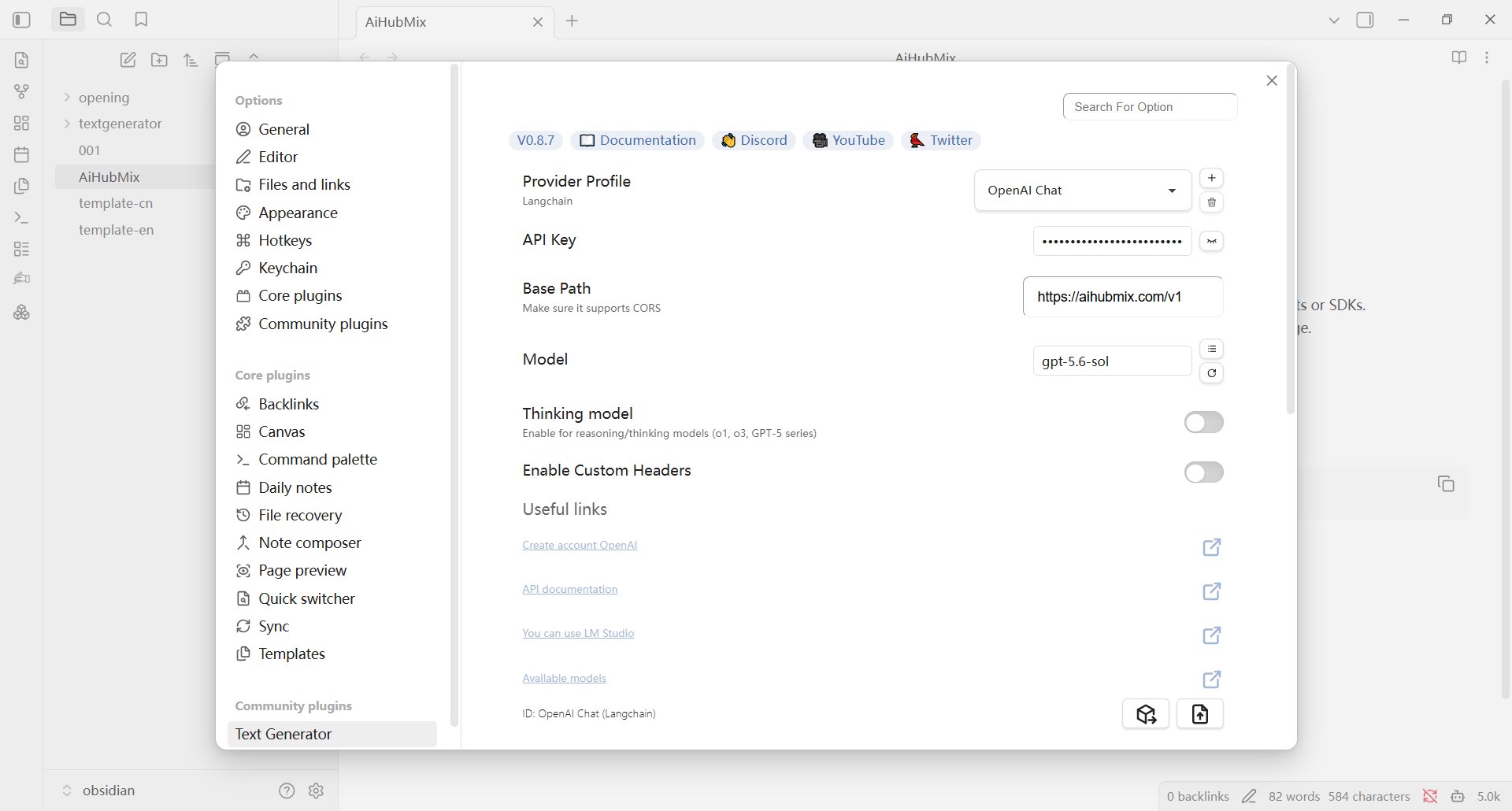
使用 Text Generator
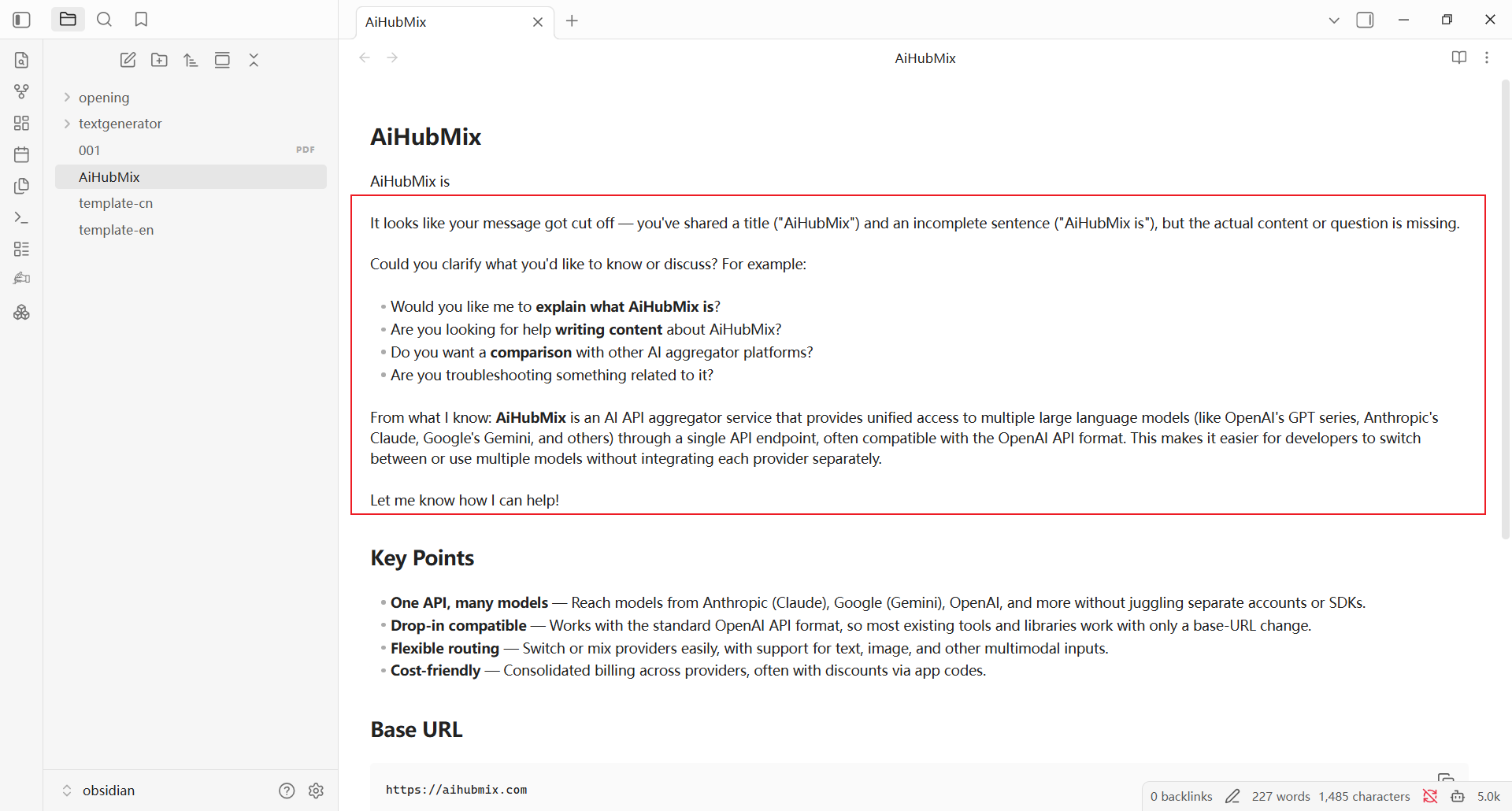
在笔记中输入并选中需要处理的文本,点击左侧工具栏的 Generate Text!。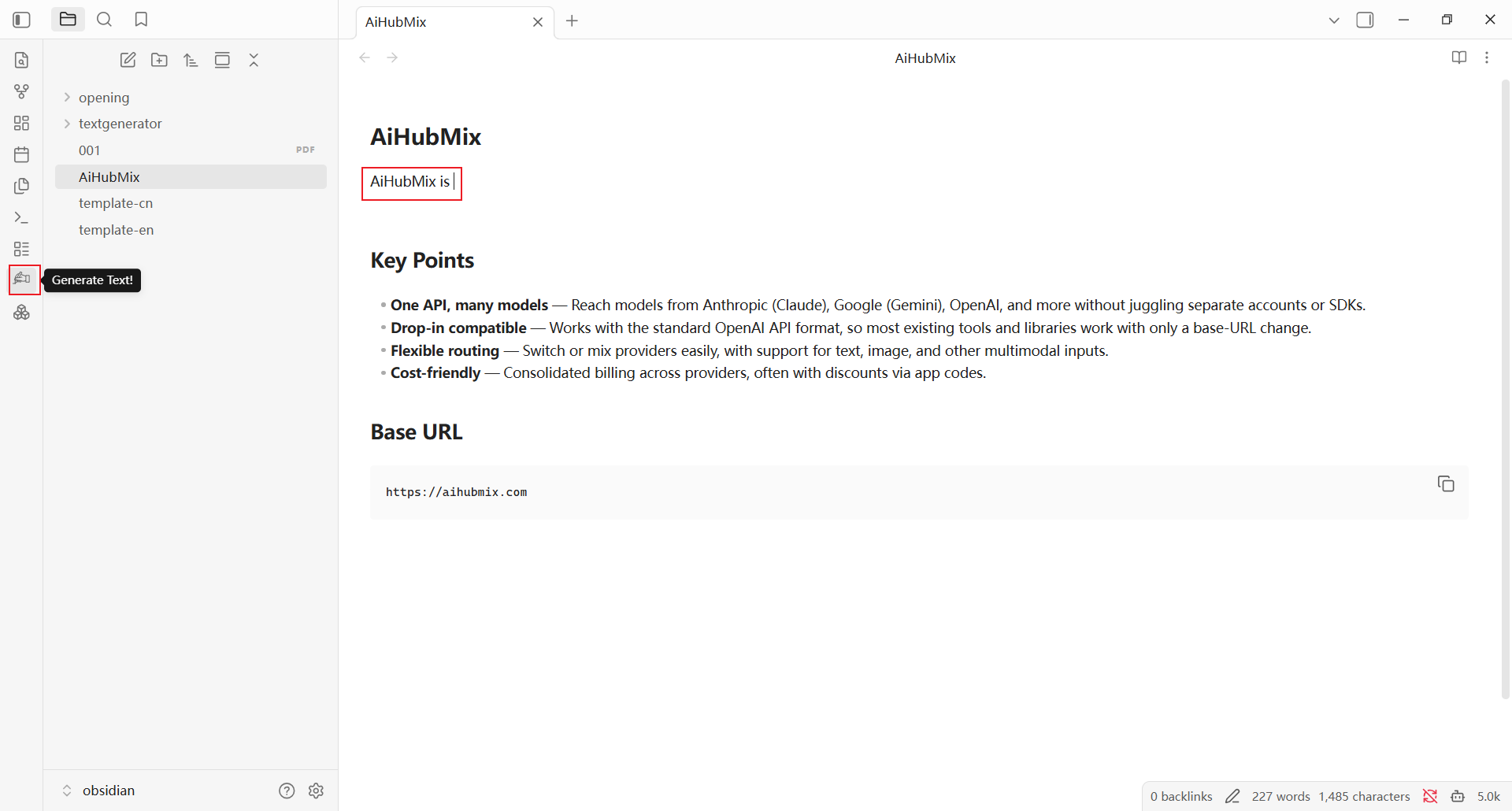
常见问题
左侧工具栏没有 Generate Text! 按钮怎么办? 返回 Community plugins 页面,确认 Text Generator 已安装并启用。 无法生成内容怎么办? 检查 API Key、Base Path 和模型 ID 是否填写正确。主地址暂时不可用时,将 Base Path 改为https://api.inferera.com/v1。
更新时间:2026-07-22