

설치
설치 전에 Node >= 22를 확인하세요.
openclaw를 인식한다면 이 가이드의 명령을 그대로 복사해 실행하면 됩니다.
openclaw를 찾을 수 없다고 표시되면 명령 앞부분의 openclaw를 로컬 실행 파일 경로로 바꾸세요.
설치경로는 자리표시자입니다. 실제로 OpenClaw를 설치한 상위 디렉터리로 바꾸세요. 예를 들어 OpenClaw가 D:\Apps\OpenClaw에 있다면 & "D:\Apps\OpenClaw\openclaw.cmd" models status로 실행합니다.터미널 구성
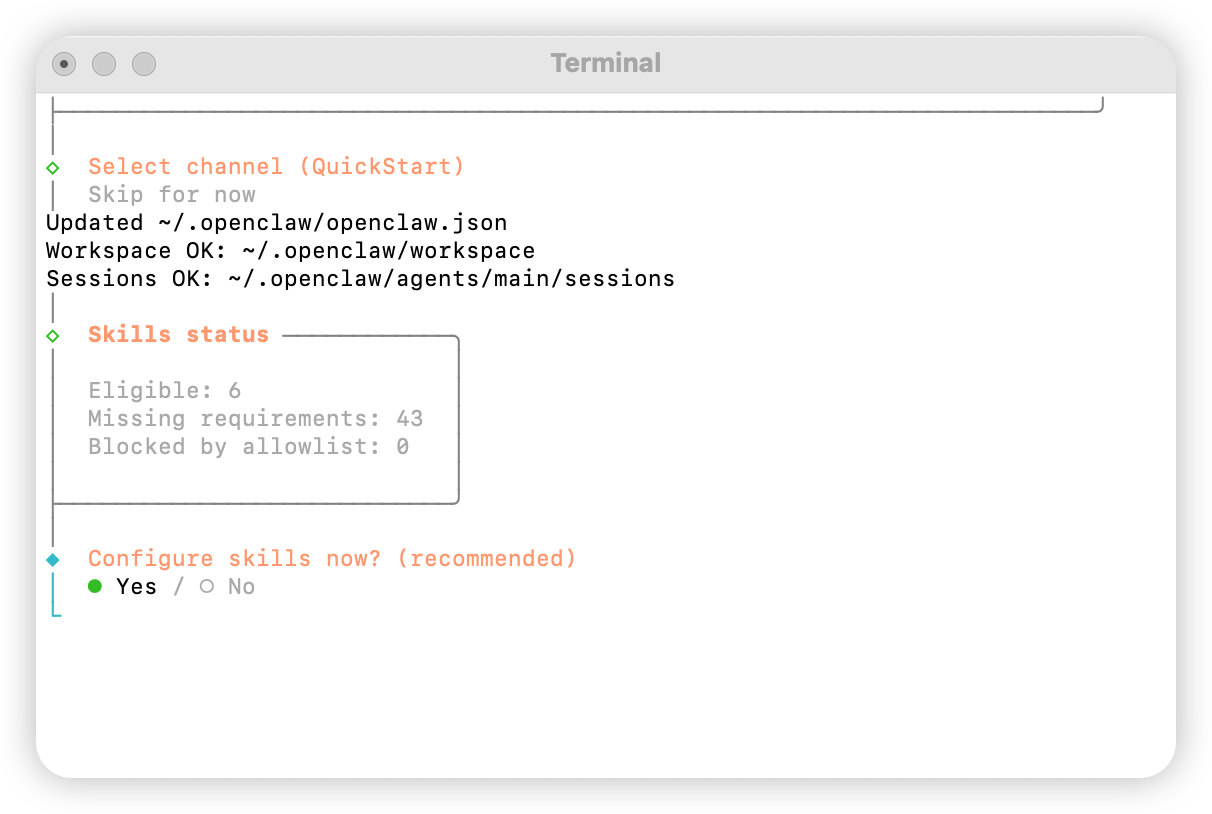
터미널을 열고 다음 명령을 실행하여 구성을 시작합니다Yes를 선택합니다
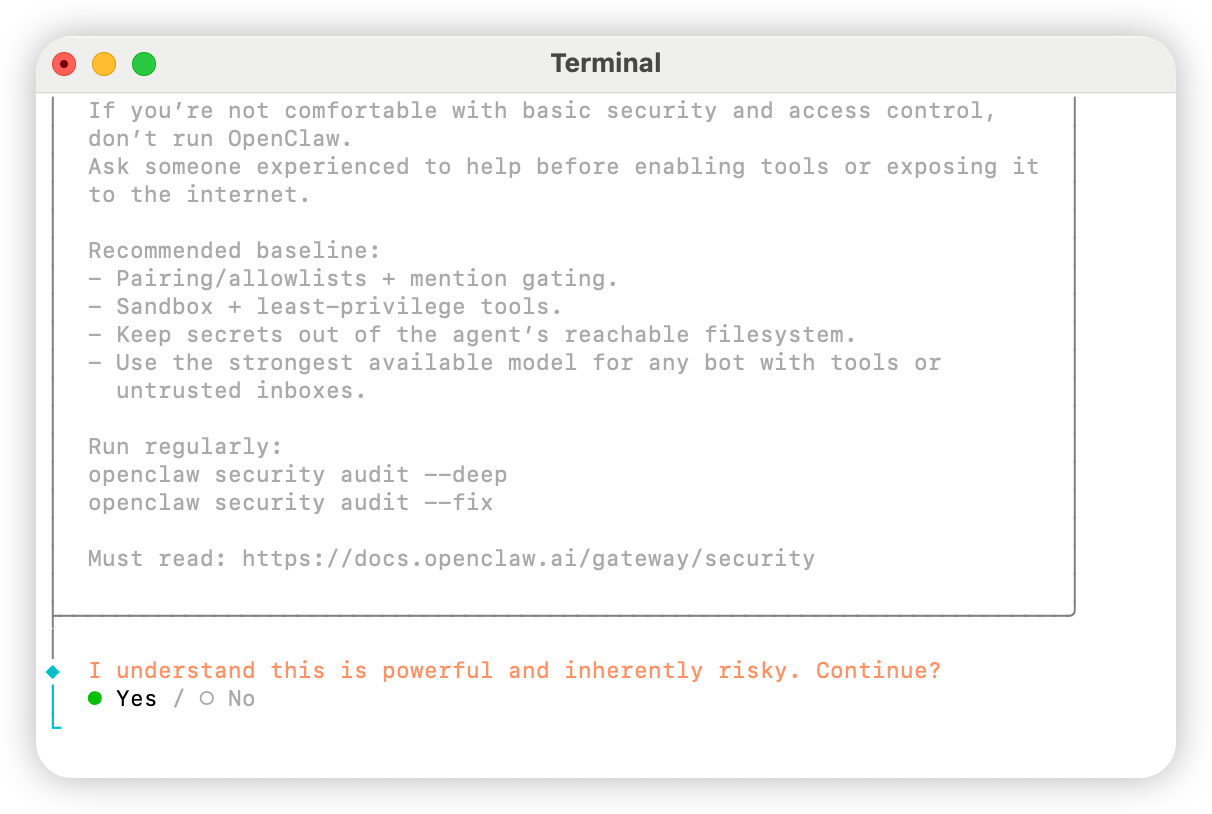
QuickStart를 선택합니다
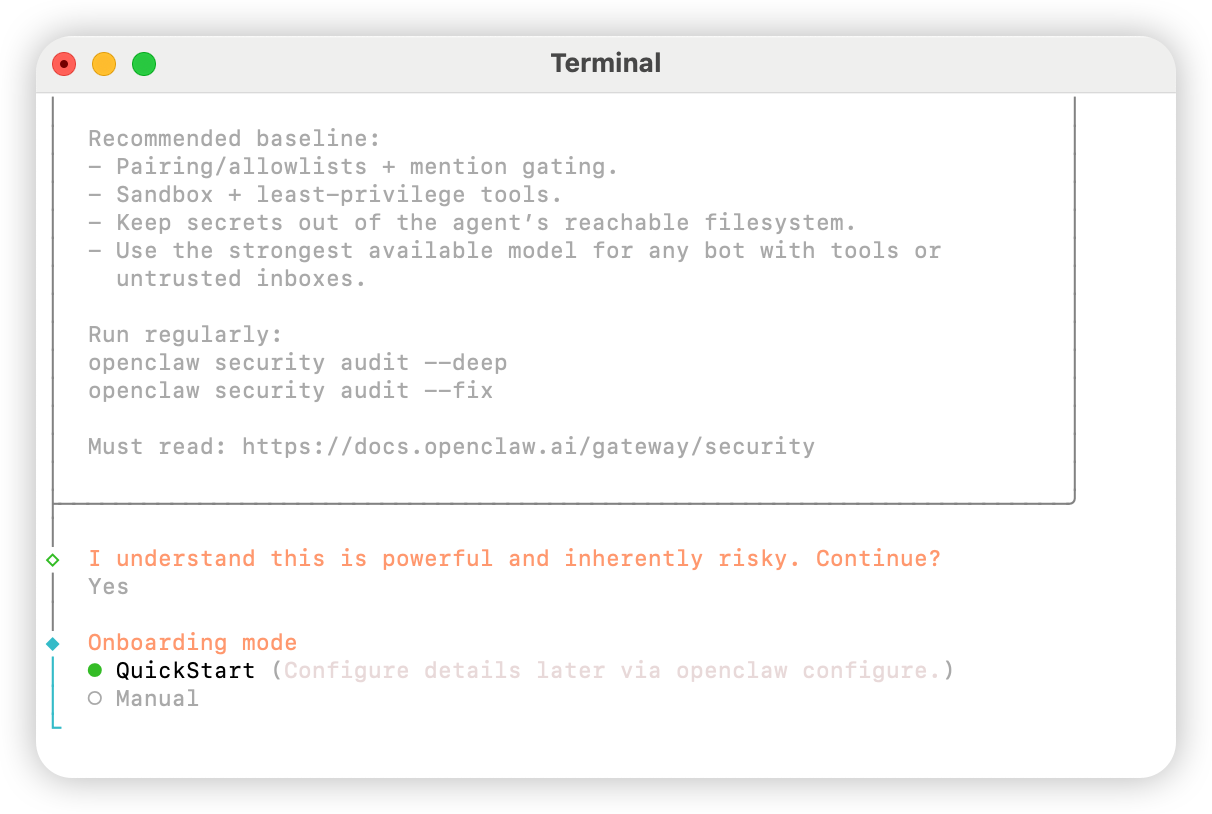
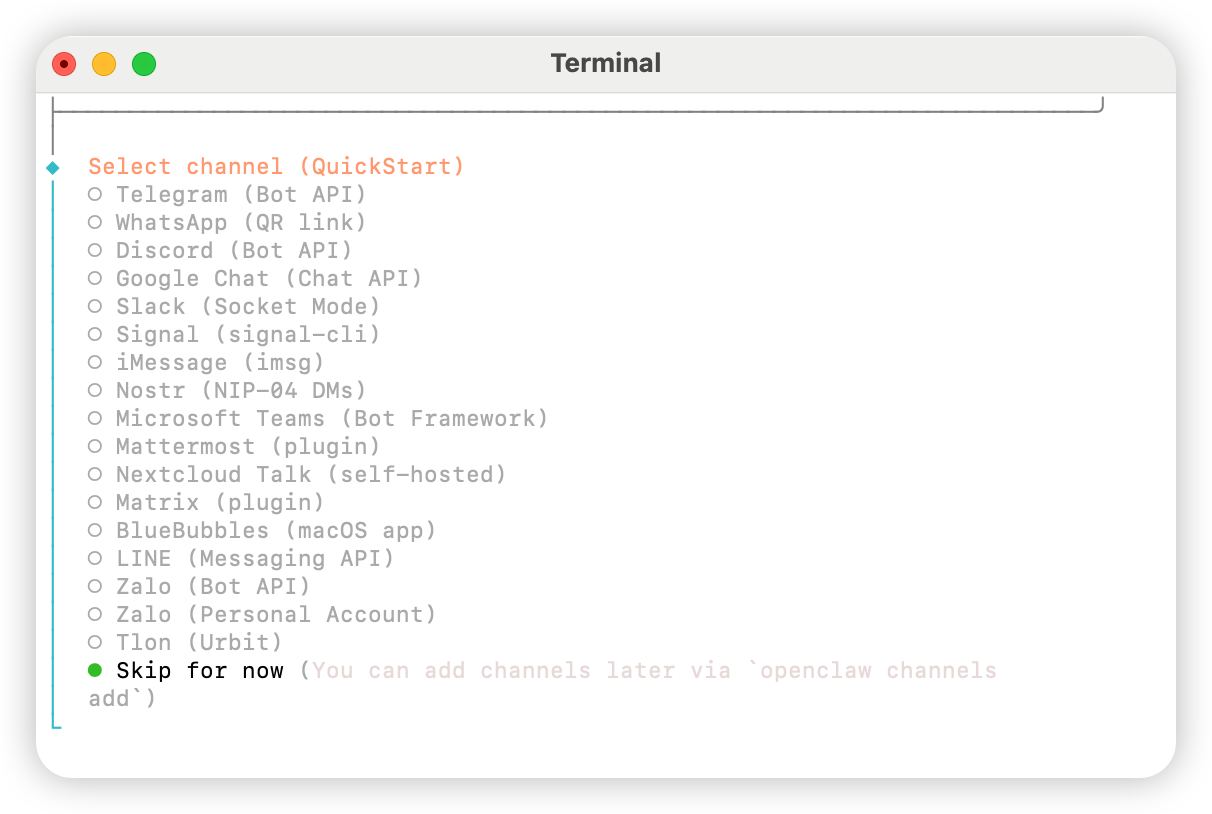
Skip for now를 선택합니다
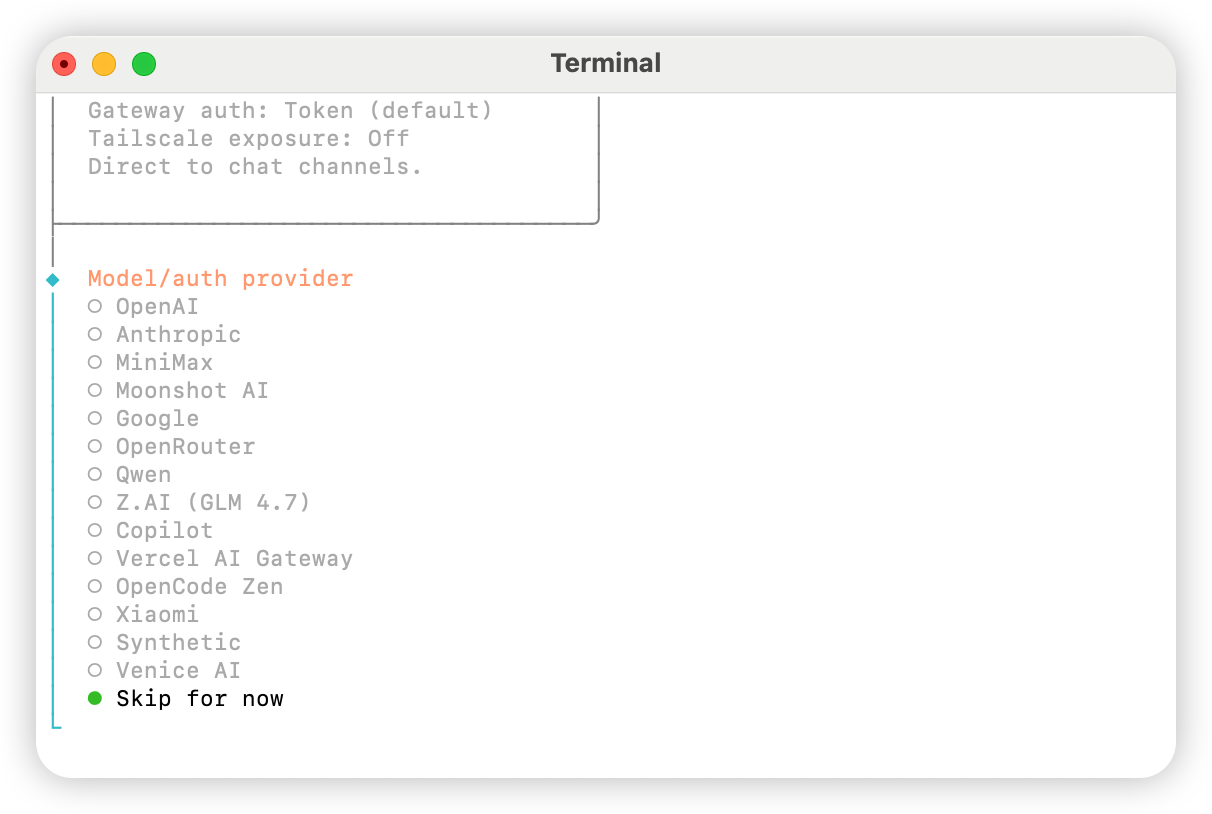
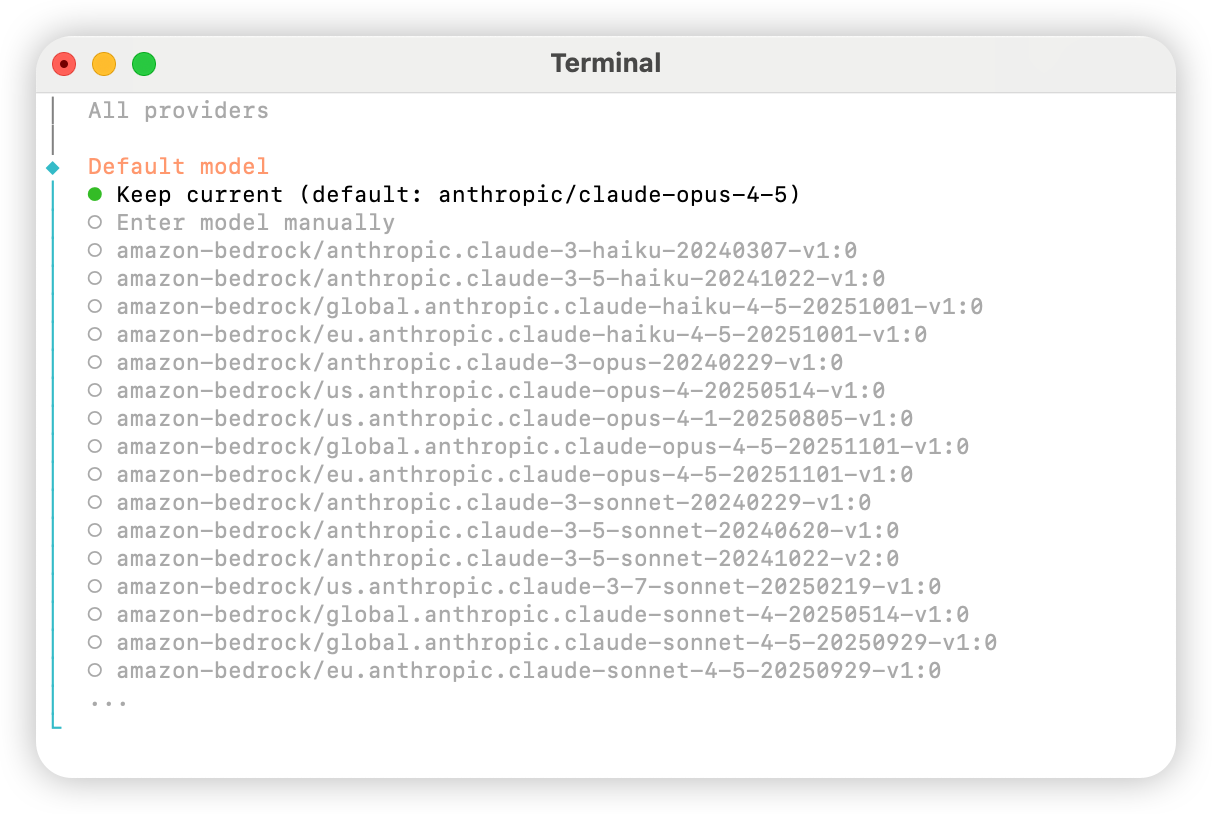
All providers를 선택합니다
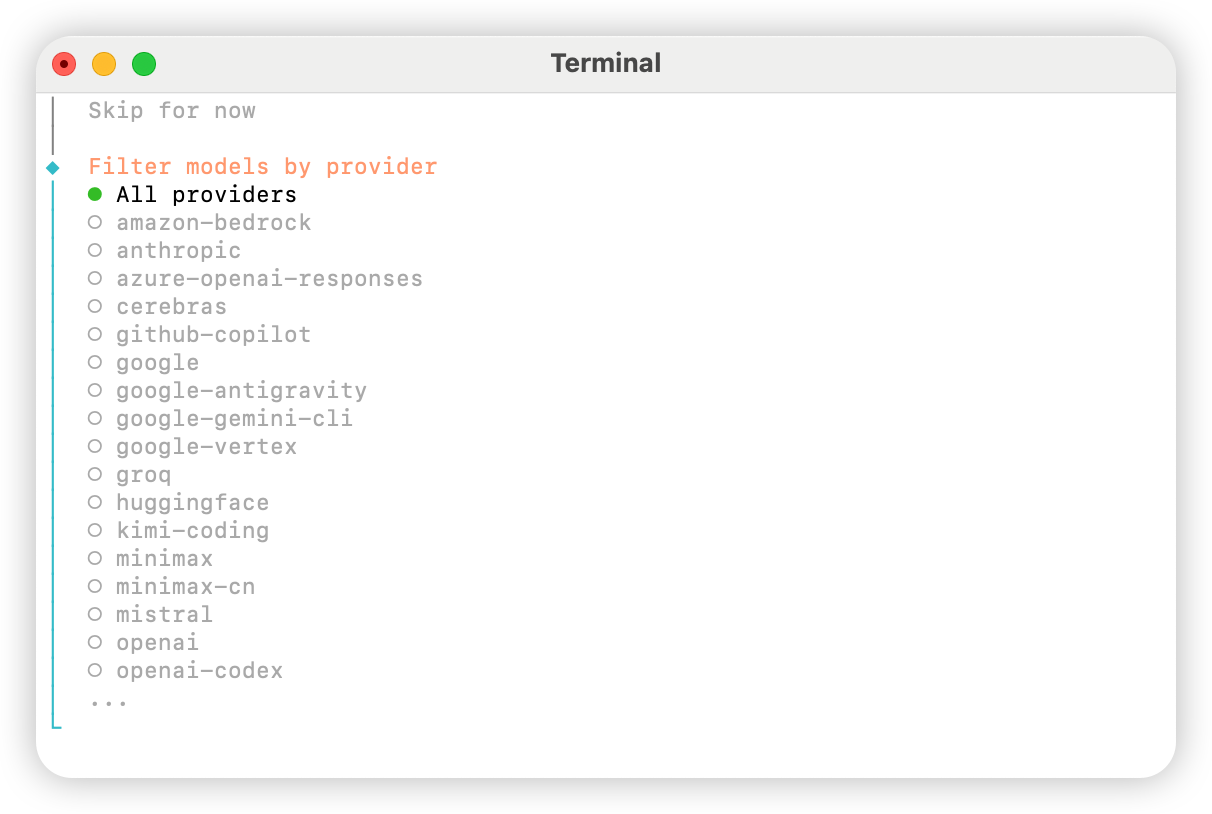
Keep current를 선택해도 됩니다(「방법 2: 수동 구성」을 사용하는 경우, 다음 단계에서 구성 파일에서 수정할 수 있습니다).
Skip for now를 선택하세요.
Yes를 선택하여 스킬을 구성합니다.
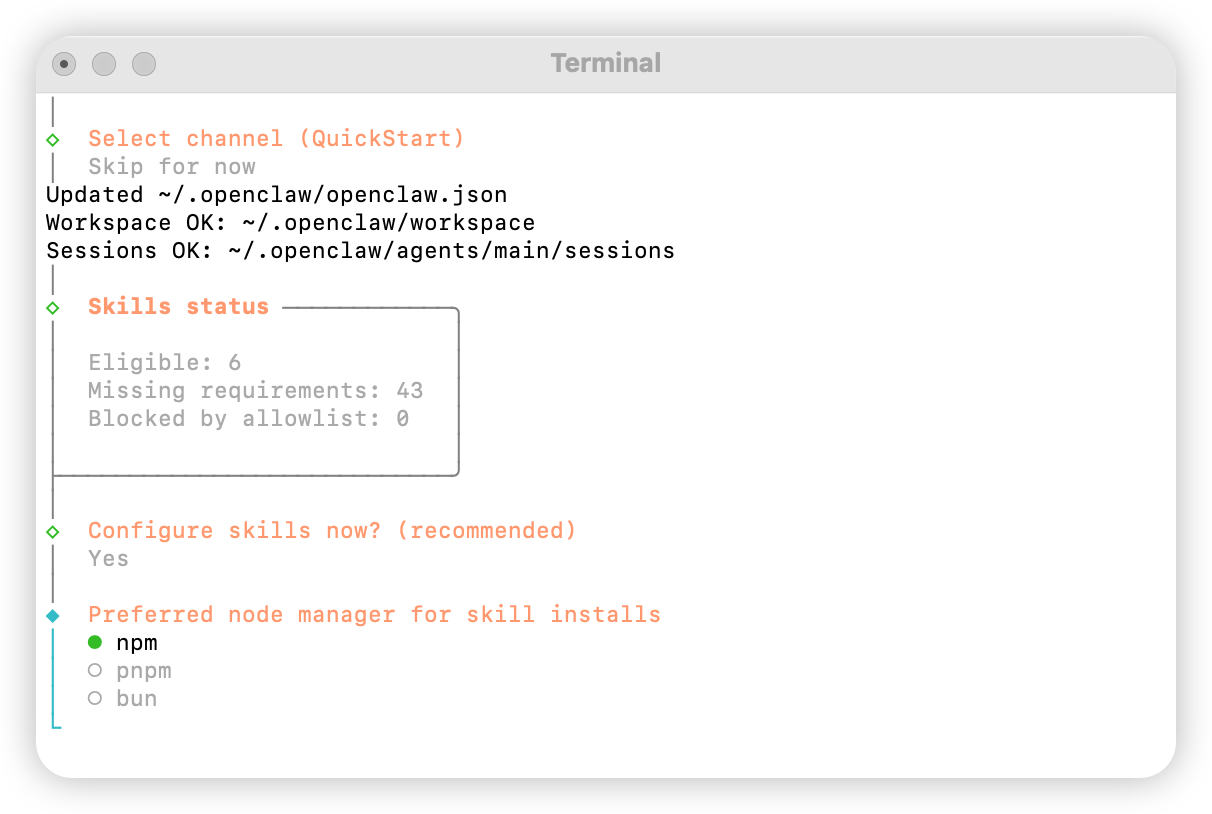
npm을 선택합니다
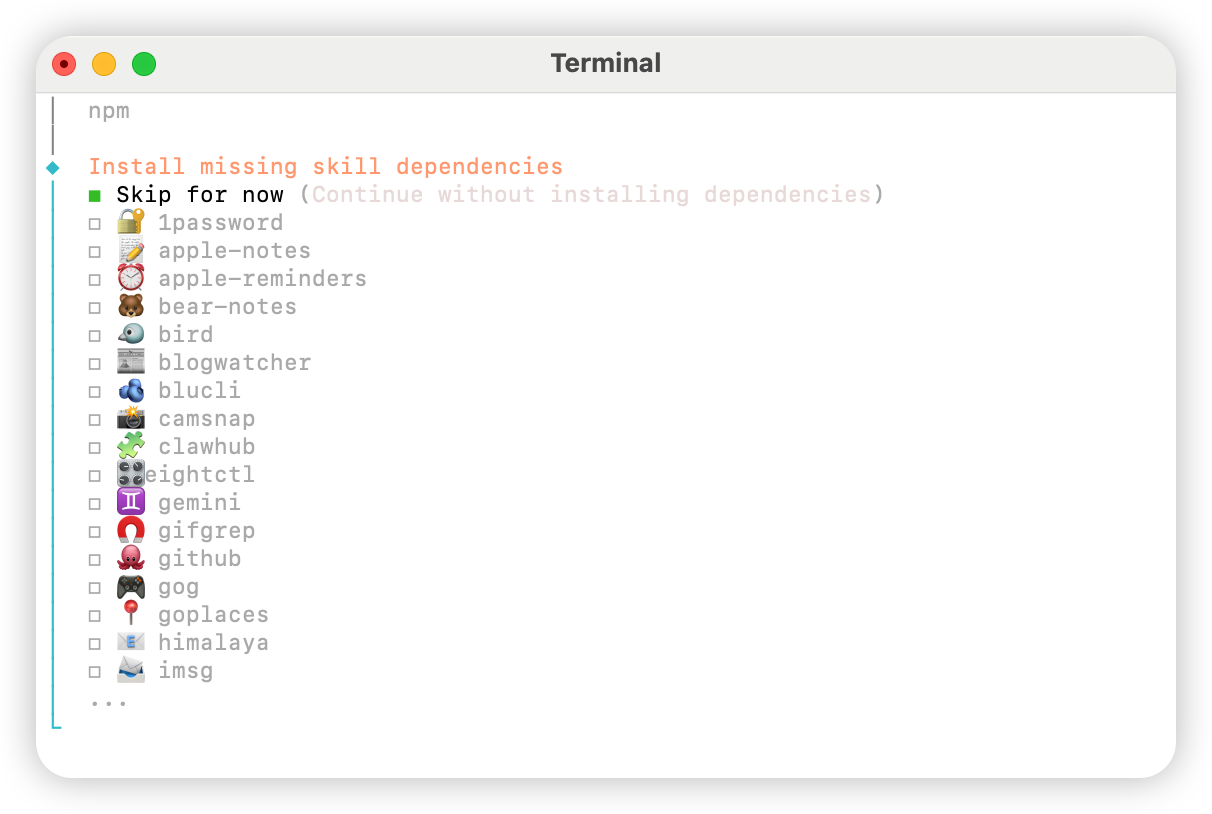
No를 선택합니다.
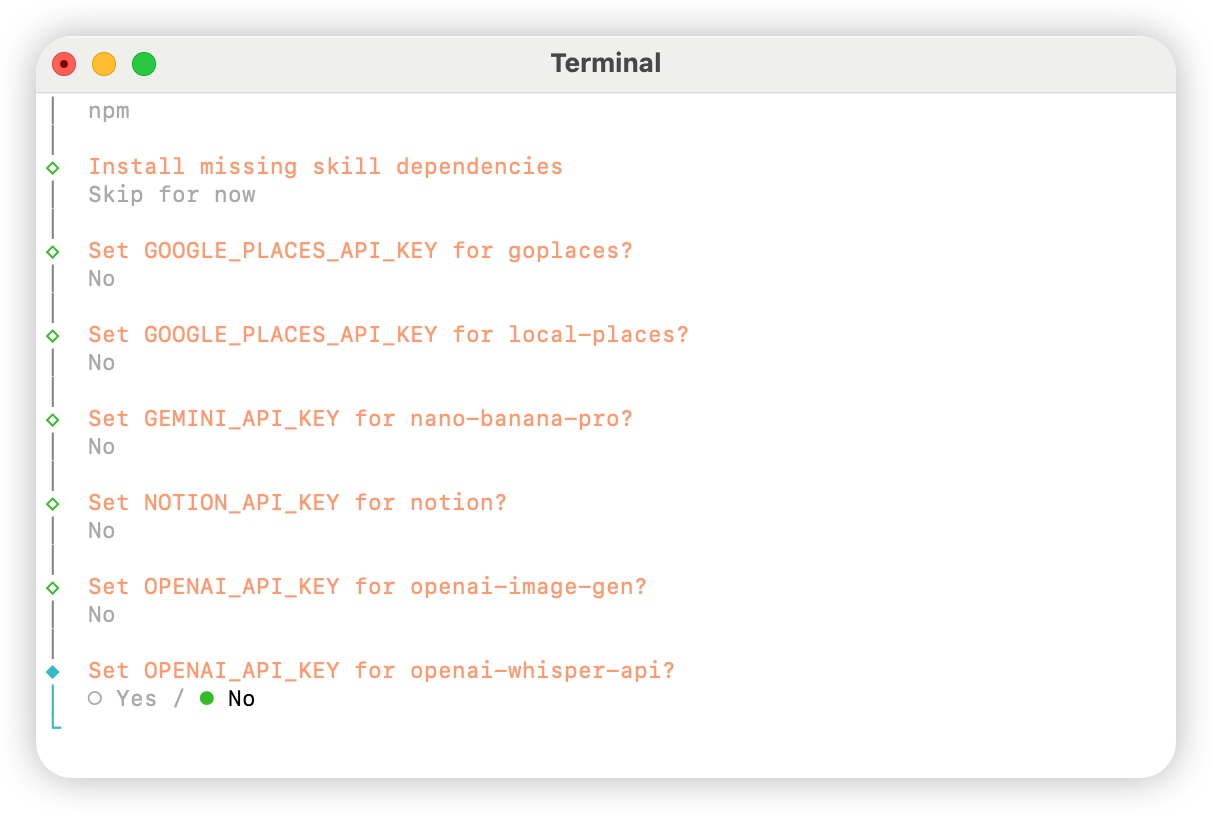
Skip for now를 선택합니다.
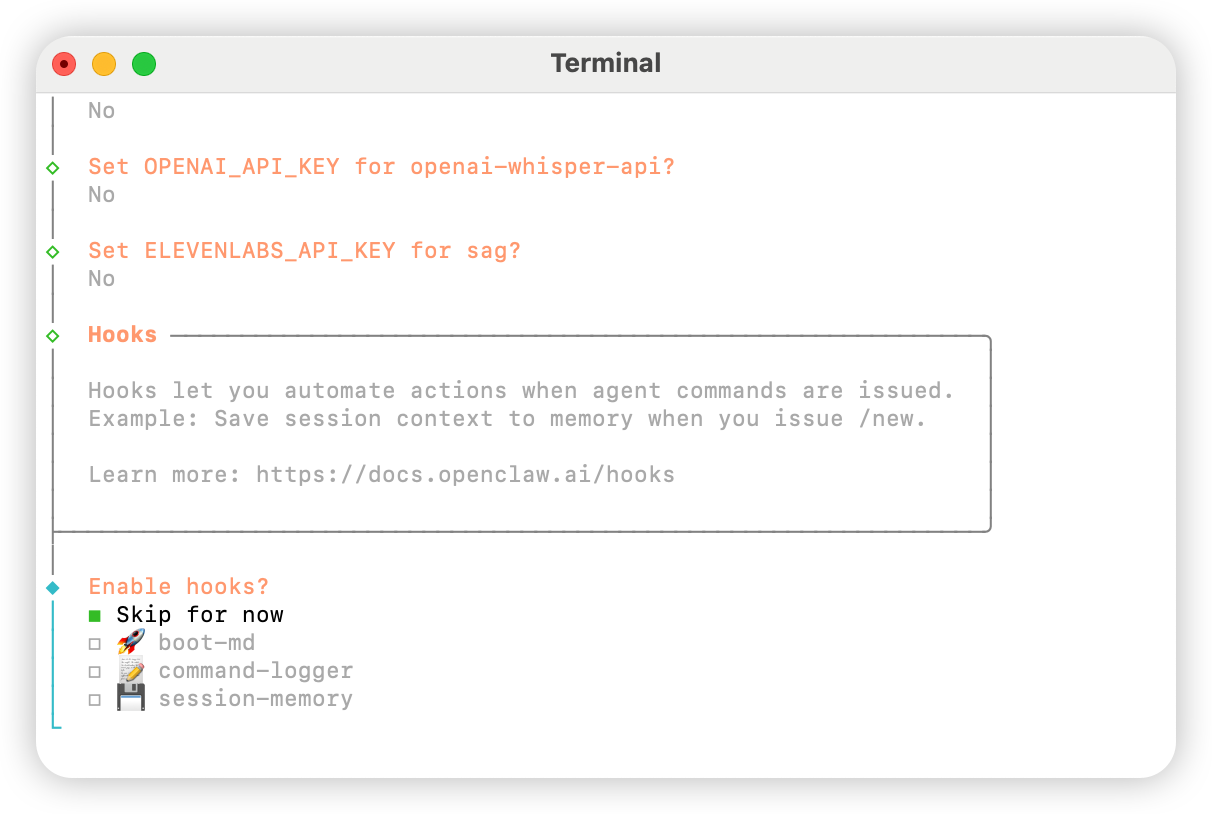
Hatch in UI를 선택합니다.
AIHubMix 구성
방법 1: 플러그인을 통한 빠른 설정 (권장)
플러그인 소스 코드: aihubmix-auth
providerAuthAliases를 사용하여 동일한 키를 모든 transport에서 유효하게 만듭니다:
- aihubmix-openai —
gpt-*/o1-*/o3-*/o4-*,https://aihubmix.com/v1(openai-completions) - aihubmix-anthropic —
claude-*,https://aihubmix.com(anthropic-messages) - aihubmix-google —
gemini-*,https://aihubmix.com/gemini/v1beta(google-generative-ai) - aihubmix-other — 기타 모델,
https://aihubmix.com/v1(openai-completions)
claude-sonnet-4-5)는 플러그인의 resolveDynamicModel 훅이 올바른 transport로 자동 라우팅합니다 — 전체 provider/model을 작성할 필요가 없습니다.
대화형 로그인을 건너뛰고 싶으신가요? 설치 전에구성이 완료되면 시작 섹션으로 이동하여 사용을 시작합니다.export AIHUBMIX_API_KEY=sk-...을 설정하세요 — 플러그인이 키를 provider 구성에 인라인apiKey로 작성합니다 (대화형 로그는 대신 auth-profile에 저장).
방법 2: 수동 구성
~/.openclaw/openclaw.json 파일을 열고 다음 구성을 추가합니다:
방법 3: 동적 모델 명령으로 기본 모델 전환
AIHubMix OpenClaw 플러그인은 동적 모델 라우팅을 지원합니다. AIHubMix 계정에서 사용할 수 있는 모델이라면provider/model-id 형식으로 호출할 수 있습니다. 실제 사용 가능 여부는 AIHubMix 콘솔과 API 응답을 기준으로 확인하세요.
일반적인 provider 선택 규칙은 다음과 같습니다.
aihubmix-openai: OpenAI 호환 모델, 예:gpt-*,o1-*,o3-*,o4-*aihubmix-anthropic: Claude 모델, 예:claude-*aihubmix-google: Gemini 모델, 예:gemini-*aihubmix-other: OpenAI 호환 엔드포인트로 호출하는 기타 모델, 예:glm-5.2
gpt-5.4를 OpenClaw 기본 모델로 설정합니다.
openclaw를 찾을 수 없다면 로컬 경로 형식으로 실행합니다.
aihubmix-other를 사용합니다. 예:
시작
테스트
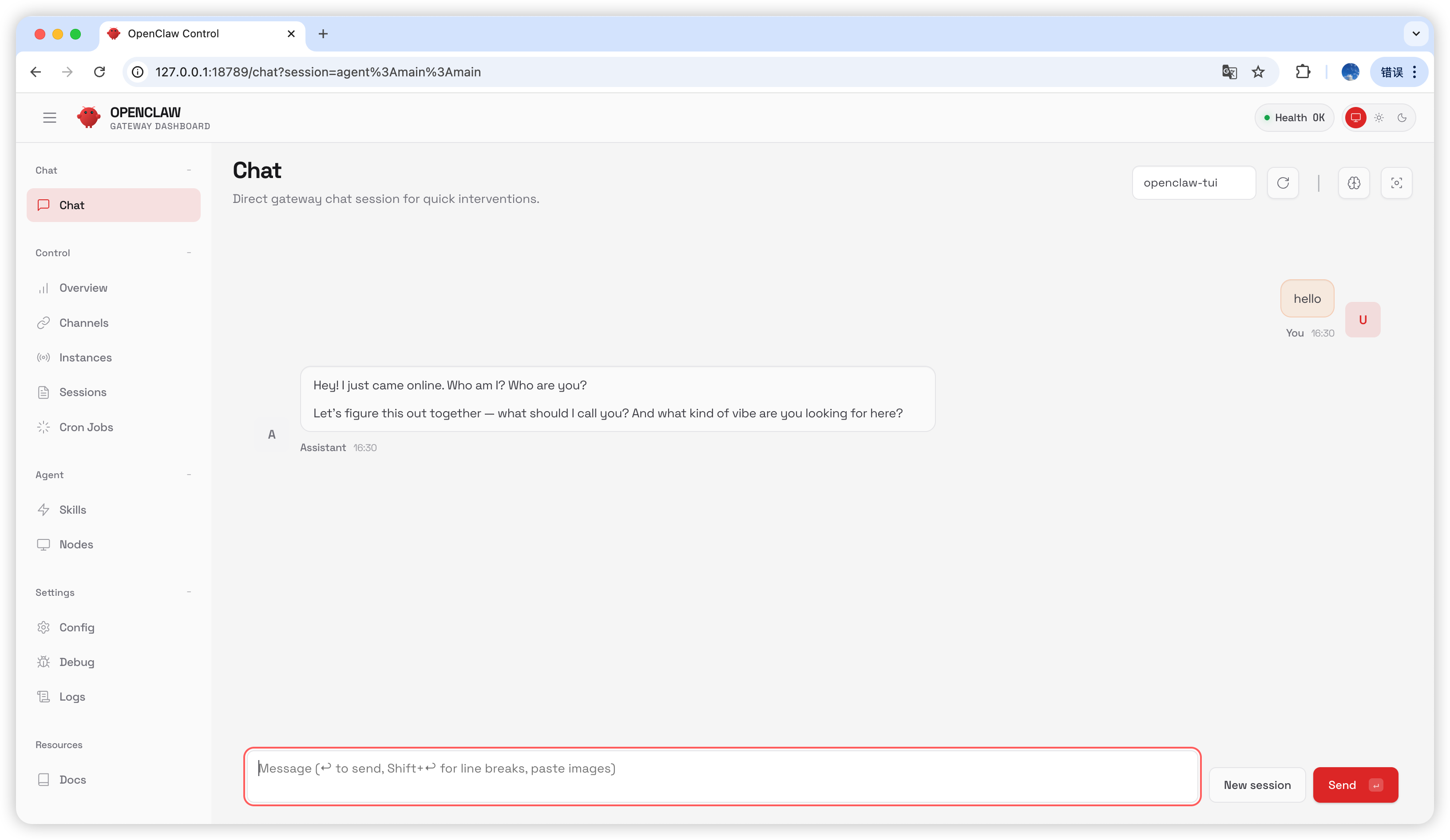
채팅 페이지에서hello를 입력하세요. 답변을 받으면 구성에 성공한 것입니다.
자주 묻는 질문
버전 업그레이드
Gateway 프로세스 점유
마지막 업데이트: 2026-07-03