

Prerequisites
Before you begin, prepare:- An active AIHubMix API key
- A LangWatch account and target Project
- Access to the AIHubMix console
- Get the LangWatch Project API Key
- Sign in to LangWatch and select the Project that will receive AIHubMix traces.
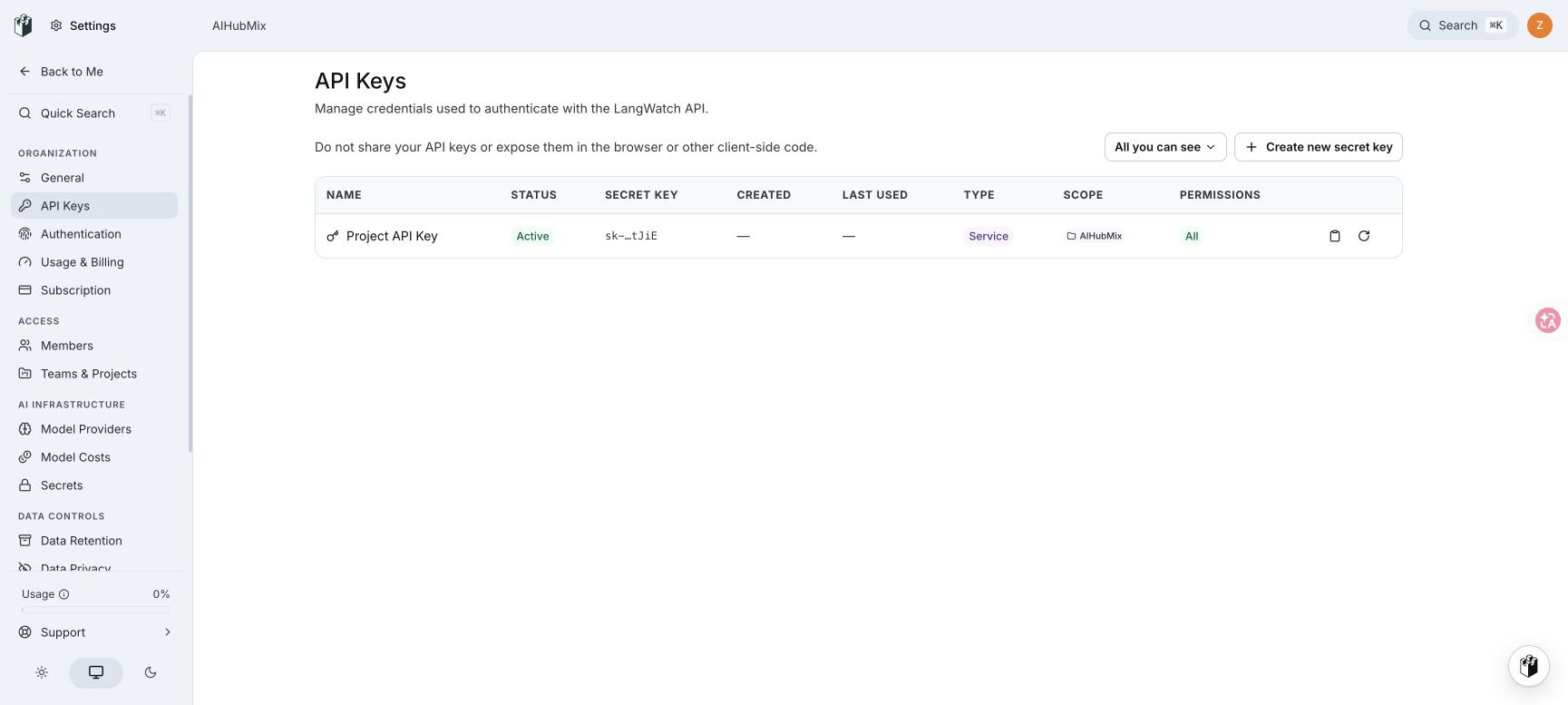
- Open Settings → API Keys.
- Find Project API Key. Confirm that its Scope is the target Project, then select the copy button.
- Add a LangWatch destination
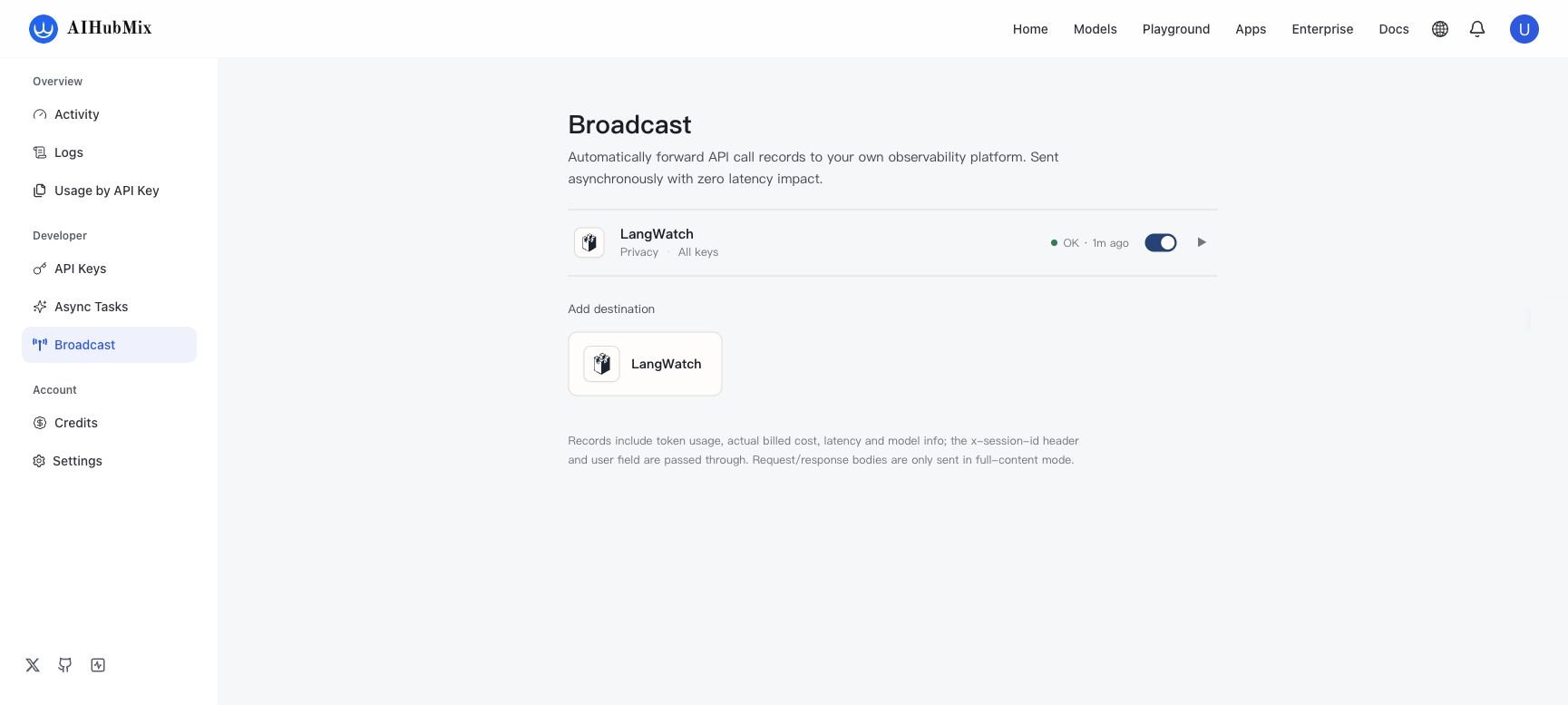
- Open AIHubMix Broadcast.
- Under Add destination, select LangWatch.
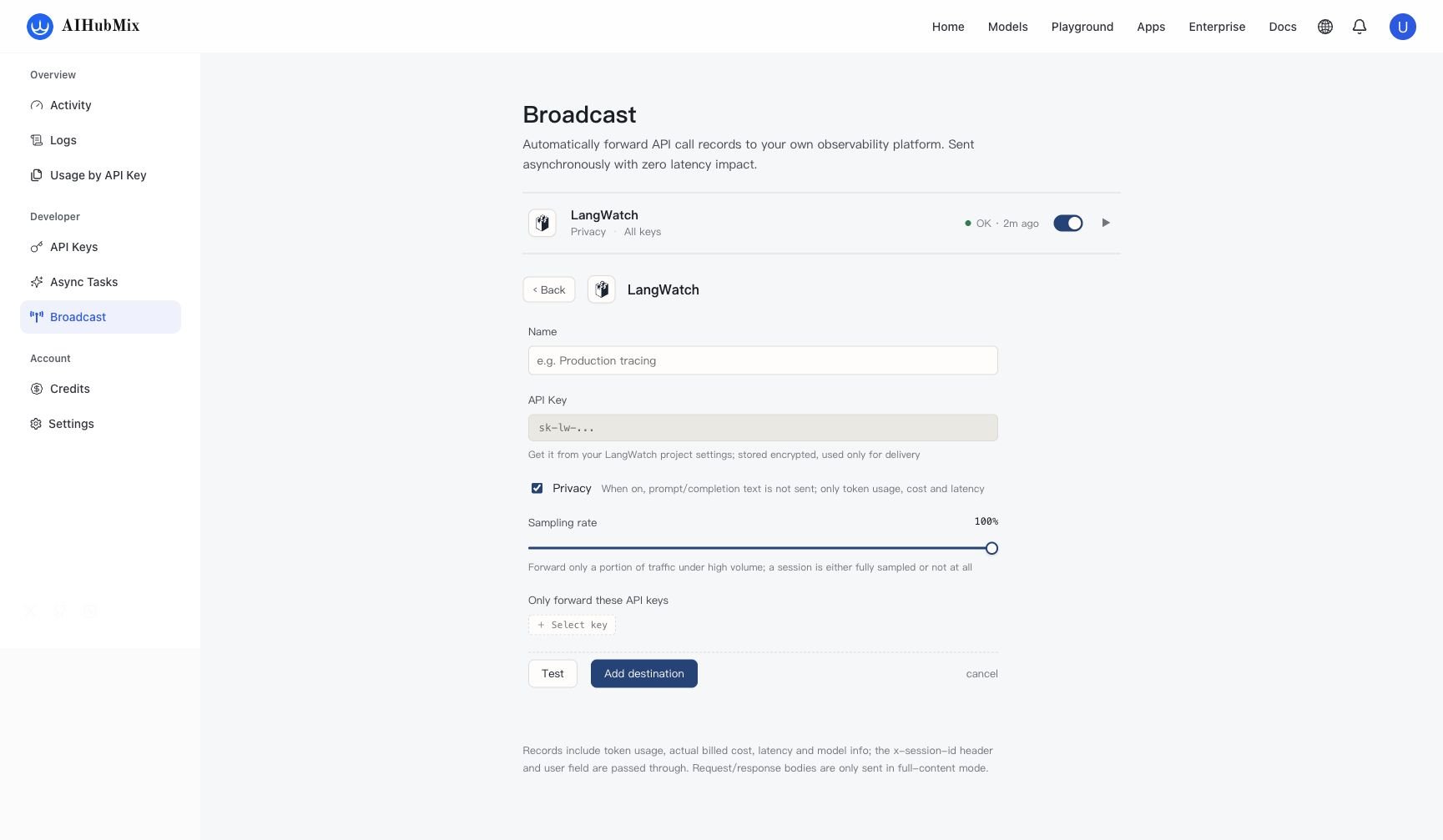
- Complete the settings:
The
x-session-id request header and the request user field are passed through with the record and can be used to correlate sessions or users in LangWatch.
Test and save
- Select Test. After a successful connection, the button displays Connected.
- Select Add destination to save a new destination.
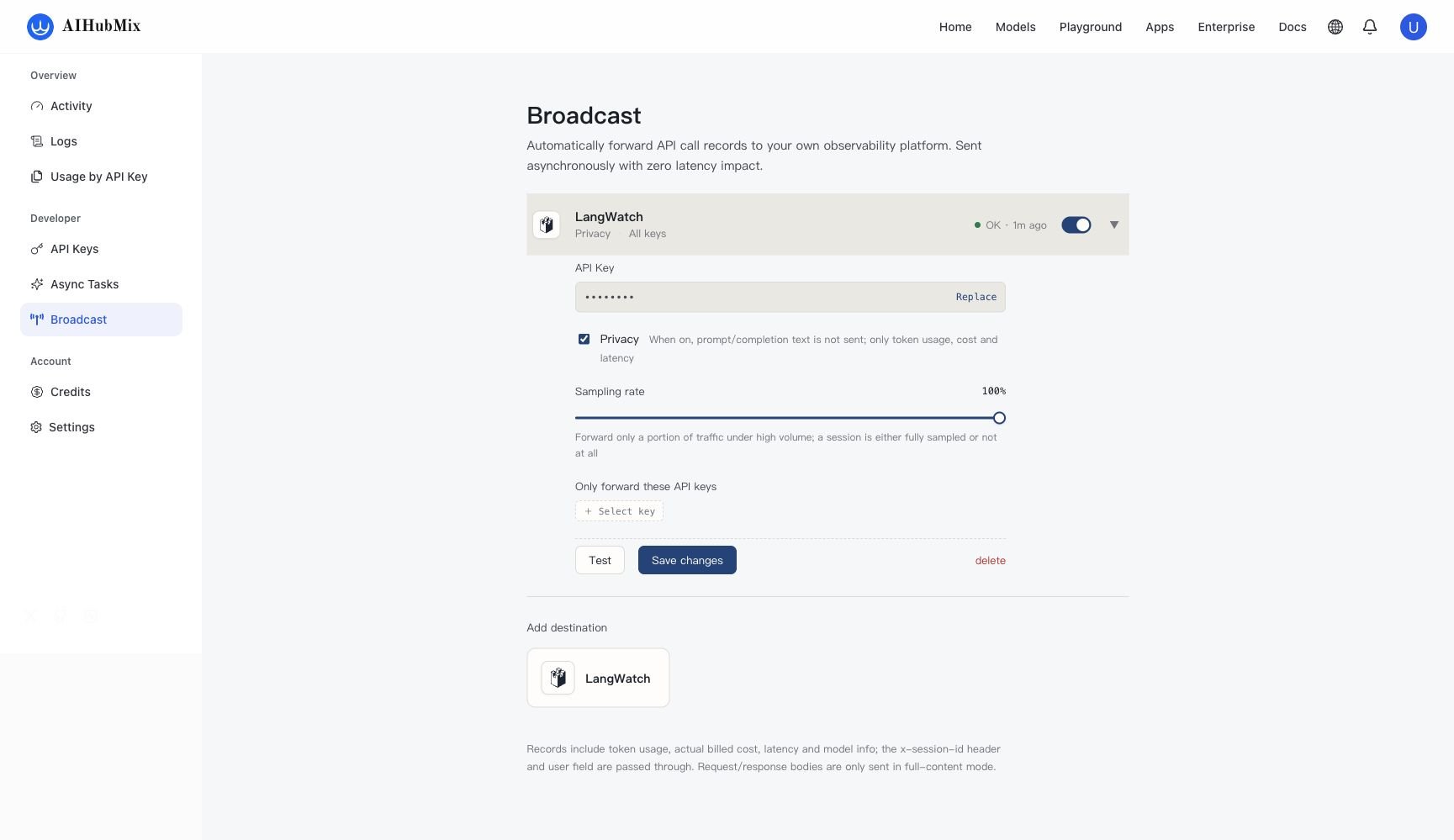
- Confirm that the destination is enabled and its status is OK.
- Send a verification request
Confirm that AIHUBMIX_API_KEY is already set in the current shell, then send a normal model request:
cURL
Records are delivered asynchronously. A trace can take several seconds to appear in LangWatch after the request completes.
- Verify the trace in LangWatch
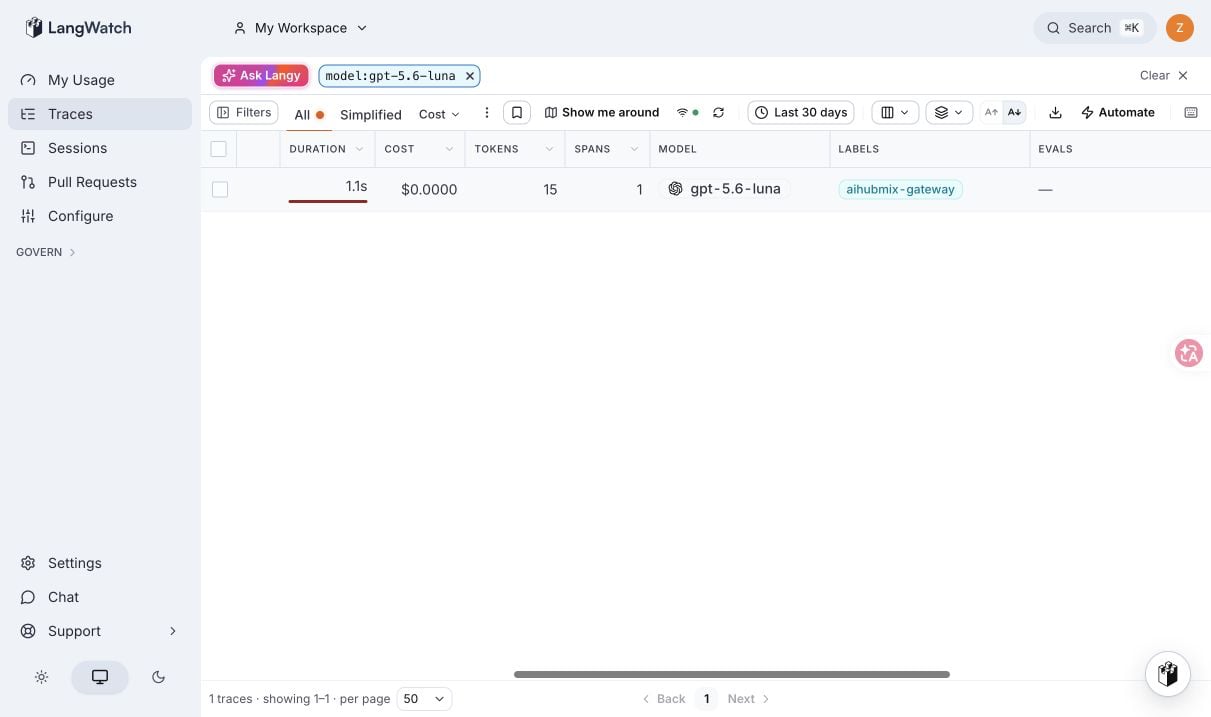
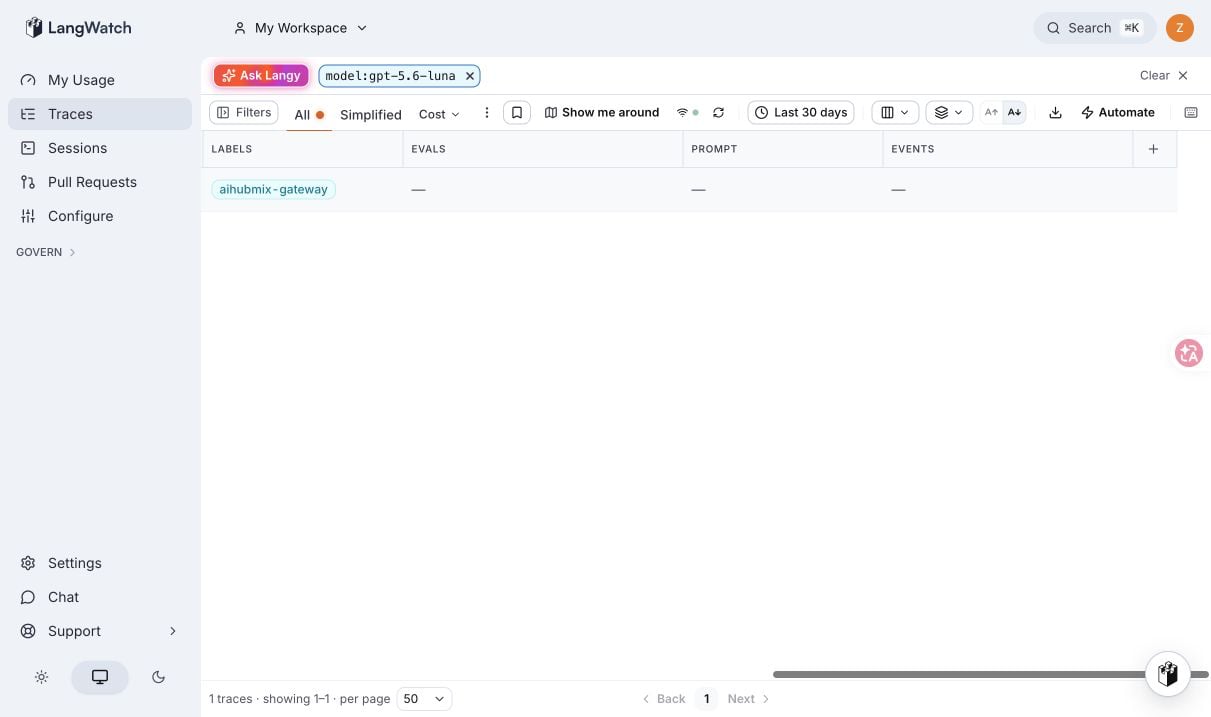
- Open Traces in the target Project.
- Find the model used by the request, or locate the record through the
x-session-idoruservalue. - Confirm that the record includes latency, cost, token, and model information.
Troubleshooting
Test returns 401
Confirm that you copied the Project API Key from the target Project. Do not use apkey_* credential from a Personal OTLP Endpoint or an organization-scoped or team-scoped key.
The destination is saved but no trace appears
Check each item:- The destination is enabled and its status is OK.
- Sampling rate is greater than
0%. - If Only forward these API keys is configured, the request uses one of the selected AIHubMix API keys.
- Wait several seconds after the request completes, then refresh LangWatch Traces.
Does Privacy remove metrics?
Privacy stops prompt and completion text from being sent. Token usage, actual billed cost, latency, and model information are still sent.Last updated: 2026-08-25