

安装
安装前请确保 Node>=22
openclaw,直接复制文档中的命令即可。
openclaw,请把命令开头的 openclaw 替换成你的本地可执行文件路径:
你的安装路径 是占位符,请替换为你实际安装 OpenClaw 的上级目录。例如 OpenClaw 位于 D:\Apps\OpenClaw 时,应写成 & "D:\Apps\OpenClaw\openclaw.cmd" models status。终端配置
打开终端,运行以下指令开始配置Yes
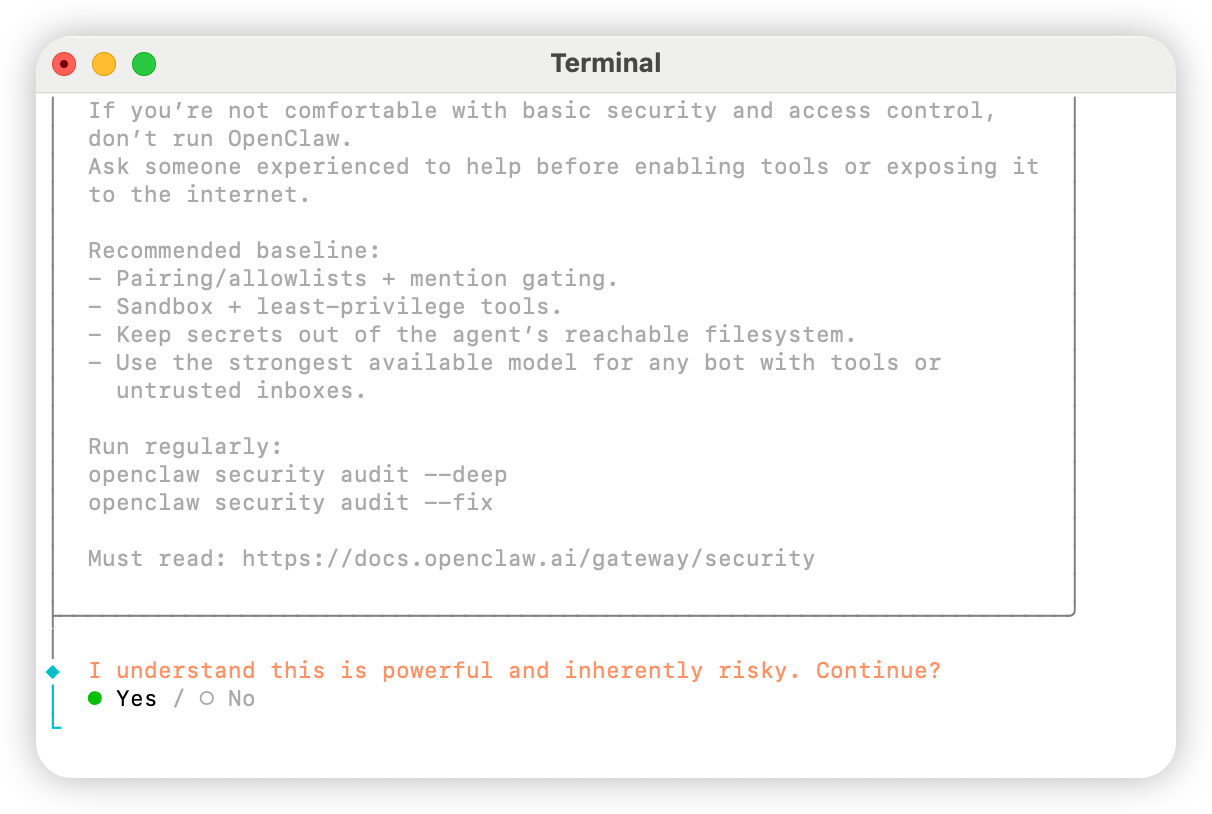
QuickStart
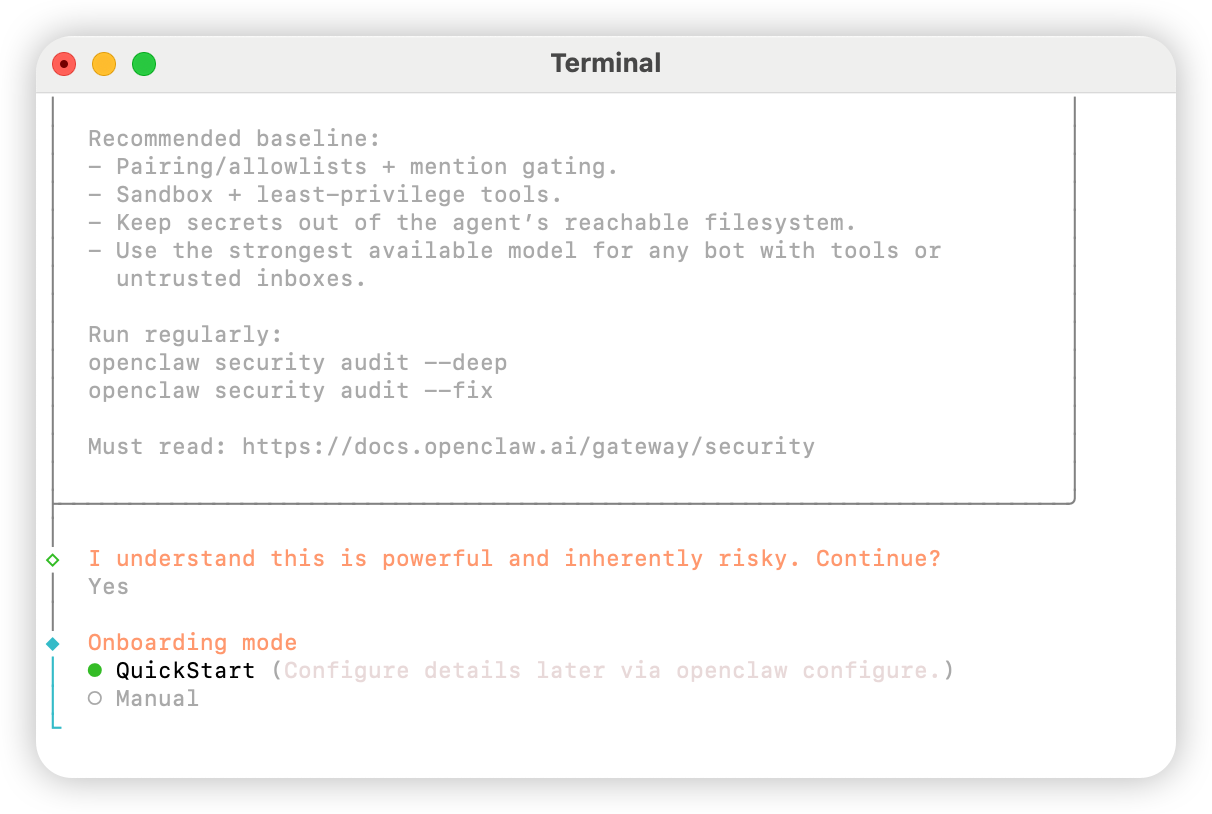
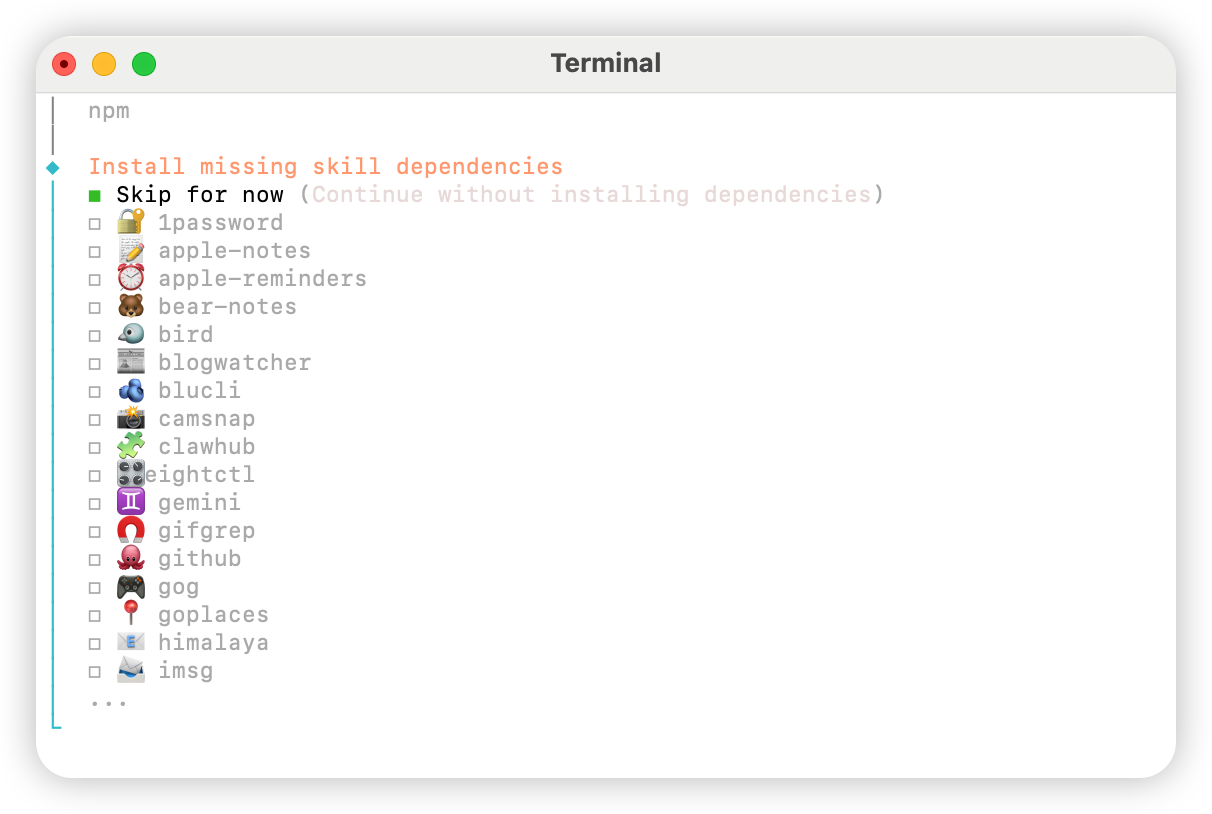
Skip for now
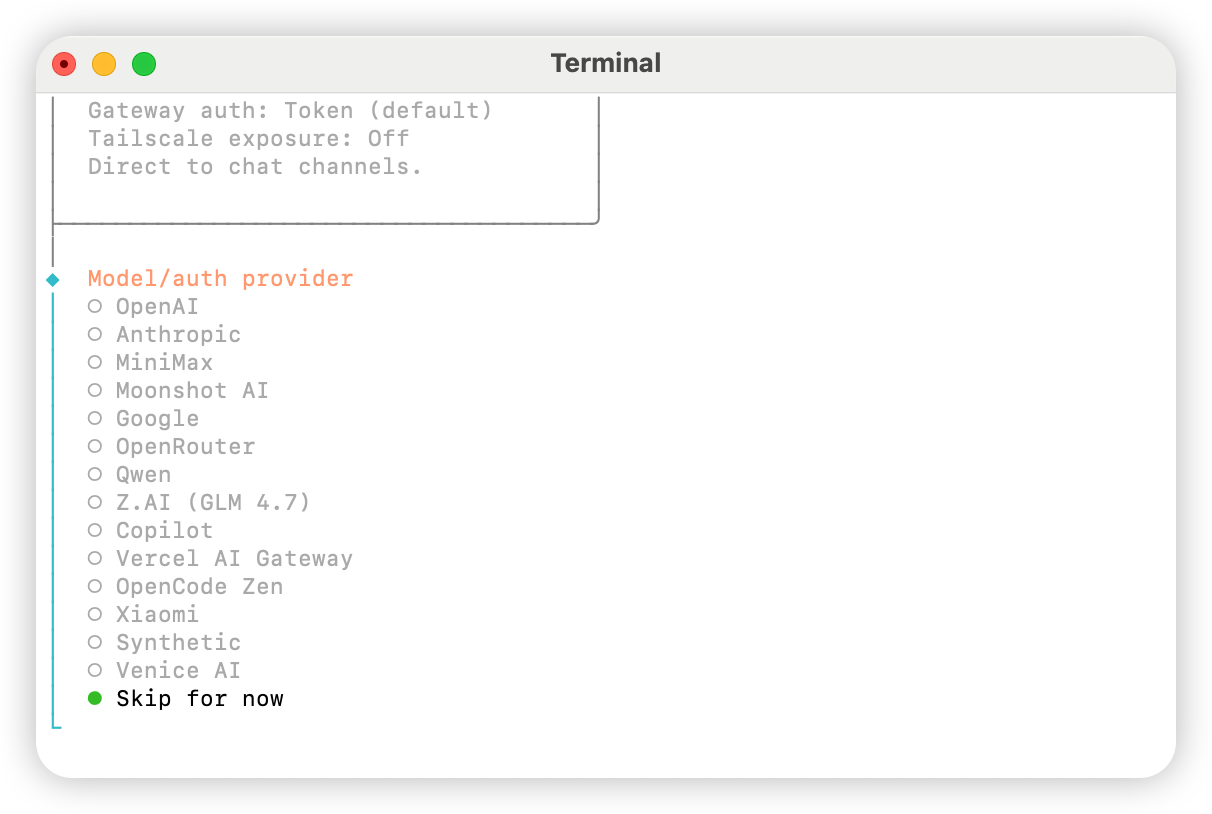
All providers
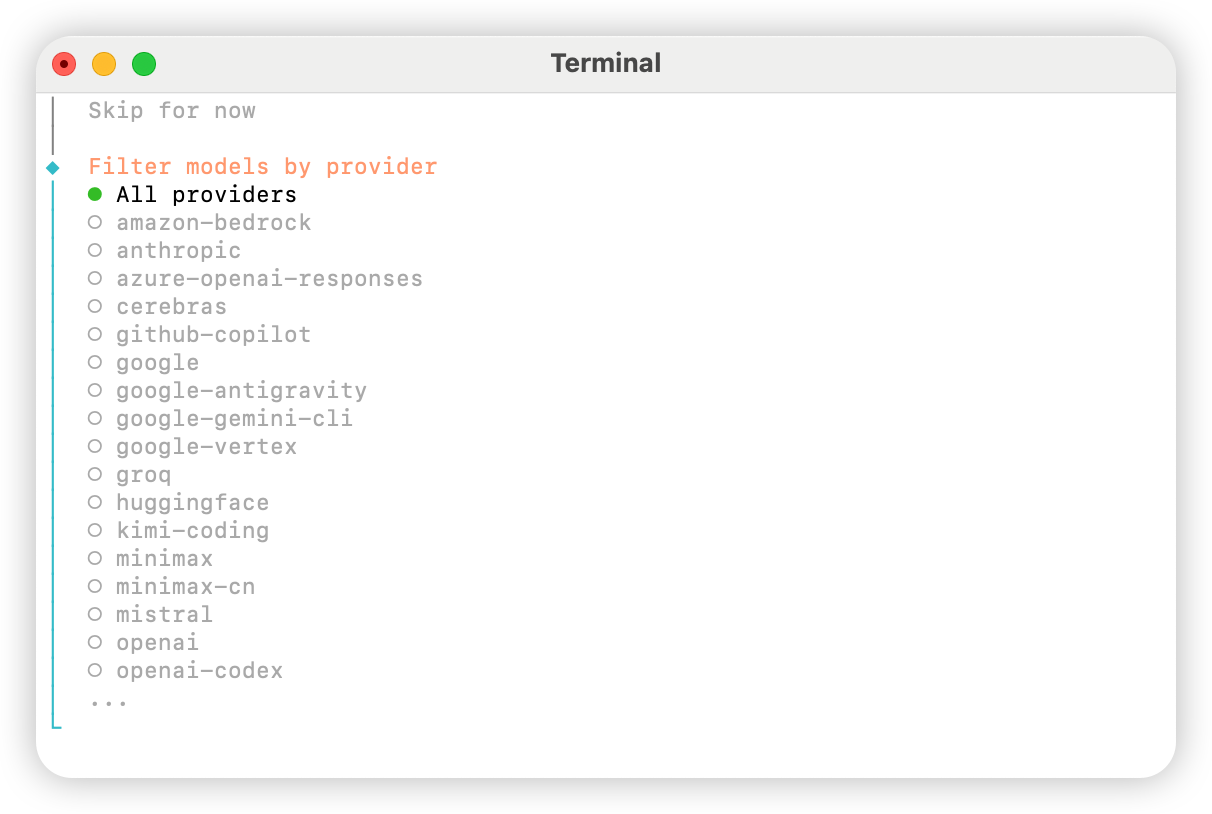
Keep current(如使用「方法二:手动修改配置文件」,下一步会在配置文件中修改)
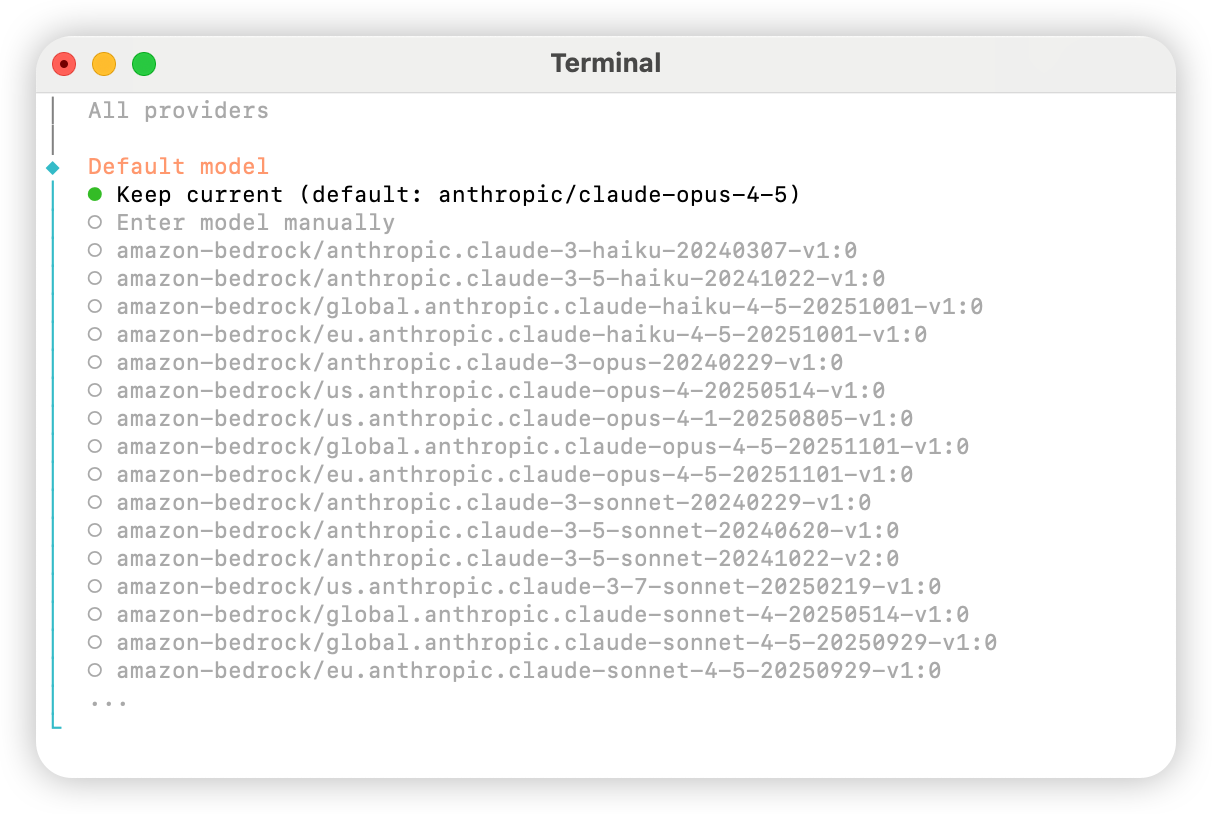
Skip for now
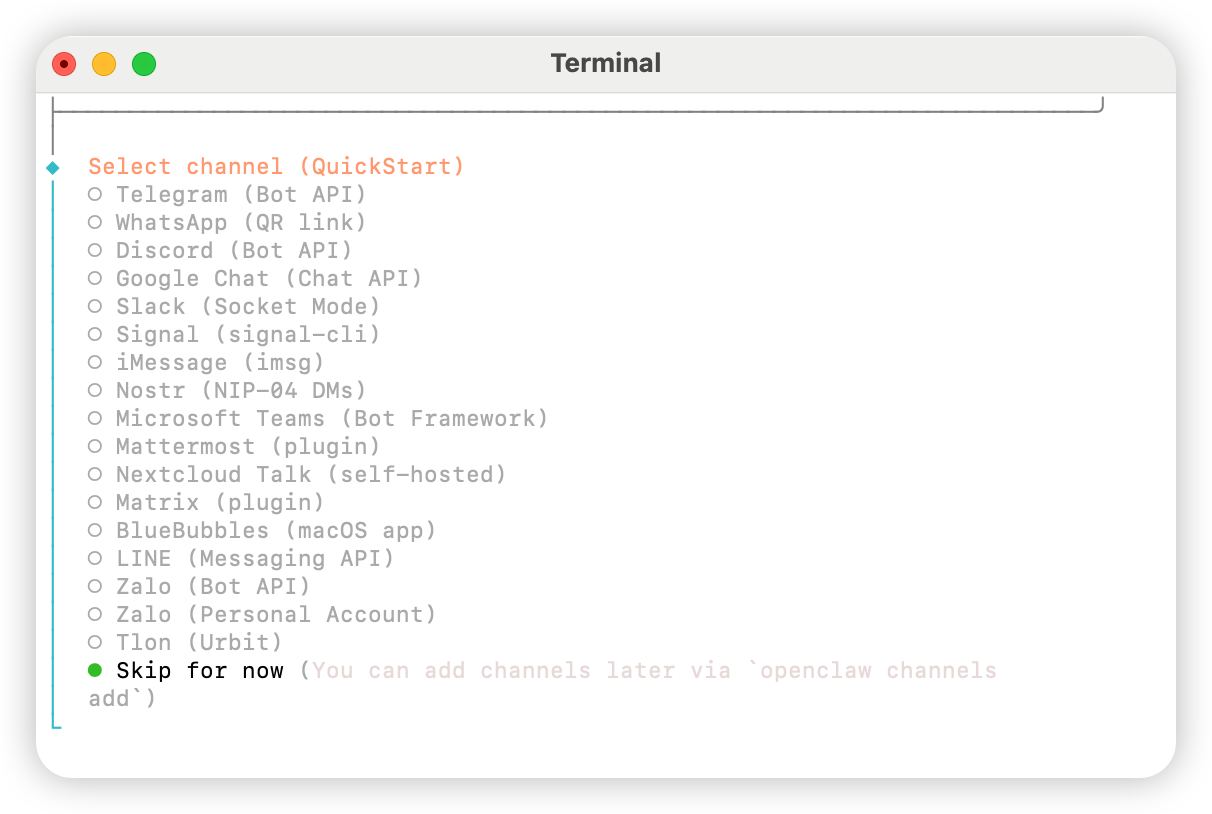
Yes
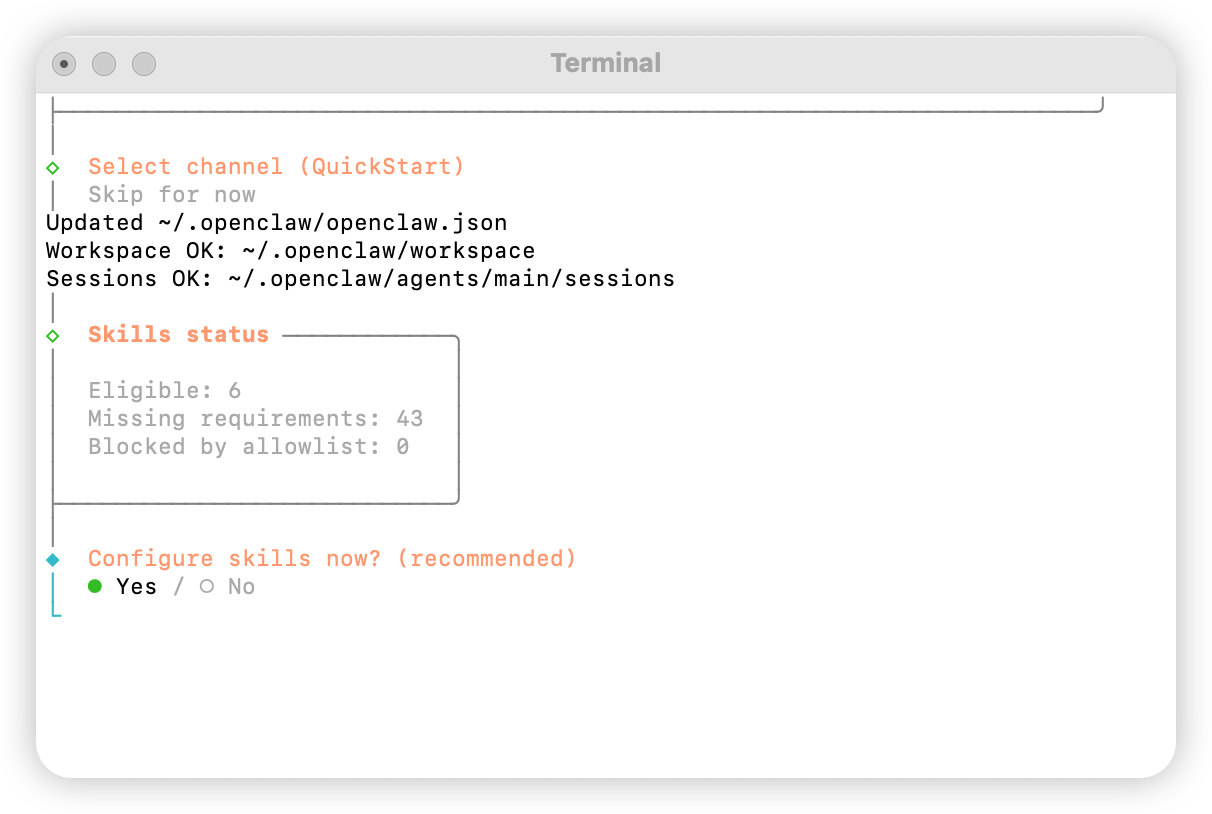
npm
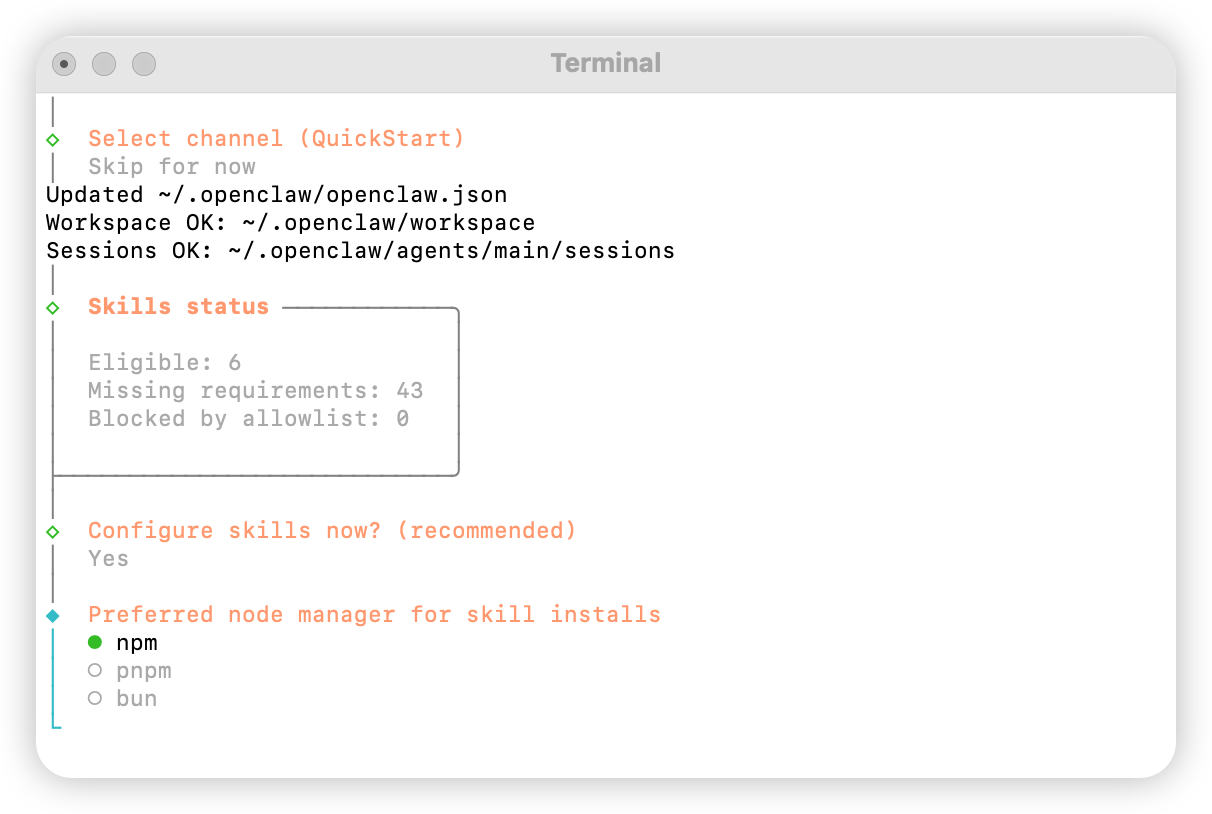
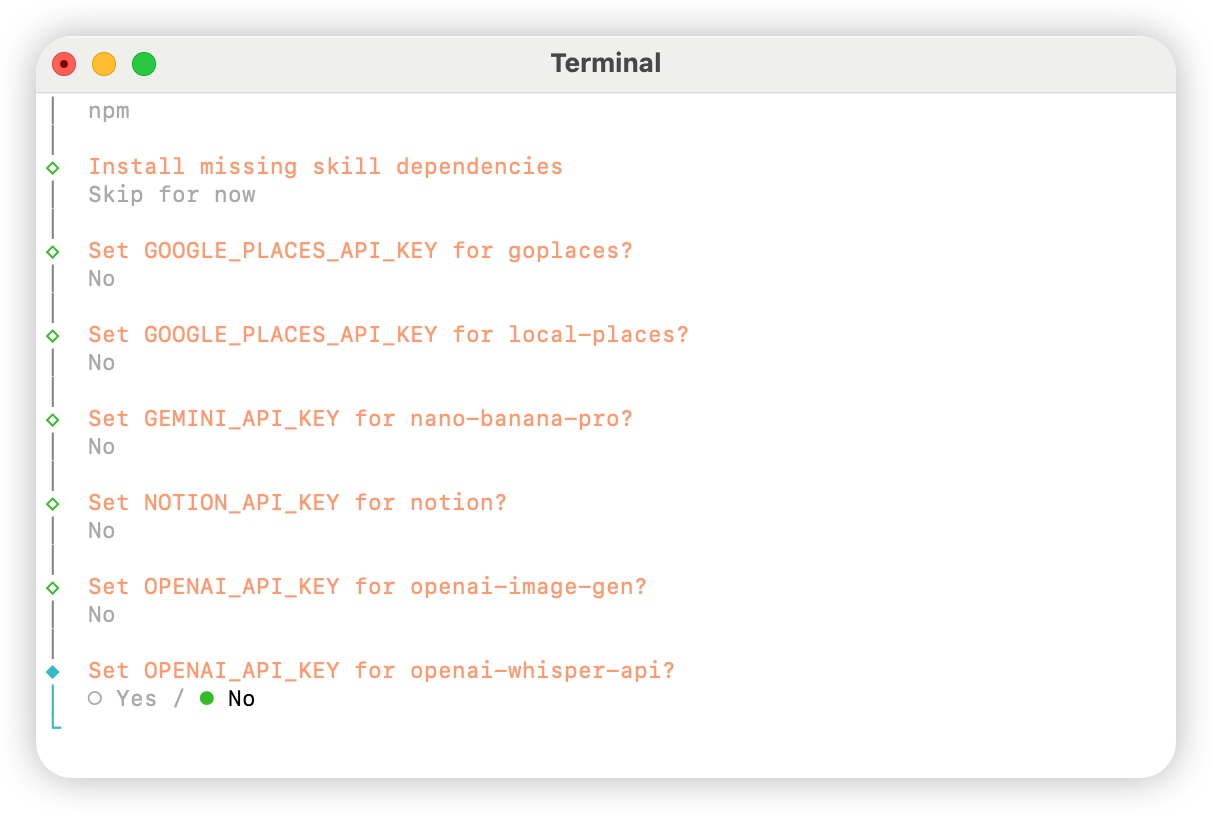
No
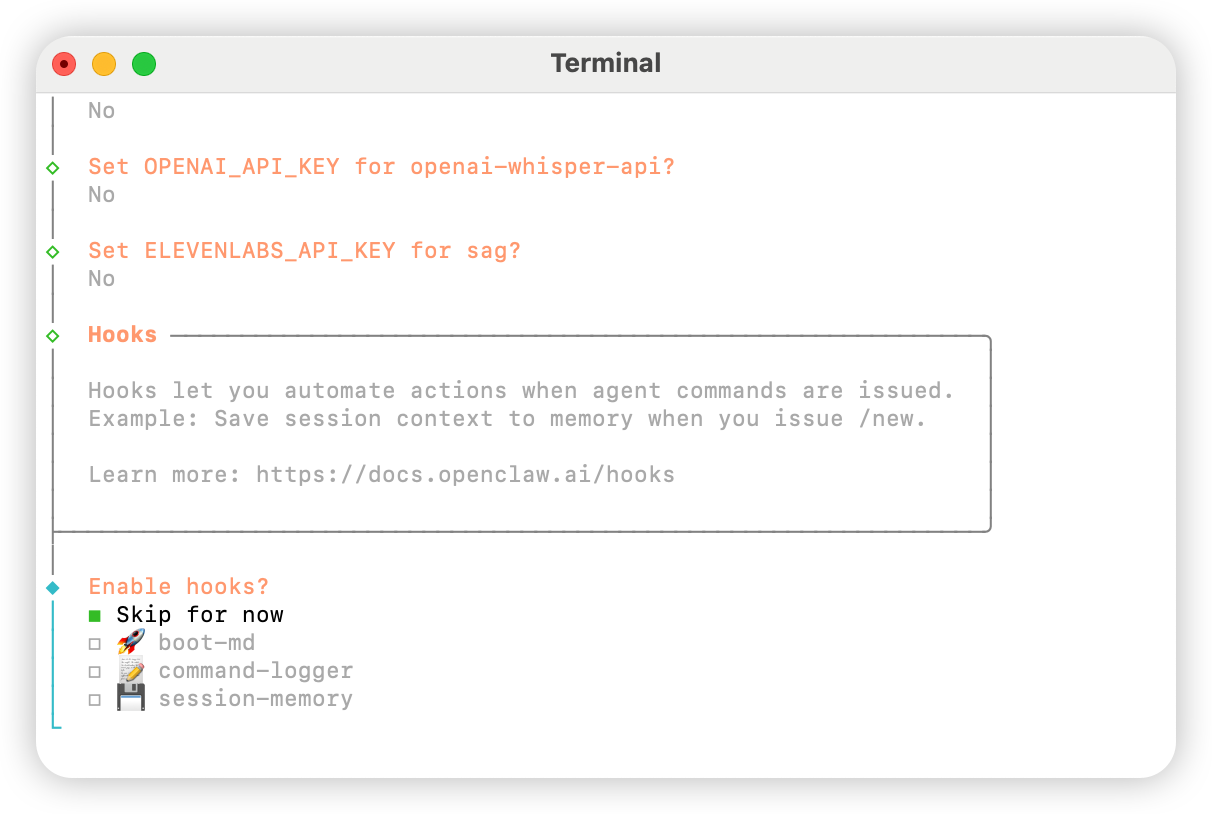
Skip for now
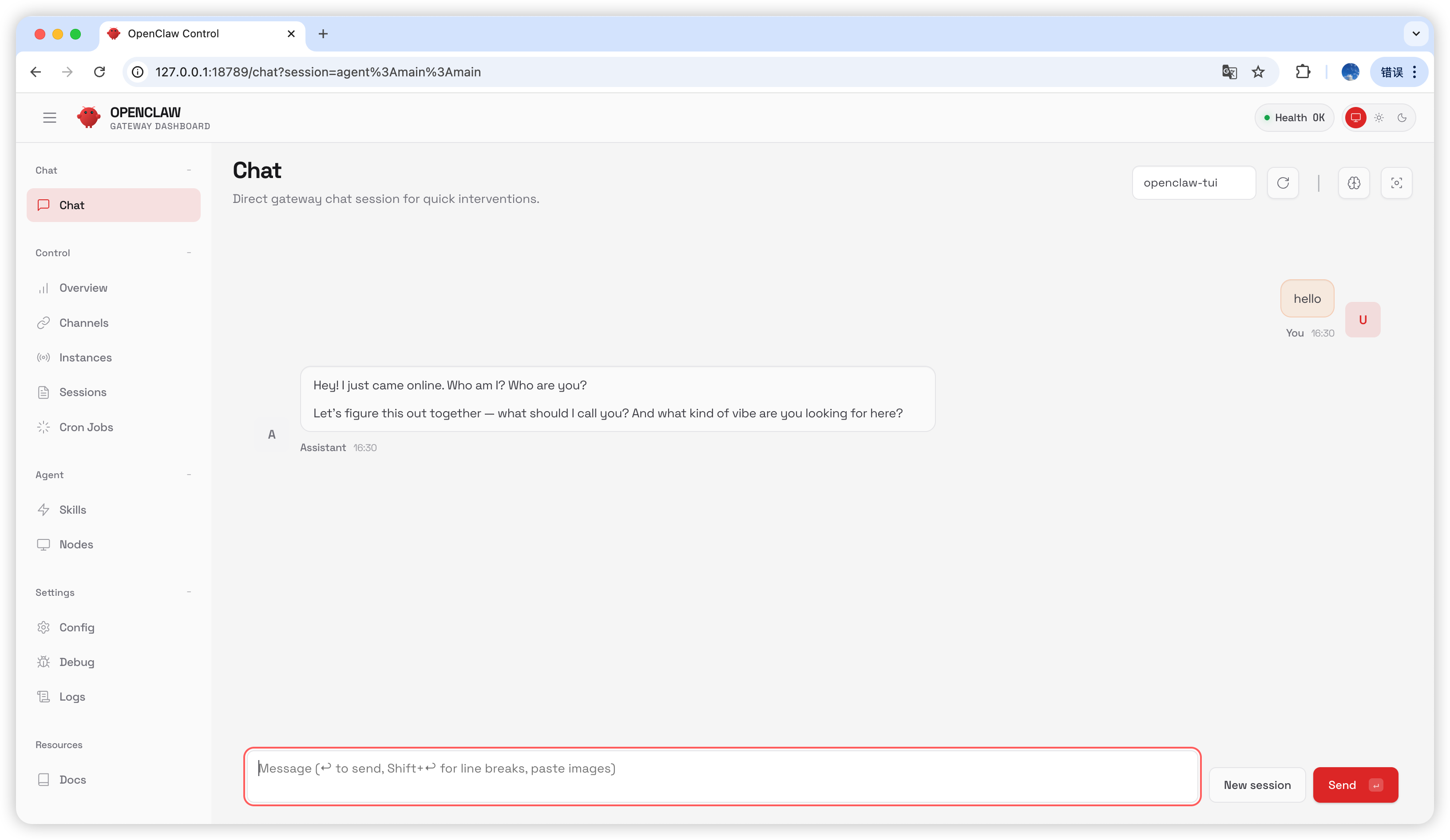
Hatch in UI
配置 AIHubMix
方法一:使用插件快速配置(推荐)
插件开源地址:aihubmix-auth
providerAuthAliases 让同一把 key 同时生效到全部 transport:
- aihubmix-openai —
gpt-*/o1-*/o3-*/o4-*,https://aihubmix.com/v1(openai-completions) - aihubmix-anthropic —
claude-*,https://aihubmix.com(anthropic-messages) - aihubmix-google —
gemini-*,https://aihubmix.com/gemini/v1beta(google-generative-ai) - aihubmix-other — 其他模型,
https://aihubmix.com/v1(openai-completions)
claude-sonnet-4-5)会由插件的 resolveDynamicModel hook 自动路由到对应 transport,不需要写完整 provider/model。
不想走交互式登录:先配置完成后,跳转到启动步骤即可开始使用。export AIHUBMIX_API_KEY=sk-...再 install,插件会把 key 作为 inlineapiKey写入 provider 配置(交互式登录则由 SDK 存入 auth-profile)。
方法二:手动修改配置文件
如果不使用插件,或需要为少量模型固定上下文长度、输入类型等元数据,可以打开~/.openclaw/openclaw.json 文件手动增加配置。使用插件时,优先按方法三的命令行方式选择模型:
方法三:使用动态模型命令切换默认模型
AIHubMix OpenClaw 插件支持动态模型路由。只要模型在你的 AIHubMix 账号中可用,就可以按provider/model-id 的格式直接调用;模型可用性以 AIHubMix 控制台和 API 实际返回为准。
常用 provider 选择规则如下:
aihubmix-openai:OpenAI 兼容模型,例如gpt-*、o1-*、o3-*、o4-*aihubmix-anthropic:Claude 模型,例如claude-*aihubmix-google:Gemini 模型,例如gemini-*aihubmix-other:其他通过 OpenAI 兼容接口调用的模型,例如glm-5.2
gpt-5.4 设置为 OpenClaw 默认模型为例:
openclaw,使用本地路径写法:
aihubmix-other,例如:
启动
测试
在聊天页面输入hello,如收到回复则说明配置成功。
常见问题
版本升级
Gateway 进程被占用
相关资源
- 官方仓库:github.com/openclaw/openclaw
- 官方文档:docs.openclaw.ai
- 中文指南:liyupi/openclaw-guide
- 阿里云部署:help.aliyun.com 部署 OpenClaw
- NVIDIA NemoClaw 集成:NVIDIA Technical Blog
更新时间:2026-07-03