> ## Documentation Index
> Fetch the complete documentation index at: https://docs.aihubmix.com/llms.txt
> Use this file to discover all available pages before exploring further.
# Zotero
## PDF Reading Plugin: zotero-gpt
Download link: [https://github.com/MuiseDestiny/zotero-gpt/releases](https://github.com/MuiseDestiny/zotero-gpt/releases)
After installing the plugin,no Edit menu, find Settings (Preferences in older versions). Locate the GPT settings interface.\\
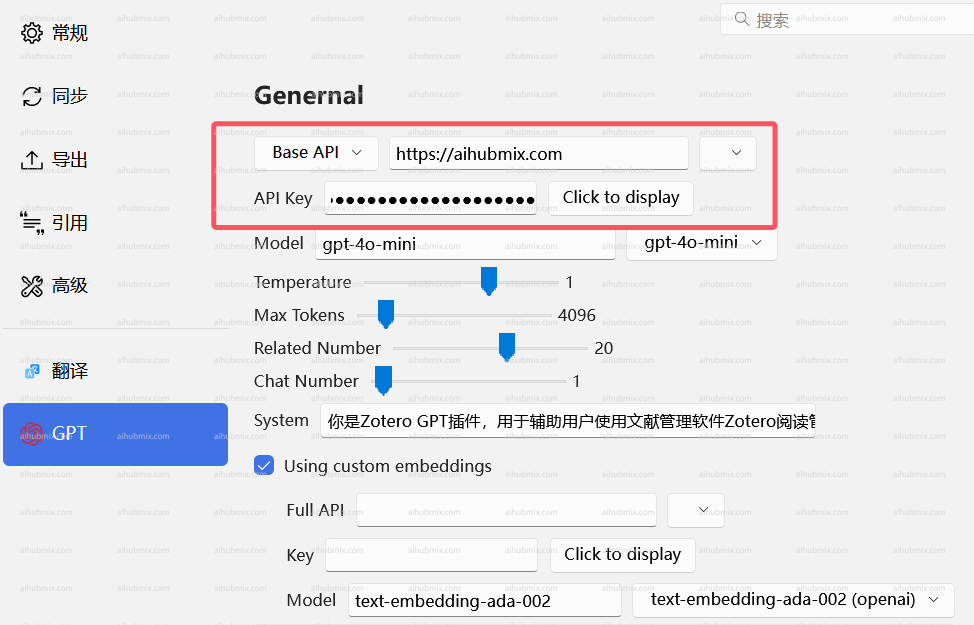 Configure o Base API as shown no figure, and enter the [chave de API](https://aihubmix.com/token).
If use o seguinte commands to set it up.
First, use "Ctrl + /" to abra o command window\
Configure o Base API as shown no figure, and enter the [chave de API](https://aihubmix.com/token).
If use o seguinte commands to set it up.
First, use "Ctrl + /" to abra o command window\
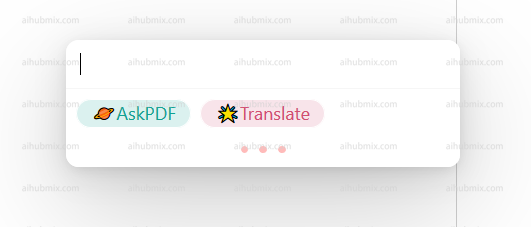 \
Enter
```
/api https://aihubmix.com
```
and press Enter\\
\
Enter
```
/api https://aihubmix.com
```
and press Enter\\
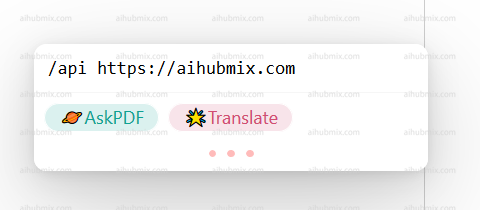
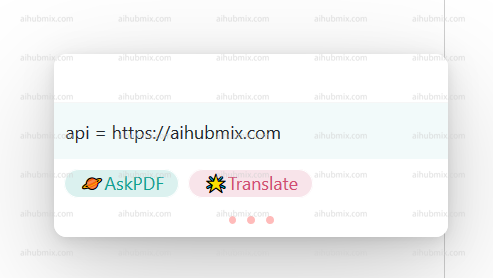 \
Enter
```
/secretKey + your API key (generated from the Key, remember to include sk-)
```
\
Enter
```
/secretKey + your API key (generated from the Key, remember to include sk-)
```
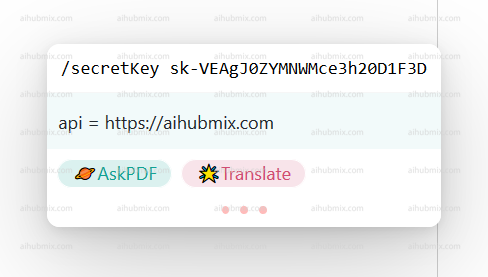
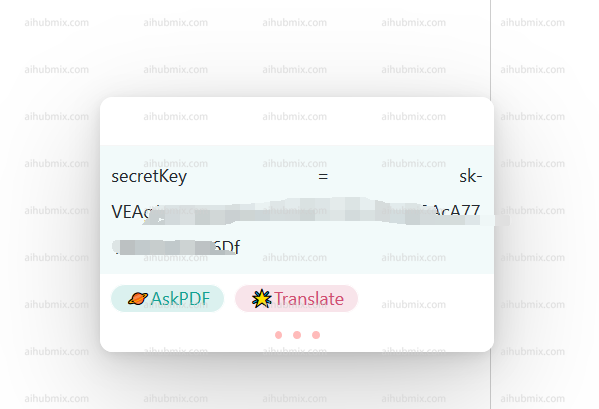 \
Switch model command
```
/model gpt-3.5-turbo-0125
```
\
Switch model command
```
/model gpt-3.5-turbo-0125
```
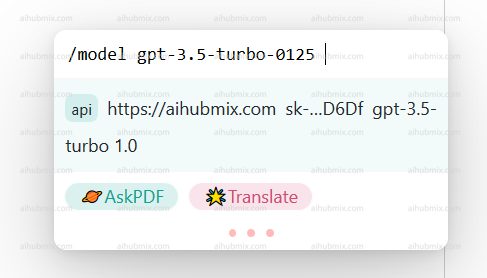 \
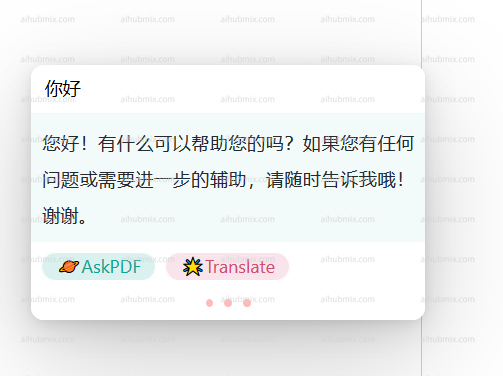
After selecting the model you want to use, você pode start using it.\\
\
After selecting the model you want to use, você pode start using it.\\
 ## Translation Plugin: zotero-pdf-translate
Download link: [https://github.com/windingwind/zotero-pdf-translate/releases](https://github.com/windingwind/zotero-pdf-translate/releases)
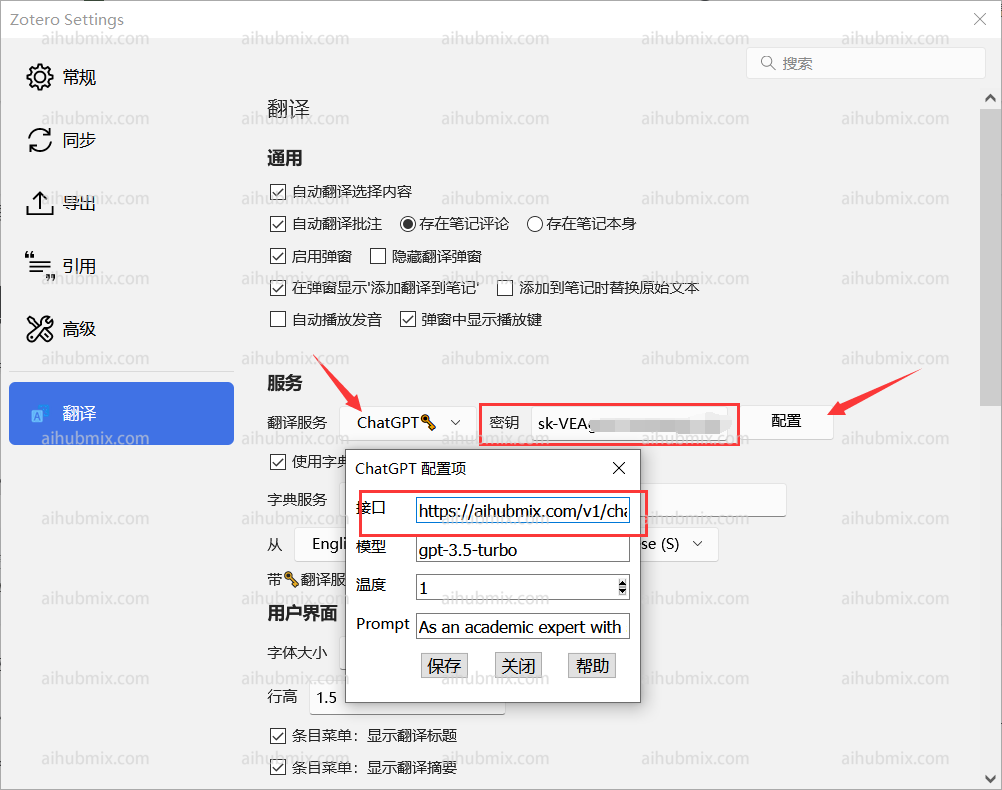
Não Edit menu, find Settings (Preferences in older versions). Locate the translation settings interface.\
Insira o API endpoint URL as:
```
https://aihubmix.com/v1/chat/completions
```
Don't worry about whether the status shows as available; just fill it in and it will work.\\
## Translation Plugin: zotero-pdf-translate
Download link: [https://github.com/windingwind/zotero-pdf-translate/releases](https://github.com/windingwind/zotero-pdf-translate/releases)
Não Edit menu, find Settings (Preferences in older versions). Locate the translation settings interface.\
Insira o API endpoint URL as:
```
https://aihubmix.com/v1/chat/completions
```
Don't worry about whether the status shows as available; just fill it in and it will work.\\
 ***
Última atualização: 2026-06-01
***
Última atualização: 2026-06-01