> ## Documentation Index
> Fetch the complete documentation index at: https://docs.aihubmix.com/llms.txt
> Use this file to discover all available pages before exploring further.
# Tabs, Anchors, Dropdowns
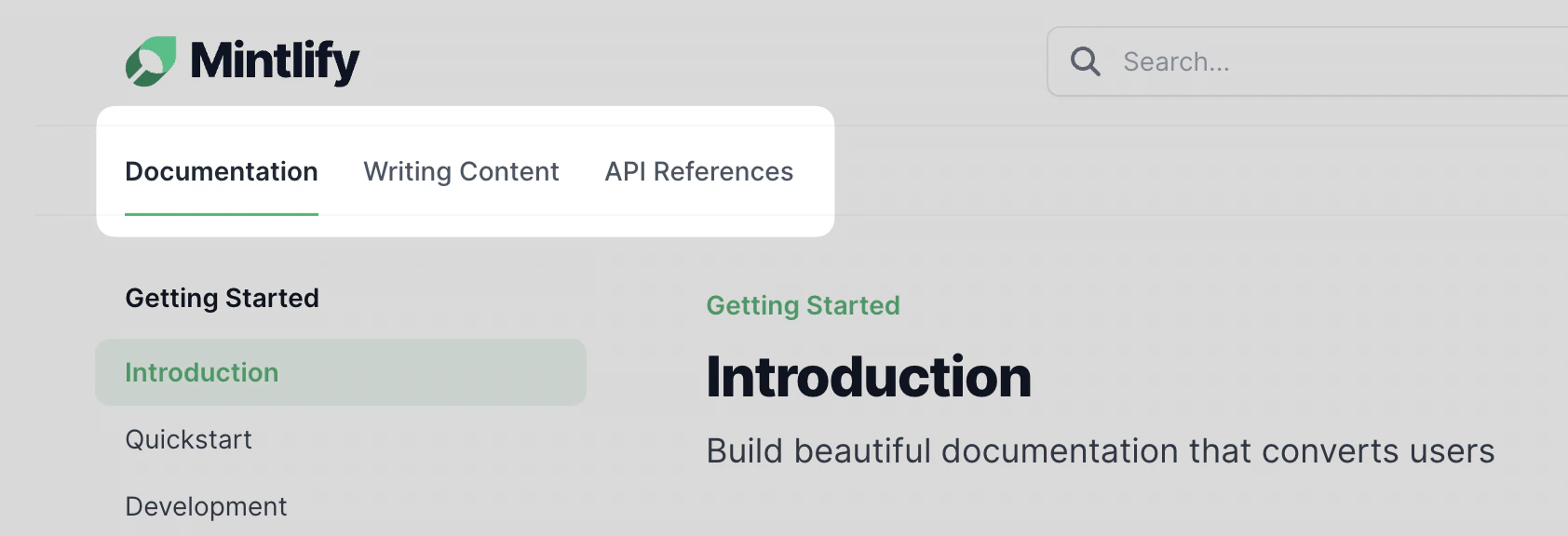
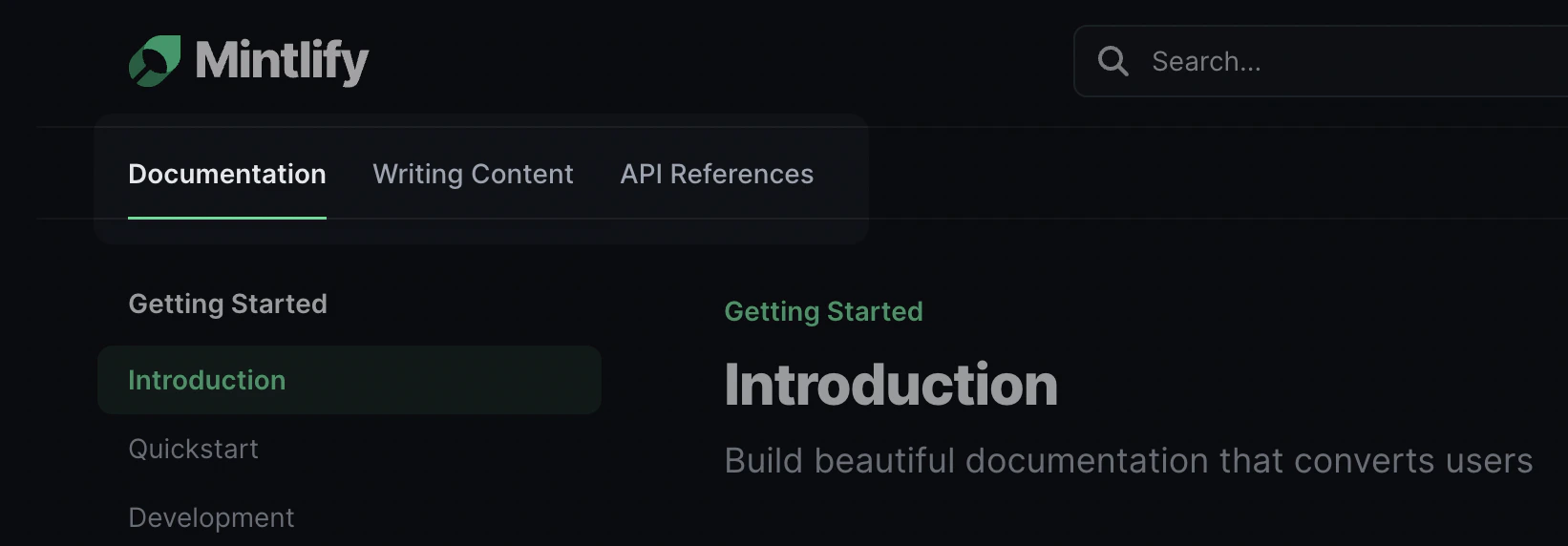
## Tabs
Tabs help distinguish between different topics or sections of your
documentation.
 ```json docs.json theme={null}
"navigation": {
"tabs": [
{
"tab": "API References",
"pages": [
"api-reference/get",
"api-reference/post",
"api-reference/delete"
]
},
{
"tab": "SDKs",
"pages": [
"sdk/fetch",
"sdk/create",
"sdk/delete",
]
},
{
"tab": "Blog",
"href": "https://external-link.com/blog"
}
]
}
```
## Anchors
Anchors are another way to section your content. They show up on top of your side navigation.
```json docs.json theme={null}
"navigation": {
"tabs": [
{
"tab": "API References",
"pages": [
"api-reference/get",
"api-reference/post",
"api-reference/delete"
]
},
{
"tab": "SDKs",
"pages": [
"sdk/fetch",
"sdk/create",
"sdk/delete",
]
},
{
"tab": "Blog",
"href": "https://external-link.com/blog"
}
]
}
```
## Anchors
Anchors are another way to section your content. They show up on top of your side navigation.
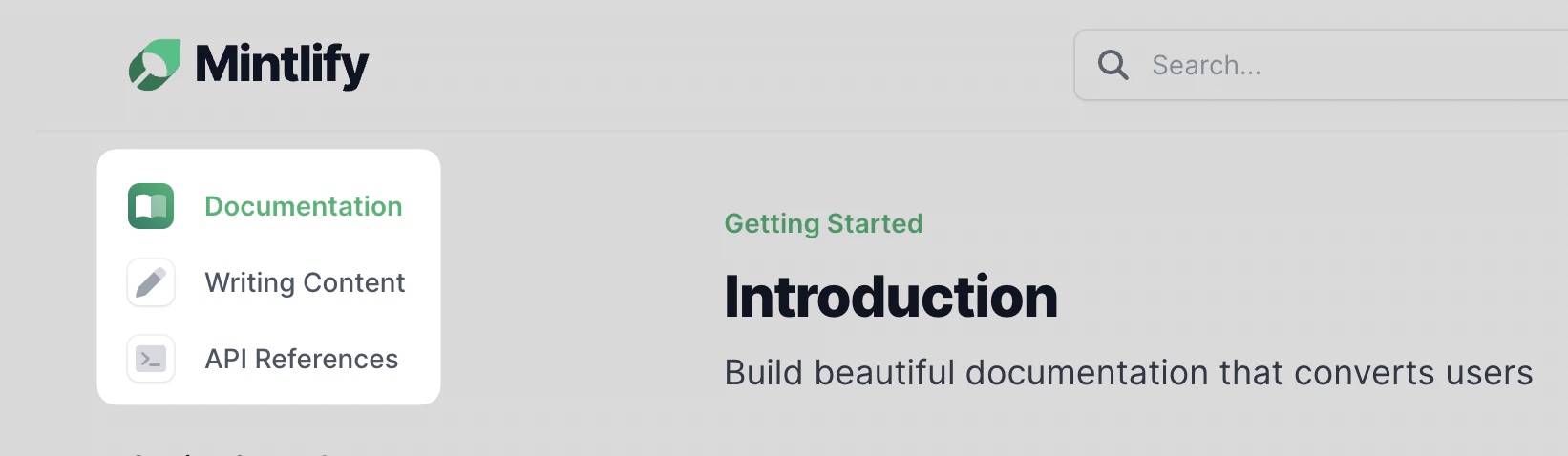
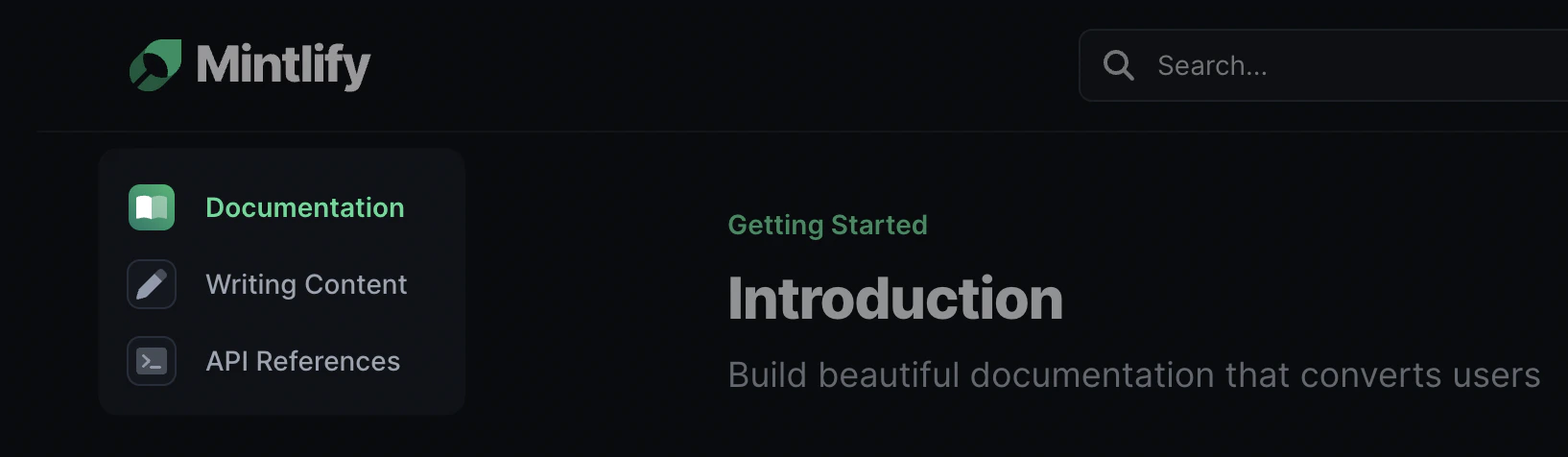 The configuration is very similar to the tab configuration. We highly recommend that you set an `icon` field as well.
Valid icon values include all named [Font Awesome](https://fontawesome.com/icons) and [Lucide](https://lucide.dev/icons) icons.
```json docs.json theme={null}
"navigation": {
"anchors": [
{
"anchor": "Documentation",
"icon": "book-open",
"pages": [
"quickstart",
"development",
"navigation"
]
}
{
"anchor": "API References",
"icon": "sqaure-terminal",
"pages": [
"api-reference/get",
"api-reference/post",
"api-reference/delete"
]
}
{
"anchor": "Blog",
"href": "https://external-link.com/blog"
}
]
}
```
## Dropdowns
The configuration is very similar to the tab configuration. We highly recommend that you set an `icon` field as well.
Valid icon values include all named [Font Awesome](https://fontawesome.com/icons) and [Lucide](https://lucide.dev/icons) icons.
```json docs.json theme={null}
"navigation": {
"anchors": [
{
"anchor": "Documentation",
"icon": "book-open",
"pages": [
"quickstart",
"development",
"navigation"
]
}
{
"anchor": "API References",
"icon": "sqaure-terminal",
"pages": [
"api-reference/get",
"api-reference/post",
"api-reference/delete"
]
}
{
"anchor": "Blog",
"href": "https://external-link.com/blog"
}
]
}
```
## Dropdowns
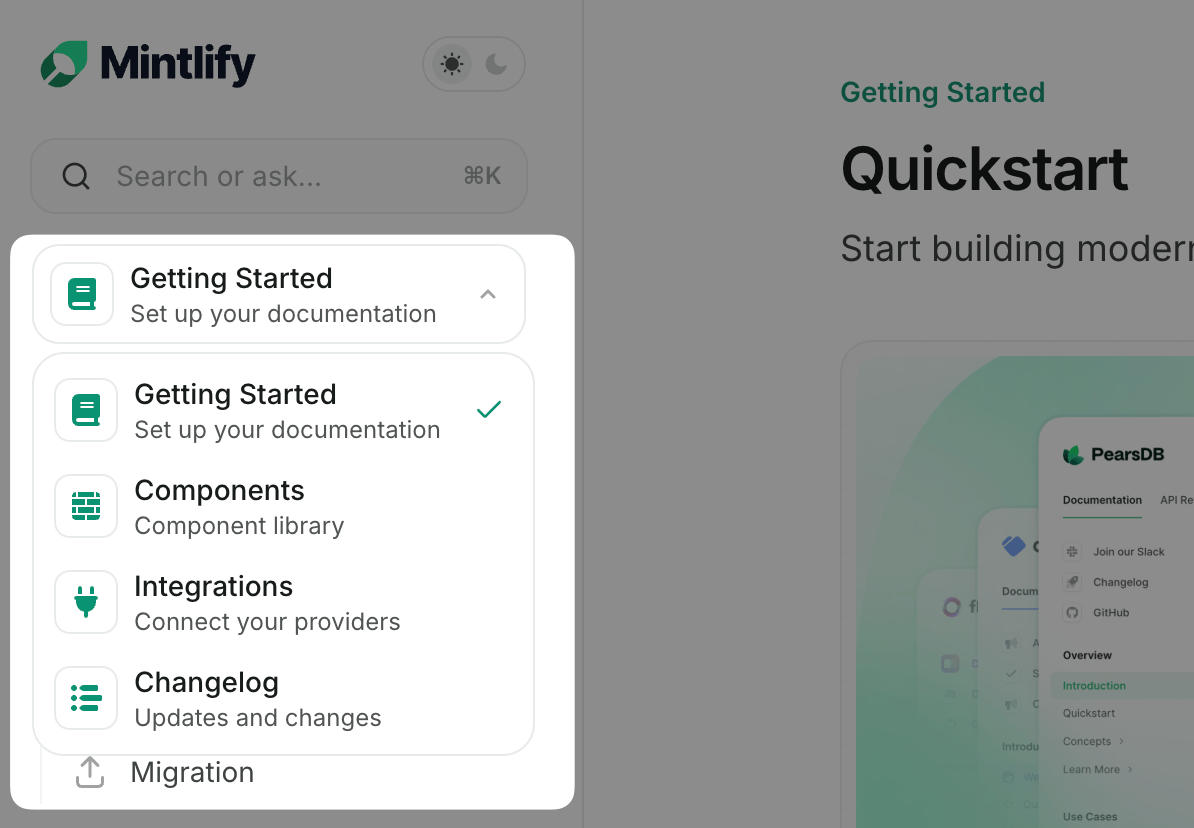
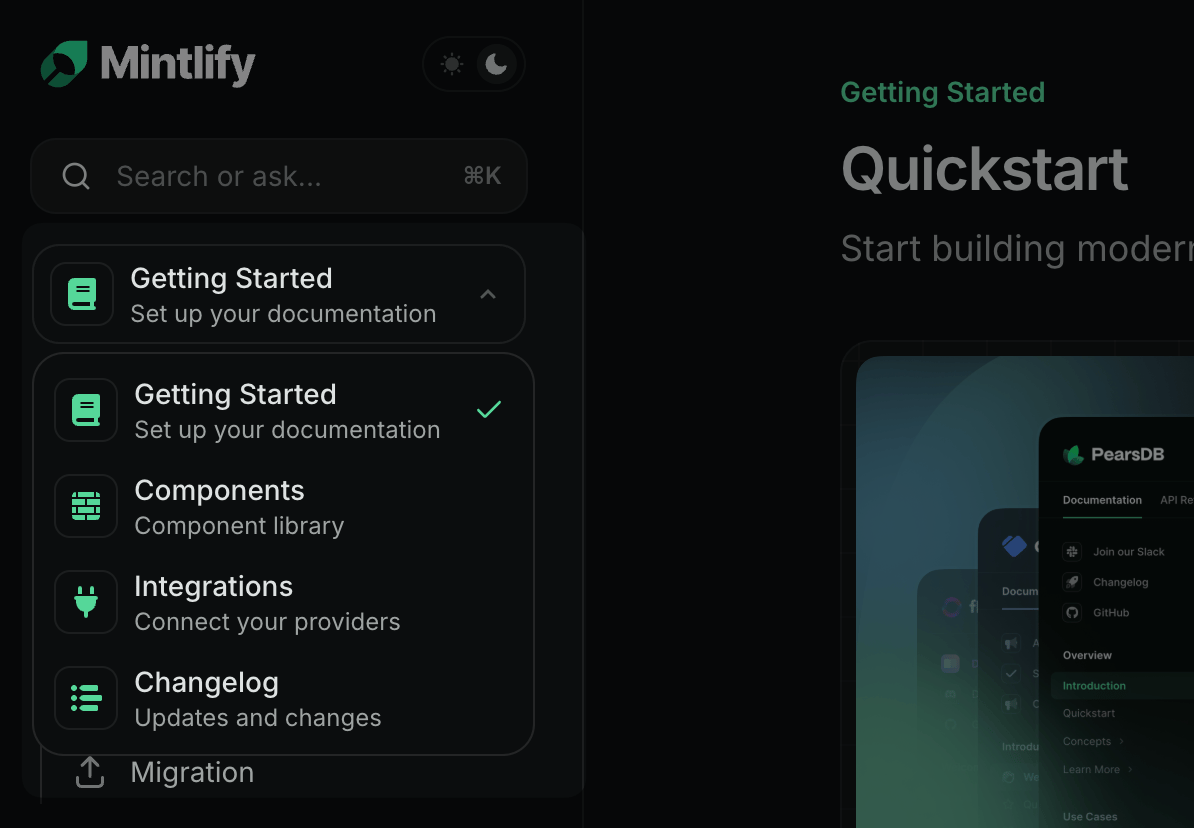 Dropdowns show up in the same place as anchors, but are consolidated into a single dropdown.
We also recommend that you set an icon for each dropdown item (from [Font Awesome](https://fontawesome.com/icons) or [Lucide](https://lucide.dev/icons)).
```json docs.json theme={null}
"navigation": {
"dropdowns": [
{
"dropdown": "Documentation",
"icon": "book-open",
"pages": [
"quickstart",
"development",
"navigation"
]
}
{
"dropdown": "API References",
"icon": "sqaure-terminal",
"pages": [
"api-reference/get",
"api-reference/post",
"api-reference/delete"
]
}
{
"dropdown": "Blog",
"href": "https://external-link.com/blog"
}
]
}
```
## Nested Hierarchy
You can use any combination of anchors, tabs, and dropdowns - either one can be nested within each other interchangeably.
```json Top-Level Anchors theme={null}
{
"navigation": {
"anchors": [
{
"anchor": "Anchor 1",
"groups": [
{
"group": "Group 1",
"pages": [
"some-folder/file-1",
"another-folder/file-2"
"just-a-file"
]
}
]
}
{
"anchor": "Anchor 2",
"groups": [
{
"group": "Group 2",
"pages": [
"some-other-folder/file-1",
"various-different-folders/file-2",
"another-file"
]
}
]
}
]
}
}
```
```json Top-Level Tabs theme={null}
{
"navigation": {
"tabs": [
{
"tab": "Tab 1",
"groups": [
{
"group": "Group 1",
"pages": [
"some-folder/file-1",
"another-folder/file-2"
"just-a-file"
]
}
]
}
{
"tab": "Tab 2",
"groups": [
{
"group": "Group 2",
"pages": [
"some-other-folder/file-1",
"various-different-folders/file-2",
"another-file"
]
}
]
}
]
}
}
```
Dropdowns show up in the same place as anchors, but are consolidated into a single dropdown.
We also recommend that you set an icon for each dropdown item (from [Font Awesome](https://fontawesome.com/icons) or [Lucide](https://lucide.dev/icons)).
```json docs.json theme={null}
"navigation": {
"dropdowns": [
{
"dropdown": "Documentation",
"icon": "book-open",
"pages": [
"quickstart",
"development",
"navigation"
]
}
{
"dropdown": "API References",
"icon": "sqaure-terminal",
"pages": [
"api-reference/get",
"api-reference/post",
"api-reference/delete"
]
}
{
"dropdown": "Blog",
"href": "https://external-link.com/blog"
}
]
}
```
## Nested Hierarchy
You can use any combination of anchors, tabs, and dropdowns - either one can be nested within each other interchangeably.
```json Top-Level Anchors theme={null}
{
"navigation": {
"anchors": [
{
"anchor": "Anchor 1",
"groups": [
{
"group": "Group 1",
"pages": [
"some-folder/file-1",
"another-folder/file-2"
"just-a-file"
]
}
]
}
{
"anchor": "Anchor 2",
"groups": [
{
"group": "Group 2",
"pages": [
"some-other-folder/file-1",
"various-different-folders/file-2",
"another-file"
]
}
]
}
]
}
}
```
```json Top-Level Tabs theme={null}
{
"navigation": {
"tabs": [
{
"tab": "Tab 1",
"groups": [
{
"group": "Group 1",
"pages": [
"some-folder/file-1",
"another-folder/file-2"
"just-a-file"
]
}
]
}
{
"tab": "Tab 2",
"groups": [
{
"group": "Group 2",
"pages": [
"some-other-folder/file-1",
"various-different-folders/file-2",
"another-file"
]
}
]
}
]
}
}
```