> ## Documentation Index
> Fetch the complete documentation index at: https://docs.aihubmix.com/llms.txt
> Use this file to discover all available pages before exploring further.
# Overview
## Trigger Updates
You can leverage the REST API to programmatically trigger an update when desired.
While the primary use-case will be to trigger updates, we will be adding more and more
functionality to the API overtime. Let us know what else you want to see in
[our community](https://mintlify.com/community)!
## Authentication
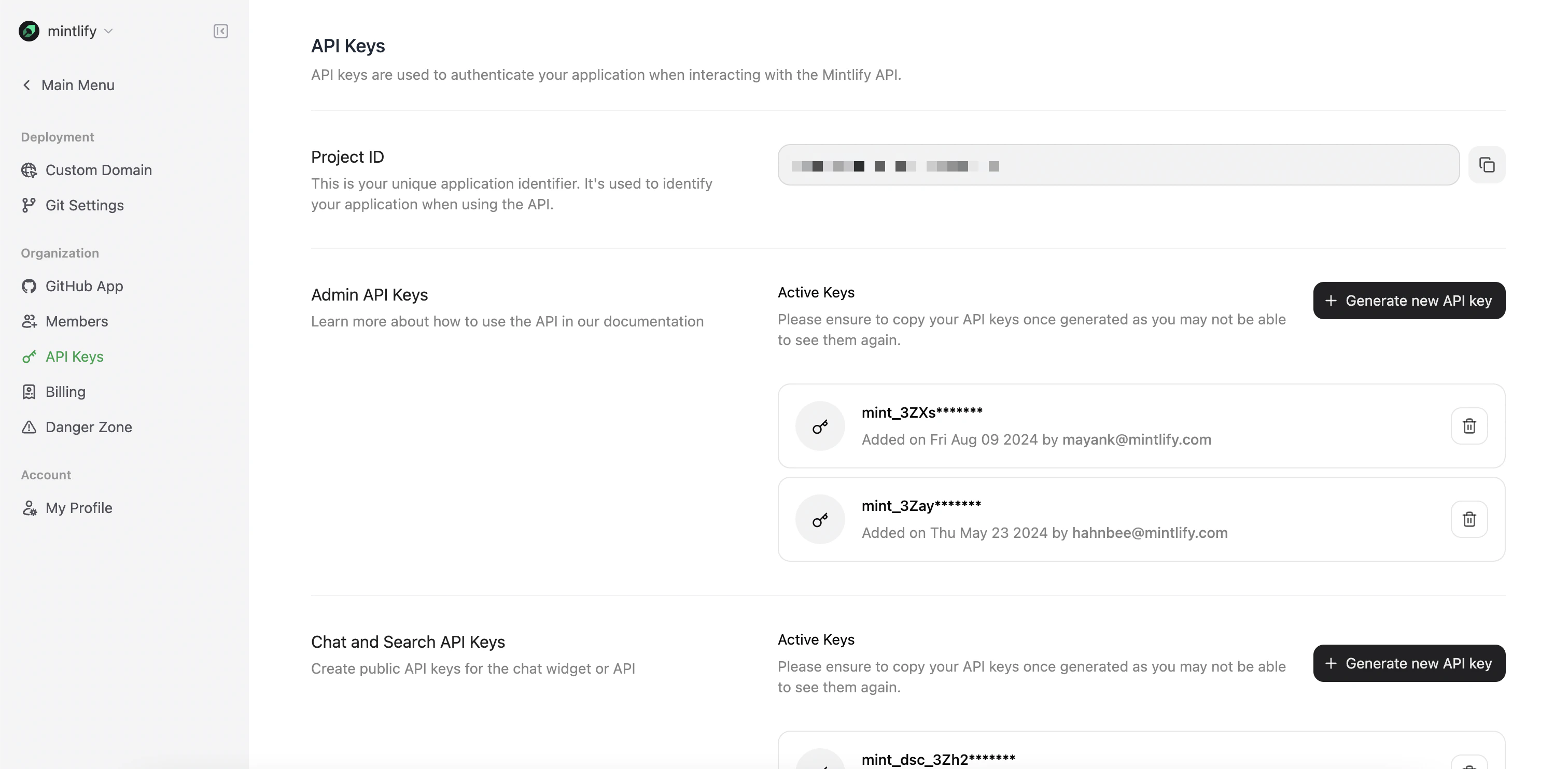
You can generate an API key through
[the dashboard](https://dashboard.mintlify.com/settings/organization/api-keys). The API key is
associated with the entire org and can be used across multiple deployments.
 ## Admin API key
The Admin API key is used for the majority of the API. It is used to trigger updates via the [Update endpoint](/advanced/rest-api/update/trigger).
## Chat API key
The Chat API allows you to embed the AI chat experience grounded in your docs and continually kept up to date into any application of your choosing.
Responses include citations so you can point your users to the right places they need to get help.
The Chat API token is a public token that can be referenced in your
frontend code whereas the API key is a server-side token that should be kept
secret.
Now that you have an API key, check out our [example](https://github.com/mintlify/discovery-api-example) for how to use
the API for AI chat. You can also see a deployed version of this example at [chat.mintlify.com](https://chat.mintlify.com).
## Admin API key
The Admin API key is used for the majority of the API. It is used to trigger updates via the [Update endpoint](/advanced/rest-api/update/trigger).
## Chat API key
The Chat API allows you to embed the AI chat experience grounded in your docs and continually kept up to date into any application of your choosing.
Responses include citations so you can point your users to the right places they need to get help.
The Chat API token is a public token that can be referenced in your
frontend code whereas the API key is a server-side token that should be kept
secret.
Now that you have an API key, check out our [example](https://github.com/mintlify/discovery-api-example) for how to use
the API for AI chat. You can also see a deployed version of this example at [chat.mintlify.com](https://chat.mintlify.com).